
Expressive weather presenter
You want to record emphatic and softer passages clearly, and monitor your voice as you speak. Check the microphone position and connection, then listen back to a test recording.


A simple USB headset is a good choice for recording on a computer, while a recording headset lets you monitor your voice as you speak, provided its connections are compatible with your equipment. A separate head-worn microphone gives you room to move, but you’ll need to arrange monitoring separately and make sure the connection is suitable. Record a short test with both calm sentences and emphatic warnings: specifications alone won’t tell you how natural your voice will sound.
You want to record emphatic and softer passages clearly, and monitor your voice as you speak. Check the microphone position and connection, then listen back to a test recording.
You want to stop background noise from drowning out your spoken weather forecast. Consider the microphone’s direction and fit, and assess the results in your own space.
You want to get started without a separate recording interface. Check which USB connection your computer has and whether your recording software lets you select the headset as an input source.
| What to consider | What to look for | Who is this most important to? |
|---|---|---|
| Expressive voice recording | Record both calm and emphatic sentences; check the microphone position and recording level. | I want both softer passages and emphasis to come across clearly. Around 36% of this group prioritise voice reproduction. |
| Background noise | Listen back to test recordings made in the room where you plan to record. | If there’s noise around me, I don’t want it to drown out my voice. Around 29% of this group are most concerned about background noise. |
| Connection | Check USB, TRRS, XLR and headphone connections against your computer, recorder or mixer. Also make sure you can select the microphone as an input. | I want to get started on my computer without unnecessarily complicated connections. Around 21% of this group value a direct connection. |
| Freedom of movement | Decide whether you need integrated headphones. For a separate microphone, check the connection and any power requirements. | I want to move around while presenting and can arrange monitoring separately if needed. Around 14% of this group prioritise freedom of movement. |
A claim about background noise during calls won’t tell you how the softer passages and emphasis in your weather forecast will sound.
Make a test recording with the software you plan to use, then listen to both your voice and the background noise.
USB-A, TRRS and a separate XLR microphone connection are different ways of connecting equipment. A recording headset may therefore need extra connection equipment.
Before buying, check the connections and power requirements of both the headset and your recording equipment.
Some combinations of connections may require a suitable interface or power adapter.
A separate head-worn microphone doesn’t automatically come with earcups for monitoring your recording.
First decide how you want to monitor your voice while speaking, then check that the microphone is compatible with your equipment’s connection and power requirements.
You’ll need to arrange monitoring separately. Depending on the model, you may also need a suitable transmitter or adapter.
The NTH-100M combines over-ear headphones and a microphone, and is designed for uses including media production.
The BPHS1 is a broadcast headset designed for uses including news presentation and interviews.
The H390 is a USB headset for connecting to a computer, including for calls.
The SM35 is a wearable microphone for speakers who move around and arrange their monitoring separately.
The Evolve2 40 SE is an office headset for situations where calls and working in a shared space also matter.
This selection includes wired and wireless headsets with microphones. Check that the connection is compatible with your recording equipment, then make a test recording to assess how your voice sounds in your own situation.
 No image available
A wired headset with a microphone for anyone looking for a 3.5mm connection.
The product name lists a 3.5mm connection and a flip-to-mute microphone.
 No image available
A wired headset with a microphone boom for anyone who wants to position the microphone while speaking.
The product information lists a 3.5mm connection and a flip-to-mute boom microphone.
 No image available
A USB-A headset for anyone who wants to connect directly to a computer.
The product information lists two integrated microphones and compatibility with Windows and Mac.
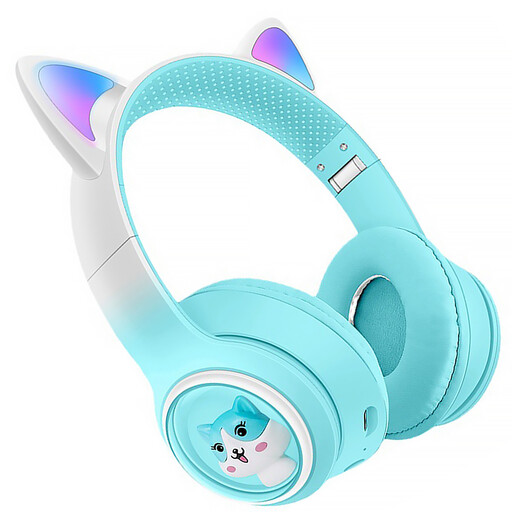 No image available
Wireless headphones with a built-in microphone for anyone looking for Bluetooth connectivity.
The product name lists RGB lighting, a TF card slot, FM radio, a foldable design and USB-C.
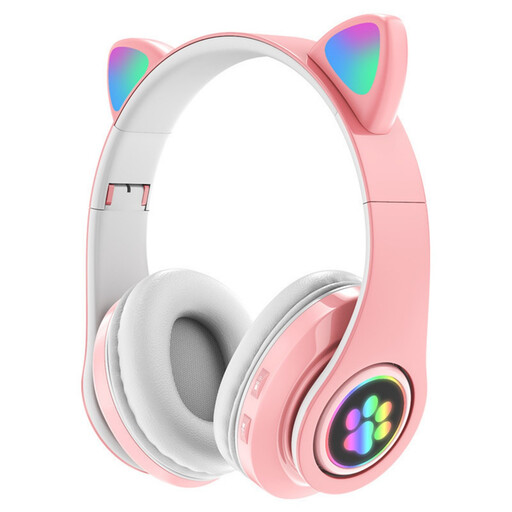 No image available
A wireless headset with a built-in microphone for anyone looking for Bluetooth connectivity.
The product information lists Bluetooth, three modes and a foldable design.
Position the microphone as instructed for your model. For the SM35, Shure recommends placing it beside the corner of your mouth and using the windscreen. Check the results with a test recording.
That depends on your mixer’s inputs. The Audio-Technica BPHS1 has separate XLR and 6.3mm connections. RØDE describes a splitter for the RØDE NTH-100M; according to RØDE, connecting the microphone to XLR requires an adapter that supplies plug-in power.
Not always. According to the Dutch Authority for Digital Infrastructure, wireless microphones generally don’t require a licence, although some frequency bands do. Available frequencies can vary by location, so check the frequency of your chosen transmitter before use.
For online consumer purchases, you generally have a statutory 14-day cooling-off period from delivery, subject to legal exceptions. The Netherlands Authority for Consumers and Markets explains how this period works. This is separate from your rights if a product is faulty: according to the Dutch government, there is no single fixed statutory warranty period for every product, but the product must be fit for purpose and you can contact the seller if something is wrong.