What should you look for when choosing?
First, test the microphone on the device you’ll be recording on, with the fan running. Then compare the raw recording with any noise processing, and only then decide between a wired or wireless headset and the software features available.
| What to consider |
What should you check? |
Who is this important for? |
| Fan noise in the recording |
Check that you can position the microphone close to your mouth, and make a test recording with the fan running. If you use a recording filter, also check whether it distorts your voice. |
When I record with a fan running, I first want to know how much of its hum is audible while I’m speaking. Around 36% of consumers give noise reduction top priority. |
| The sound of the character’s voice |
Compare unprocessed and processed recordings with both quiet and loud passages. Don’t reduce more noise than necessary if it means losing vocal detail. |
Whether I’m whispering or recording a loud scene, I want the voice to remain recognisable after processing. Around 29% of consumers prioritise preserving the sound of the voice. |
| Compatibility with your device |
Check the exact model variant, connection and microphone input. Find out whether the filters you want are available on your device and in your software. |
When I switch between a PC and a console, I want the microphone to work on both and to know which features are available on each. Around 21% of consumers make compatibility their top purchasing priority. |
| Comfort and ease of use |
Consider the fit, mute controls and whether you’d prefer a cable or a wireless headset that needs charging. |
For long recording sessions, or when I move around while recording, comfort, controls and freedom of movement all matter. Around 14% of consumers put ease of use ahead of the other considerations. |
Wired headset microphones at Joybuy
These product options are wired gaming headsets with microphones for voice recording; check that each model’s connection works with your recording device.
 No image available
Skullcandy SLYR Pro Multi-Platform, wired
A wired option if you need connections such as USB-C or 3.5 mm; check which connection on your device supports microphone input.
View at Joybuy
 No image available
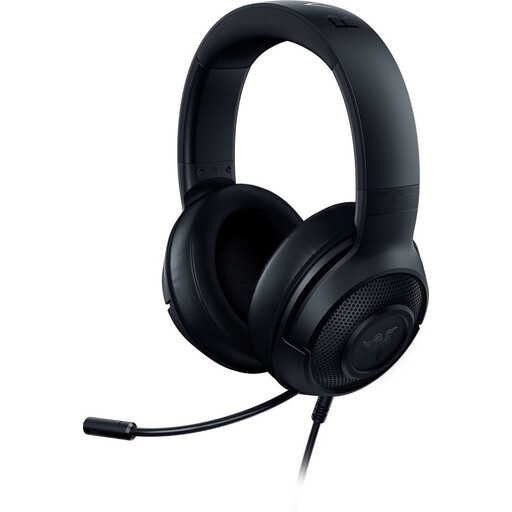
Razer Kraken X Lite RZ04-02950100-R381
A wired option if you want to position the microphone close to your mouth; if your PC has separate audio and microphone inputs, check whether you need the supplied 3.5mm splitter.
View at Joybuy
 No image available
Razer BlackShark V2 X 7.1, wired
A wired option if you’re looking for a microphone with a cardioid polar pattern; make a test recording to see how much fan noise remains audible in your setup.
View at Joybuy
 No image available
HyperX Cloud III, black and red
A wired option if you record on different devices; check which of the 3.5mm, USB-A and USB-C connections on your device supports microphone input.
View at Joybuy
 No image available
Edifier G2II, wired USB
A wired USB option for a fixed recording setup; the product title lists PC and PS4 as platforms. Check that your recording device supports microphone input via USB.
View at Joybuy
Frequently asked questions
Can a noise gate remove fan noise while I’m speaking?
Not on its own: a noise gate reduces sound below a set threshold and is most useful when you’re not speaking. If noise remains audible while you’re talking, also try adjusting the microphone position and, if appropriate, using mild noise reduction.
How can I remove constant fan noise after recording?
Audacity describes a process where you first use a section containing only the noise to create a profile, then apply it to the recording. Listen back carefully: heavy noise reduction can make your voice sound unnatural, and loud or changing noise may be difficult to remove effectively.
Do Blue VO!CE or Sonar work on a console too?
Don’t assume they do without checking: Logitech limits the advanced Blue VO!CE features mentioned to PC with G HUB, while SteelSeries describes Sonar as PC software. Check which features are available with your headset and console without that software.
What are my rights if a headset I bought online isn’t suitable?
According to ACM ConsuWijzer, online consumer purchases generally come with a statutory cooling-off period of up to 14 days after delivery, subject to some exceptions. The seller must also put right, free of charge, a product that doesn’t meet the expectations you were entitled to have under normal use, in accordance with the statutory guarantee. A manufacturer’s warranty doesn’t replace this right.
Can I share a recording that includes other people’s voices?
If the recording contains only your own voice, there are no personal data concerns relating to other speakers. If other people can be identified in the recording and you share it more widely or use it for business, the exception for purely personal or household use may not apply. The Dutch Data Protection Authority discusses identifiable images; that guidance doesn’t provide a comprehensive ruling on every individual audio recording.


