Headsets for computer use
These product picks focus on wired headsets for computer use and recording while seated. Check that the connection matches the port on your device.
 No image available
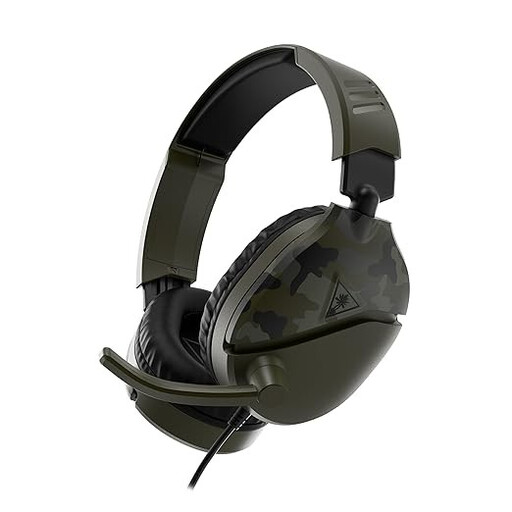
Turtle Beach Recon 70 Gaming Headset, Green Camo
Wired headset with a microphone boom for PC use; flip the boom up to mute the microphone.
Connection: 3.5 mm. The product description lists PC compatibility.
View at Joybuy
 No image available
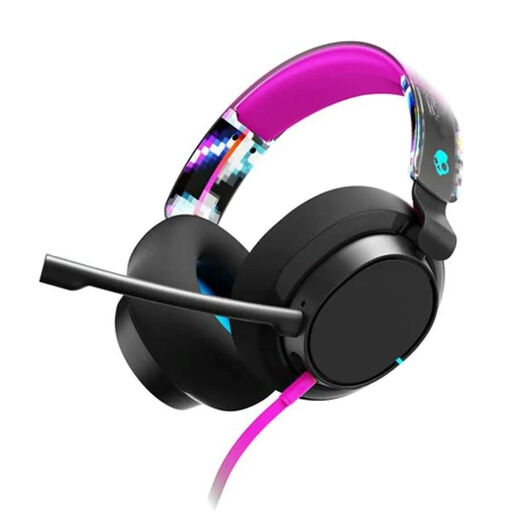
Skullcandy SLYR Pro Multi-Platform, Black Digi-Hype
Wired over-ear headset with a microphone and mute and volume controls.
Connections: USB-C and 3.5 mm. The product description lists memory foam ear cushions.
View at Joybuy
 No image available
Logitech H540
Wired USB headset for computer use, with a microphone and stereo audio for speaking and listening.
Connection: USB Type-A. The description lists microphone mute and volume controls on the ear cup.
View at Joybuy
 No image available
Logitech PC 960 USB
Wired USB headset for computer use, with an adjustable microphone boom so you can position the microphone for recording.
The description lists stereo audio and in-line volume and mute controls.
View at Joybuy
 No image available
Logitech H650e Stereo
Wired USB headset with a microphone for speaking through a computer.
The description lists in-line volume controls and acoustic echo cancellation.
View at Joybuy
Frequently asked questions
How can I check that my recording works before my book review?
Select the headset as the input device on your computer and in your recording software, check that mute is off, then record a short clip while looking at your notes. For problems with the H390, Logitech also recommends checking the USB connection and microphone settings.
Where should I position a headworn microphone when speaking?
Shure recommends positioning the PGA31 by the corner of your mouth, rather than directly in front of it, to reduce plosive sounds. Jabra recommends keeping the Evolve2 30 microphone close to your mouth; also follow the instructions for your model.
Can I use any wireless UHF headset microphone in the Netherlands without a licence?
Not without checking the frequency and requirements. According to the Dutch Authority for Digital Infrastructure, the available frequency spectrum varies by location, and some bands require a licence. So check the exact variant and where you want to use the system.
Do I automatically get exactly two years of statutory warranty on a headset in the Netherlands?
No. According to the Dutch government, there is no fixed statutory warranty period in the Netherlands; you’re entitled to a product that works properly for a reasonable period of time. If a product is faulty, contact the retailer. Any manufacturer’s warranty is in addition to this.


