
Listener with a standalone radio
If you want to listen to the radio drama directly from a radio, first check that the radio and headphones are compatible. Philips says the SHC5000BK/10 comes with a 3.5mm cable for its base station.


Start with the audio source: wired headphones may work with a radio that has the right output, while Bluetooth is an option if you’re playing the radio drama on a device that can transmit Bluetooth audio. A wireless system with its own transmitter may also work if you can connect it to the radio. Also look for a comfortable fit, minimal sound leakage to your roommate and a volume you can keep under control.
If you want to listen to the radio drama directly from a radio, first check that the radio and headphones are compatible. Philips says the SHC5000BK/10 comes with a 3.5mm cable for its base station.
You’ll want a comfortable fit that lets as little sound as possible escape into the shared room. VeiligheidNL explains that well-fitting headphones can reduce sound leakage.
If you’re streaming the programme on a phone, you can listen wirelessly as long as the phone can send Bluetooth audio to your headphones.
First check how the radio drama will connect to the headphones. Then consider whether the fit and volume will be comfortable in a shared bedroom.
| What to consider | What should you look for? | Who is this most relevant to? |
|---|---|---|
| Connection to the audio source | Check the radio’s output or the Bluetooth audio function on the device you’re streaming from. Compare it with the headphones’ or transmitter’s connection. | If I want to listen directly from a standalone radio, the connection needs to be compatible. Around 29% of consumers prioritise compatibility with their audio source. |
| Sound reaching your roommate | Check how the headphones fit around or in your ears. At a comfortably low volume, see whether the other person can hear anything. | If you share a room, you’ll want to follow the radio drama without disturbing anyone else. Around 29% of consumers prioritise low sound leakage. |
| Comfort in bed | Try the fit in your usual listening position too. Check whether the earcups, headband or cable press against your pillow. | If I’m lying down for a whole episode, I want my headphones to stay comfortable. Around 24% of consumers prioritise comfort when lying down. |
| Speech and volume | Try listening to a spoken clip at a low volume to check how voices sound. A speech setting doesn’t replace keeping the volume at a manageable level. | If you want to follow the dialogue clearly, look for intelligible voices without having to turn the volume up unnecessarily. Around 18% of consumers prioritise speech clarity and volume control. |
Bluetooth headphones won’t work with a standalone radio unless the radio can transmit Bluetooth audio. A system with its own base station also needs a suitable output on the audio source.
First check your radio’s audio outputs and capabilities, then compare them with the connection on the exact headphone model you’re considering.
Noise cancellation reduces background noise for the wearer. It doesn’t necessarily stop your roommate from hearing sound coming from the headphones. VeiligheidNL highlights the importance of a good fit in reducing sound leakage.
Check how the headphones fit, then see whether the other person can hear anything at a low volume.
According to the Consumentenbond, on-ear headphones can put more pressure on your ears. Your listening position, such as resting your head on a pillow, can also affect how the headphones feel.
Check comfort in the position you usually listen to the radio drama in.
Offers both wired TV headphones and wireless models with a base station. These may be worth considering if you want to listen from a standalone radio.
The RS 120-W is a wireless on-ear system with a transmitter and charging station, for anyone who wants to keep the audio source separate from the headphones.
The Tune 730BT is a Bluetooth over-ear model for anyone playing the radio drama on a compatible phone or another Bluetooth device.
These product picks cover wired listening through a compatible connection and wireless listening from a compatible Bluetooth source.
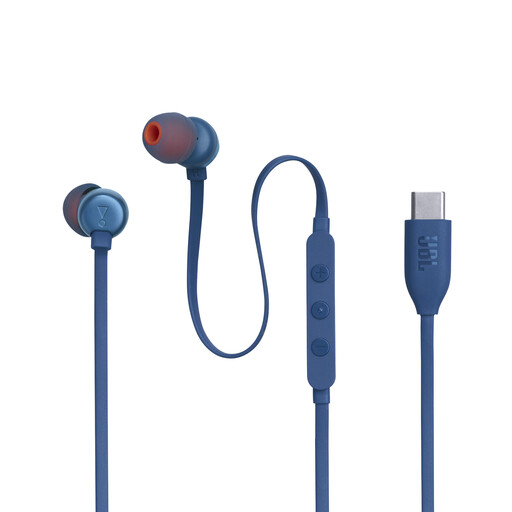 No image available
Wired listening may work if your audio source supports compatible USB-C audio.
USB-C connection, three-button control and in-line volume control. The description also lists a Vocal EQ mode.
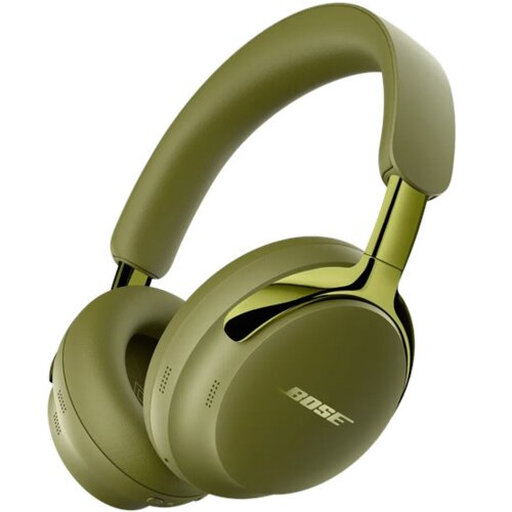 No image available
An option if your audio source transmits Bluetooth audio or has a compatible wired connection.
Bluetooth 5.4 and a detachable cable with USB-C and 3.5mm connections.
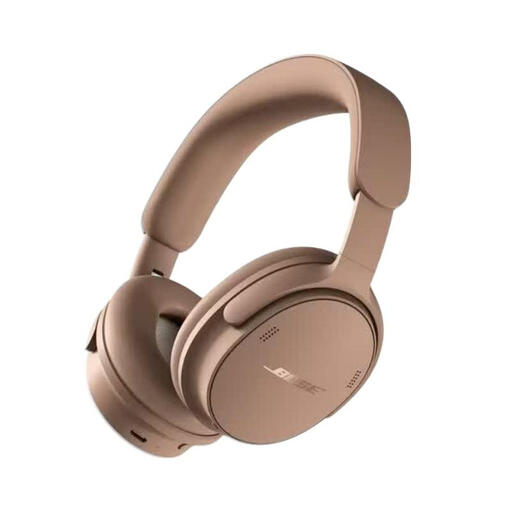 No image available
Suitable for listening wirelessly from a device that can transmit Bluetooth audio.
Bluetooth, with controls for volume and listening modes on the earcups. The modes listed are Quiet, Aware, Cinema and Immersion.
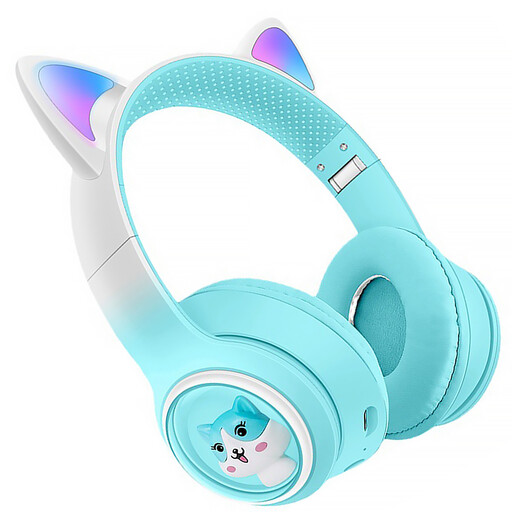 No image available
An option for Bluetooth listening; the product title also mentions FM radio and a TF card slot.
The listed FM radio doesn’t guarantee that your radio drama or preferred radio station will be available.
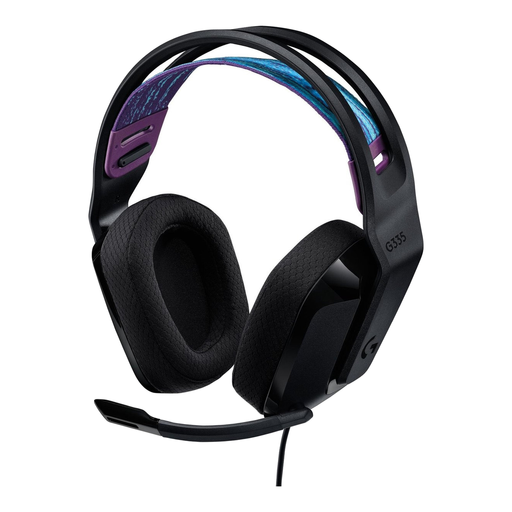 No image available
Wired listening may work if your radio has a suitable 3.5mm audio output.
3.5mm connection, volume control on the earcup and a 1.8 m cable. Keep the cable out of walkways.
No, Bluetooth on the headphones alone isn’t enough. Check whether your radio can transmit Bluetooth audio. If it can’t, you’ll need another suitable connection, such as a wired connection or a transmitter with a compatible input.
Start at a low volume and check that the headphones fit well. VeiligheidNL explains that a good seal lets in less background noise and may reduce the temptation to turn the volume up. A speech or Vocal setting doesn’t replace keeping the volume at a manageable level.
You’ll need a compatible output on the audio source and must charge the headphones according to the model’s instructions. Philips says the SHC5000BK/10 comes with a 3.5mm cable for the base station; Sennheiser lists a charging station for the RS 120-W.
When you use a product normally in the Netherlands, you’re entitled to a product that meets the standard you could reasonably expect. According to ACM ConsuWijzer, the seller is responsible for providing a suitable solution if the product is faulty. A manufacturer’s warranty doesn’t limit your statutory rights to the warranty period.
For online purchases from a business, you generally have a statutory 14-day cooling-off period after delivery, but there are exceptions. ACM ConsuWijzer includes hygiene products that have been removed from their packaging among them. Before opening the packaging, check the terms that apply to the product you’ve bought.