When listening back to lectures, first consider speech clarity, comfort during long sessions and compatibility with your playback device. Active noise cancellation is most useful in noisy places. Wired, closed-back headphones mean you don't have to rely on a battery, while wireless models give you more freedom to move around. No headphones can make a poor-quality recording clear by themselves. The Consumentenbond identifies voice sound and noise cancellation as important considerations for studying.
Who should consider these options?
Students who often rewind lectures
You want to follow spoken English clearly, even when replaying sections. Sound that suits speech, easy controls and the right connection are more useful than promises geared towards music. The Consumentenbond identifies voice sound as an important consideration when choosing headphones for studying.
Students studying in noisy places
You listen around other people or while travelling, and want to avoid turning the volume up to drown out background noise. The WHO recommends well-fitting or noise-cancelling headphones in noisy environments.
Students with long listening sessions
You wear headphones for extended periods and need to consider pressure on your ears or head, battery use and listening volume. The WHO recommends keeping the volume down and taking regular breaks.
What should you look for?
Start by checking that the connection works with your playback device, then decide whether you'll mostly listen in a quiet room or somewhere noisy. The Consumentenbond identifies voice sound and noise cancellation as important criteria for studying.
| What to consider |
What to look for |
Who it's important for |
| Speech clarity |
Listen to a sample of one of your own lectures and check that the controls are easy to use. |
If I'm replaying sections, I want to follow the lecturer clearly; around 26% of consumers prioritise speech clarity. |
| Reducing background noise |
Check for active noise cancellation and battery life at the setting you'll use. |
In a noisy study space, I don't want to have to turn the volume up to drown out background noise; around 21% of consumers prioritise a quieter listening experience. |
| Comfort and volume |
Try the headphones on for a typical study session and remember to take listening breaks and keep the volume down. |
When listening back for a long time, I want a comfortable fit and a manageable volume; around 21% of consumers prioritise long-term comfort. |
| Compatibility with your device |
Check your device's ports and make sure the headphones have a compatible audio connection. |
If I want to keep using my existing laptop or phone, the connection needs to be compatible; around 16% of consumers prioritise device compatibility. |
| Running costs and battery |
Compare battery figures at the same settings and check which cables or parts are included. |
If I want to avoid frequent charging and unnecessary extra purchases, I take these into account when choosing; around 16% of consumers prioritise running costs and battery reliability. |
Common buying mistakes
-
Confusing a noise-cancelling microphone with noise cancellation for the listener
Logitech describes the Logitech 960 as having noise cancellation for its microphone. This doesn't mean that background noise is actively reduced while you listen.
If you want to reduce background noise, check that the headphones have active noise cancellation for the listener.
-
Comparing battery figures measured at different settings
Sony lists separate maximum battery life figures for the WH-CH720N with noise cancellation switched on and off. JBL lists a maximum for the Tune 770NC with Bluetooth on and ANC off.
Compare battery figures only when the settings match how you'll use the headphones; otherwise, you could find a charging break interrupts a study session.
-
Assuming every wireless pair of headphones also works with a cable
Sony lists an audio input and passive operation for the WH-CH720N, but no audio input or passive operation for the WH-CH520.
Check both the headphones' audio input and your device's connection before relying on a wired backup. If the connections don't match, you may need a suitable cable or adapter.
-
Assuming an extended warranty is your only protection if something goes wrong
A manufacturer's warranty or paid extended cover is in addition to your statutory rights. The Dutch government states that there is no fixed statutory warranty period in the Netherlands.
Compare any additional cover with your existing rights and check who the seller is.
Brands to compare
Sony
The WH-CH720N is a wireless over-ear pair of headphones with noise cancellation and a wired backup connection. The WH-CH520 is a wireless on-ear model with no audio input.
- Sony lists the WH-CH720N as weighing around 192 g, with up to 35 hours of battery life with noise cancellation on.
- These model specifications don't tell you how the headphones will fit you or how clearly a particular recording will sound.
JBL
The Tune 770NC is a wireless over-ear option with active noise cancellation, Ambient Aware mode and multipoint connectivity.
- JBL lists an adjustable equaliser.
- The stated maximum of 70 hours applies with Bluetooth on and ANC off. It isn't the battery life with ANC on, and it says nothing about how clearly your recording will sound.
Philips
Philips says the TAH6000WT/00 combines an over-ear design with noise cancellation and the option to listen via cable or wirelessly.
- Philips lists replaceable ear cushions and a replaceable battery for this model.
- Check the terms and availability of replacement parts; a product page isn't an independent durability test.
Audio-Technica
The ATH-M20x is a closed-back, wired option for anyone who mainly listens in one place.
- Audio-Technica describes the M20x as offering passive sound isolation and positions it for monitoring.
- Passive isolation isn't the same as active noise cancellation, and it doesn't establish how clearly a particular lecture recording will sound.
Logitech
The 960 USB headset is worth considering if you want to listen back to lectures and make calls on a computer with USB-A.
- Logitech lists in-line controls and a noise-cancelling microphone.
- The microphone's noise-cancelling feature doesn't provide active noise cancellation for the listener; check that your device has a compatible USB-A port.
Joybuy products for listening back to lectures
This selection of Joybuy products focuses on wireless listening. For each model, check that the fit, connection and features suit your study space and playback device.
 No image available
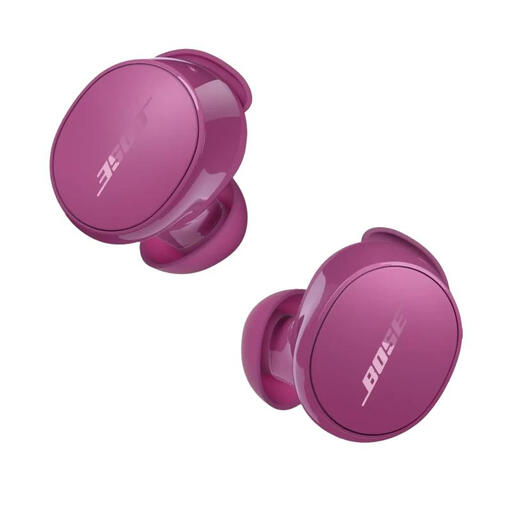
Bose QuietComfort Earbuds Rosewood Mauve
These earbuds are a good fit if you want to listen back wirelessly and don't want over-ear headphones.
The product description lists Bluetooth, active noise cancellation, multipoint connectivity and Aware mode.
View at Joybuy
 No image available
Sennheiser MOMENTUM 4 Wireless, black
These wireless over-ear headphones are a good fit if you want the option of using a cable as well as listening wirelessly.
The product description lists active noise cancellation, a transparency mode, an equaliser and a 3.5mm audio cable included in the box.
View at Joybuy
 No image available
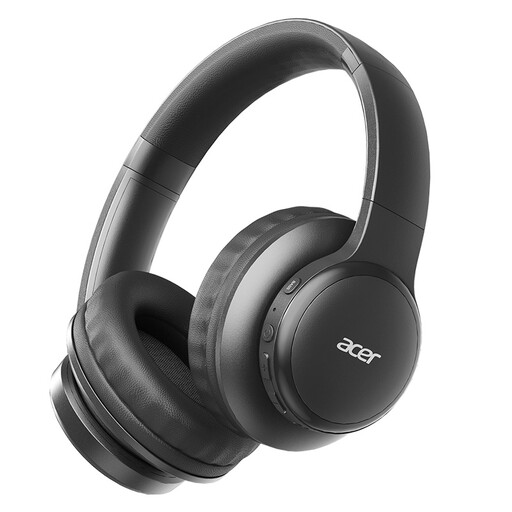
Acer OHR559 OWS wireless headphones
These wireless headphones could suit you if you're looking for a model to take between study spaces.
The product information lists Bluetooth audio and a foldable design.
View at Joybuy
 No image available
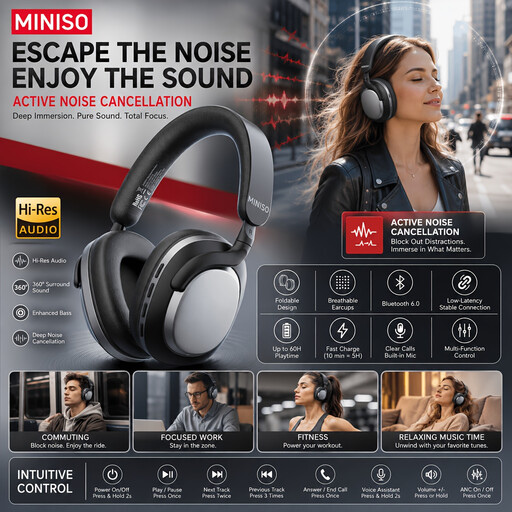
MINISO MG210 wireless over-ear headphones, black
These over-ear headphones are an option if you want to listen wirelessly somewhere that background noise is a factor.
The product description lists active noise cancellation and soft ear cushions, but it can't tell you how comfortable the fit will feel to you.
View at Joybuy
 No image available
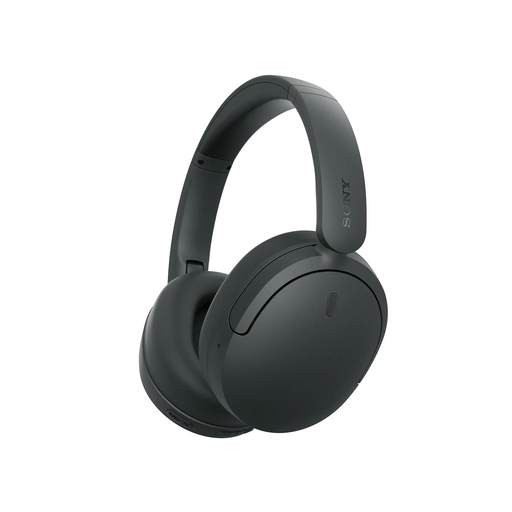
Sony WH-CH730 wireless headphones, black
These over-ear headphones are a good fit if you want to listen wirelessly and have the option of using a cable as a backup.
The product description lists noise cancellation, an ambient sound mode, a detachable cable and passive operation.
View at Joybuy
Frequently asked questions
Do I need noise cancellation to hear a lecturer on a quiet recording?
Not necessarily. The Consumentenbond identifies both voice sound and noise cancellation as important considerations for studying. Noise cancellation reduces background noise; it can't fix a poor-quality recording. Try listening to a sample of your own recording in the place where you'll be studying.
Can I use wireless headphones when the battery is flat?
It depends on the model. Sony lists passive operation and a stereo mini-jack input for the WH-CH720N, but no audio input or passive operation for the WH-CH520. Also check that your playback device has a compatible connection.
How can I listen safely if I replay a lecture several times?
Keep the volume down and take regular breaks. The WHO gives 60% of your device's volume as a practical guideline; the actual sound level depends on your equipment. In a noisy place, well-fitting or noise-cancelling headphones can help you avoid turning the volume up further.
Should I buy an extended warranty for my headphones?
Not automatically. If you buy as a consumer, you have statutory rights if a product is faulty; the Dutch government states that there is no fixed statutory warranty period in the Netherlands. Compare any paid extended cover with your existing rights and check who the seller is.
Can I try on headphones bought online before deciding?
For a typical online consumer purchase, ACM ConsuWijzer says you're generally entitled to a statutory cooling-off period of up to 14 days after delivery. Check the terms for carefully unpacking, trying out and returning the headphones beforehand; different rules may apply in some cases.


