
Players with Switch puzzle games
You mainly want to take Switch puzzle games with you, and you check whether your favourites support handheld controls. Nintendo Netherlands explains that handheld mode support is required to play on the Switch Lite.


Start with the puzzle games you want to play. If you’re looking for Switch games that support handheld mode, the Switch Lite is a compact option, while the Switch 2 offers a larger screen and access to Switch 2 games. If you want to take games from your PC library with you, consider a Steam Deck or Windows handheld, but check each game’s compatibility and controls. Download and launch games that need an internet connection before you leave. A larger screen or wider choice of games may mean a heavier device or extra preparation.
You mainly want to take Switch puzzle games with you, and you check whether your favourites support handheld controls. Nintendo Netherlands explains that handheld mode support is required to play on the Switch Lite.
You want to take games from your PC library with you and compare their compatibility and controls on a SteamOS or Windows handheld. Valve assesses Steam Deck game compatibility title by title.
You want to be able to play even if the hotel Wi-Fi is unreliable. Before you leave, check that your game has been downloaded and whether an internet connection is required the first time you launch it. For example, Nintendo says a Switch 2 game-key card requires a download and an internet connection the first time it’s launched.
Start with the games and play style you want to take with you. Then compare the screen, comfort when holding the device and what you’ll need to play without hotel Wi-Fi.
| What to consider | What should you look for? | Who is this important for? |
|---|---|---|
| Game compatibility | Check the exact game, platform and supported play style. For Steam games, check the compatibility information for each title. | I want to know in advance whether my favourite puzzle game will work on the handheld I choose. Around 36% of consumers prioritise playable games and controls. |
| Screen and comfort when holding the device | Compare screen size and weight, including controllers where relevant. Bear in mind that you’ll be holding the device while you play. | I want to be able to read puzzle grids clearly without choosing a handheld that feels too heavy or large for me. Around 29% of consumers give top priority to comfort and screen readability. |
| Playing without Wi-Fi | Install and launch the game in advance, then check whether it works without an internet connection. A Switch 2 game-key card requires a download and an internet connection the first time it’s launched. | If the hotel Wi-Fi is unreliable, I don’t want to wait for a download before I can play. Around 21% of consumers prioritise getting ready to play offline. |
| What you’ll need | Check what’s included in the box and whether you’ll need a charger, game or extra storage for your game. A microSD Express card is required for game storage on Switch 2. | I want to know in advance what I’ll need, besides the handheld, to play my puzzle game. Around 14% of consumers focus mainly on everything they’ll need to use the device. |
The Switch Lite supports Switch games that support handheld mode, and Nintendo warns that some Switch games may not be fully compatible with the Switch 2. Valve assesses Steam Deck games title by title.
Look up the exact game and check its play style or compatibility status before choosing a handheld.
Nintendo says a Switch 2 game-key card doesn’t contain the game data. You’ll need to download the game and connect to the internet the first time you launch it.
Check whether the game uses a game-key card, then download and launch it before you leave.
The download takes up storage space. If there isn’t enough room on the system, you’ll need a microSD Express card for game storage on Switch 2.
A game isn’t always included, and ASUS says the ROG Xbox Ally is supplied without a charger. You’ll need a microSD Express card for extra game storage on Switch 2.
Check what’s in the box and find out which game, charger or storage you’ll need for your chosen model and how you plan to play.
The Switch Lite is designed for handheld play, while the Switch 2 is an option if you want a larger screen or Switch 2 games. Nintendo Netherlands says that not every Switch game is fully compatible with the Switch 2.
The Steam Deck OLED is designed for players who want to use Steam games on a handheld. Valve lists a touchscreen and trackpads, and assesses compatibility game by game.
The ROG Xbox Ally is a Windows handheld to consider if you want to use PC games or services that require Windows. ASUS Netherlands lists Windows 11 Home and a 7-inch touchscreen for this model.
The Legion Go S is an option to consider if you’re looking for a PC handheld with a larger screen. For the Dutch configuration 83L3001UFR checked, Lenovo lists Windows 11 Home and an 8-inch touchscreen.
This selection includes Nintendo Switch models and PC handhelds for playing puzzle games in a hotel room. Before buying, check that the exact game and the play style you need are supported by your chosen model.
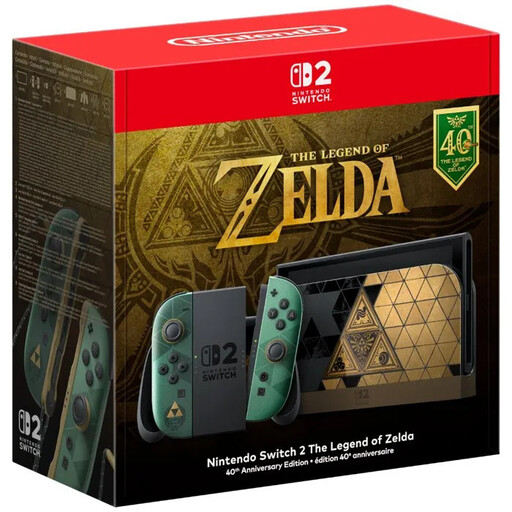 No image available
An option if you want to play Switch 2 games in a hotel room. Check compatibility for each game and whether an internet connection is needed the first time you launch it.
According to the product description, the box includes the console and controllers, but not a game.
 No image available
A PC handheld to consider if you want to take puzzle games from your PC library with you. Check the compatibility and controls for the specific game.
 No image available
This handheld is worth comparing if you want to play PC games on the go. Check that your puzzle game and preferred controls are supported by this version.
 No image available
A Windows handheld to consider if you want to take PC games with you. Check each game’s compatibility and the controls it requires.
The product description says a charger isn’t included.
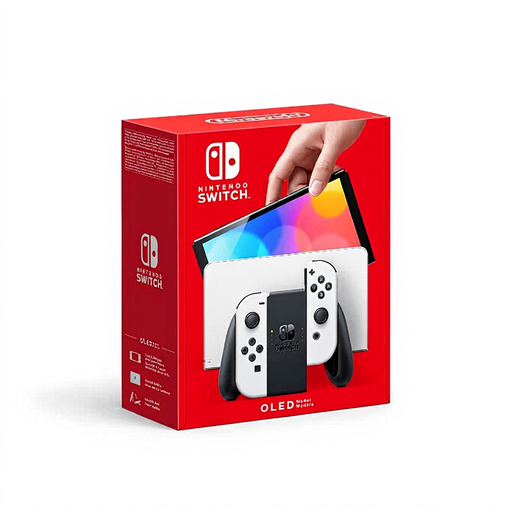 No image available
An option if you want to play Switch games in handheld mode. Check whether the games you want to take with you support your preferred play style.
Only if the game supports handheld mode. Check the Nintendo eShop or the packaging; games that use specific Joy-Con features may require separate controllers.
Not if the game hasn’t been downloaded yet. Nintendo says you’ll need an internet connection and enough storage space the first time you launch it. Download and launch the game before you leave, then keep the game-key card in the system if you want to launch the game without an internet connection.
It depends on the game. Before you leave, check the requirements for the specific title and, after installing it, test whether it launches without an internet connection. Valve also assesses Steam Deck game compatibility title by title.
Check which charger is included with your model. Valve specifies a 45 W USB-C charger for the Steam Deck OLED, while ASUS says that no charger is included with the ROG Xbox Ally. Follow the instructions for your exact model.
For a console bought online, you generally have 14 days from delivery to change your mind, although there are exceptions. ACM ConsuWijzer says that a provider may agree that you lose your right to cancel a digital game once you’ve downloaded it. Check the terms before starting the download.