
Laptop gamer with few plug sockets
Wants video and, potentially, power through a single USB-C cable. Check that your laptop supports USB-C video and that the monitor provides enough power to charge it.


Start by choosing a screen that makes maps and menus easy to read, then consider whether a wider display or a higher refresh rate would add anything to your games. A monitor with USB-C video and sufficient Power Delivery can make a separate laptop charger unnecessary when used with a compatible laptop; it will generally make no difference to the number of plug sockets you need for a desktop PC. Check the connections and charging capacity of each model, and bear in mind that OLED screens need care when menus remain visible for long periods.
Wants video and, potentially, power through a single USB-C cable. Check that your laptop supports USB-C video and that the monitor provides enough power to charge it.
Prioritises resolution and readability over the highest possible refresh rate during long strategy gaming sessions.
Wants an ultrawide view of the map and checks how their games display the interface at 21:9, and whether an OLED screen is suitable for menus that remain visible for long periods.
Start with the readability and connections you need, then weigh up extra screen space and power consumption.
| Consideration | What should you check? | Who is this important for? |
|---|---|---|
| Saving a plug socket | Check USB-C video support, the cable and the Power Delivery output against your laptop’s power needs while gaming. | If you game on a laptop and would rather not use a separate charger, the key question is whether both video and sufficient power work through the same connection. Around 36% of consumers prioritise saving a plug socket. |
| Reading maps and menus | Compare screen size and resolution, and check whether your PC can run your chosen resolution comfortably. | If map details and text need to stay clear during long sessions, consider the combination of resolution, screen size and viewing distance. Around 29% of consumers put readability first. |
| More horizontal space | Check 21:9 support, where interface elements appear and how much space you have on your desk. | If you want a wider view of the map, make sure your games display that aspect ratio in a usable way and that the monitor fits on your desk. Around 21% of consumers mainly choose a wider screen. |
| Power consumption and features | Compare energy labels and consumption figures on a like-for-like basis, and consider which separate devices built-in features could genuinely replace. | If you want to factor in power consumption and the equipment around your screen, compare specific models and decide whether their built-in speakers will be enough for you. Around 14% of consumers prioritise this consideration. |
A USB-C port alone does not prove that the monitor delivers both video and enough power to charge your laptop.
Check the USB-C capabilities of both the monitor and laptop, use a suitable cable, and compare the stated Power Delivery output with your laptop’s power needs while gaming. That way, you can find out whether you will still need your laptop’s own charger.
A 21:9 aspect ratio does not tell you how a particular game lays out its map and menus.
Check the support and interface for the grand strategy games you actually play before choosing an ultrawide screen.
LG warns that static elements left on screen for long periods, including game menus, can cause temporary image retention.
Read the care instructions and warranty terms for the exact model, and check which screen-cleaning feature the manufacturer describes.
The Dutch Fire Service advises against connecting extension leads together.
Plan the power supply for your entire set-up and use undamaged electrical accessories. Do not consider convenience of connection separately from the safety of your set-up.
The MOBIUZ EX271Q is a 27-inch QHD gaming monitor with USB-C features that may be useful with a compatible laptop.
According to Dell, the Dell Plus S2725QC combines a 27-inch 4K IPS panel with USB-C and built-in speakers.
According to LG, the UltraGear 34GX900A-B is a 34-inch ultrawide OLED gaming monitor with USB-C Power Delivery.
According to Philips, the Evnia 34M1C5500VA/00 is a curved 34-inch gaming monitor with an ultrawide resolution.
This selection includes gaming monitors suited to map and menu details, including QHD models and an ultrawide option. Check whether each monitor provides enough power via USB-C for your laptop.
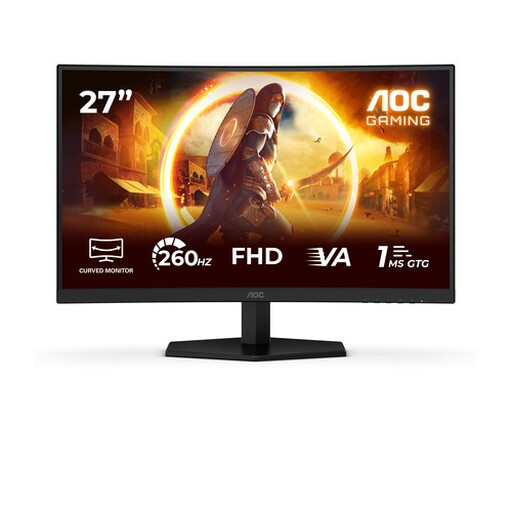 No image available
A 27-inch QHD option for viewing map and menu details.
27 inches; 2560 × 1440 pixels; Fast IPS; 240 Hz; built-in stereo speakers.
The product information lists a stand with height, swivel, tilt and pivot adjustment.
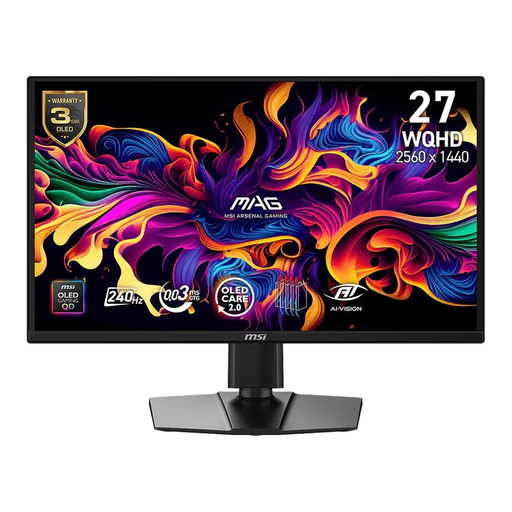 No image available
A WQHD model to consider if map and menu clarity is your priority; check whether its USB-C connection offers the features you need for your laptop.
26.5 inches; 2560 × 1440 pixels; QD-OLED; 240 Hz; USB Type-C.
The product information lists a stand with height, tilt, swivel and pivot adjustment.
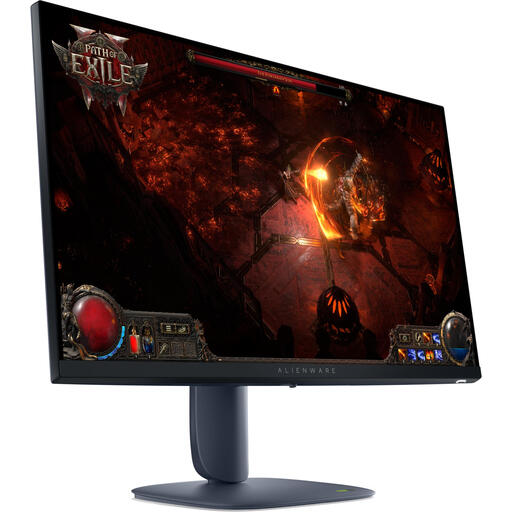 No image available
A 27-inch QHD option for viewing map details and menus.
27 inches; 2560 × 1440 pixels; IPS; 180 Hz; DisplayHDR 600.
The product information lists an adjustable stand.
 No image available
A 27-inch QHD model for viewing maps and menus in grand strategy games.
27 inches; 2560 × 1440 pixels; LCD; 200 Hz; HDR400.
The product information lists an adjustable stand with height, tilt and swivel adjustment.
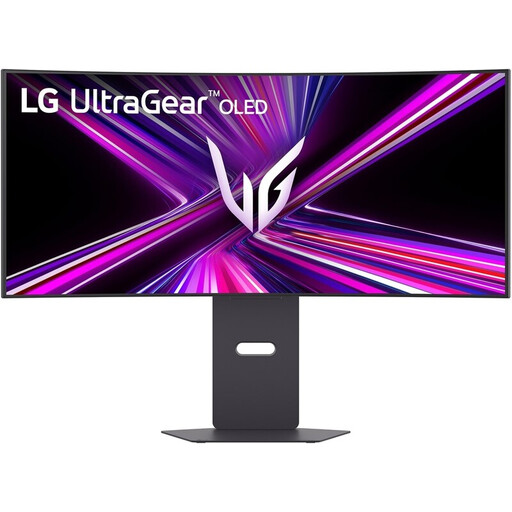 No image available
An ultrawide option if your games support 21:9 well and you want more horizontal space.
34 inches; 3440 × 1440 pixels; 21:9; OLED; USB-C with up to 65 W Power Delivery.
Check whether 65 W is enough for your laptop. LG warns that static elements left on screen for long periods, such as game menus, can cause temporary image retention; see the care information for this model.
No. The monitor, laptop and cable must support video, and the monitor needs to provide enough Power Delivery. BenQ specifies DisplayPort Alt Mode and 65 W Power Delivery via USB-C for the EX271Q; check whether that is enough for your laptop while gaming.
Refer to the care instructions for the exact model and follow the screen-cleaning steps described. LG explains that temporary image retention can occur after static elements, including game menus, have been displayed for a long time; the process may vary by model.
Compare the energy labels and consumption figures for the specific models. According to the European Commission, computer monitors are covered by the EU energy label for electronic displays.
In the Netherlands, according to ACM ConsuWijzer, statutory rights apply alongside any manufacturer’s warranty. If a product does not perform as you could reasonably expect under normal use, the retailer is responsible for providing an appropriate solution; there is not simply one fixed statutory warranty period for every monitor.
The Dutch Fire Service advises against connecting extension leads together and recommends using undamaged extension sockets. This safety advice does not automatically make the electrical load of a particular set-up safe; plan the connections for all your devices carefully.