What should you look for when buying?
First, work out how the connection will get from your router to your garden office. Then choose a Wi-Fi point that suits the route and where you plan to place it.
| What to consider |
What should you check? |
Who is this most relevant to? |
| Reception where the repeater will go |
Check the signal indicator in a dry spot between the router and the garden office. |
If I want to extend the network wirelessly, the repeater still needs to receive a usable signal from the router at the intermediate location. Around 36% of consumers say this is their main concern when buying. |
| Wired connection |
Check whether you can run Ethernet to your workspace and find a suitable indoor location for the access point. |
If you’d rather not rely on a wireless signal between buildings, you can base your choice on running Ethernet to your workspace. Around 29% of consumers say a wired connection is their main concern when buying. |
| Powerline without a network cable |
Check for suitable sockets by the router and workspace, then test the connection there. |
If running a network cable isn’t practical, I can find out whether the electrical wiring offers a usable route. Around 21% of consumers say powerline without a network cable is their main concern when buying. |
| Outdoor installation |
Check the stated weather resistance, power supply, mounting requirements and connection back to the router. |
If the Wi-Fi point needs to be outdoors, its suitability for that location and its connection requirements are key. Around 14% of consumers say outdoor installation is their main concern when buying. |
Products for a garden office
Below are Joybuy products for powerline, wireless repeaters and access points. An access point suits a suitable wired route; a repeater needs usable Wi-Fi where it’s placed.
 No image available
TP-LINK TL-WPA7517 KIT Powerline Adapter Starter Kit
May suit a garden office where there’s no suitable intermediate location for a wireless signal and you want to try using your electrical wiring as a network route.
The product name describes a powerline adapter and starter kit; the connection runs through your existing electrical wiring.
View at Joybuy
 No image available
WiFi Repeater Pro, Black
May suit your needs if you have a dry intermediate location where the existing router signal is still usable.
As a wireless repeater, the device still relies on its Wi-Fi connection to the router where you place it.
View at Joybuy
 No image available
TP-Link TL-WA801N Access Point/WiFi Network Extender
May suit your needs if you’re looking for an access point for a wired connection; the product name also mentions range extender mode.
The product name lists N up to 300 Mbps, two antennas, WPS and Passive PoE.
View at Joybuy
 No image available
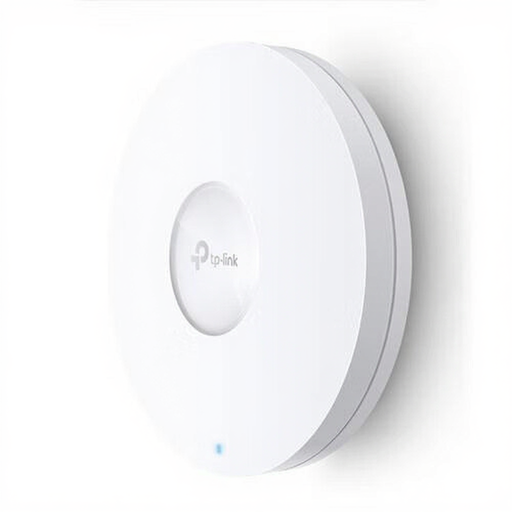
TP-Link Omada EAP620 HD
An access point to consider if you have a suitable wired network route to your garden office.
The product name lists 1201 Mbit/s, white and Power over Ethernet (PoE).
View at Joybuy
 No image available
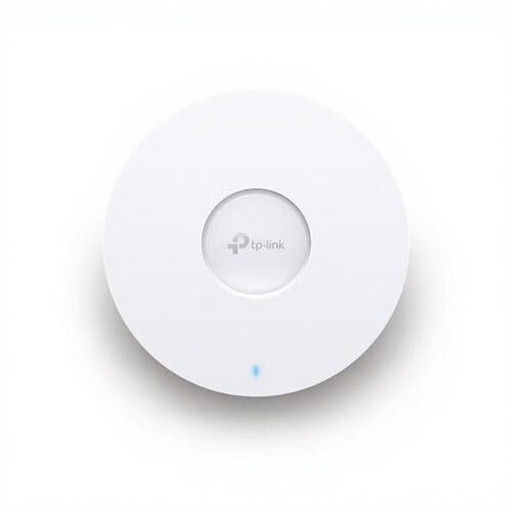
TP-Link Omada EAP670
An access point to consider if Ethernet provides the network connection to your workspace.
The product name lists dual-band Wi-Fi 6, a 2.5 Gbps Ethernet port, 5400 Mbit/s, white and Power over Ethernet (PoE).
View at Joybuy
Frequently asked questions
Can I put a repeater in my garden office if the Wi-Fi barely works there?
Not without checking whether the repeater can still receive a usable signal from the router there. Try a dry intermediate location and check the signal indicator. If that route doesn’t work, look into a wired connection to an access point.
Does a Wi-Fi booster need to be mounted outdoors?
No, not if the Wi-Fi point can be kept dry indoors. If the device does need to be installed outdoors, check the suitability, connections and power supply of the exact model. TP-Link lists IP65 and PoE or AC power for the Deco X50-Outdoor.
How can you check the connection is working after installation?
Check that the device is connected to the router, then try downloading an audiobook at your intended workspace. When troubleshooting, check the connection between the router and the Wi-Fi point too, not just the Wi-Fi indicator on your phone.
What should you know about the warranty and possible installation costs?
Depending on the solution you choose, installation may require a suitable cable route, power supply or equipment. According to ACM, statutory warranty in the Netherlands doesn’t have a fixed two-year term: what matters is what you can reasonably expect from the product. Also check the terms of any manufacturer’s warranty.
Do I need a licence for Wi-Fi in the Netherlands?
According to the Dutch Authority for Digital Infrastructure, Wi-Fi can be used without a licence under the specified conditions, with no notification or registration requirement. This doesn’t replace the applicable requirements for radio equipment: equipment sold in the EU must comply with the relevant directives and carry a CE mark.


