
Vandaag of morgen in huis

Kwaliteit gegarandeerd

Welkomstaanbiedingen ontgrendelen: GRATIS bezorging | Tot 80% korting | Gratis 30 dagen JoyPlus-proefperiode
Download de app
Buying a gaming monitor seems simple until you start comparing refresh rates, resolutions, panel types and synchronisation technologies. A screen with “1 ms” on the box isn’t automatically right for every game. And a higher refresh rate is of little use if your PC can’t deliver a matching frame rate.
The most common buying mistakes are:
A Full HD gaming monitor with 1920 × 1080 pixels puts less demand on your graphics card than a QHD or 4K model. That makes Full HD a practical choice for esports, older systems and compact screens of around 24 or 25 inches.
For a 27-inch gaming monitor, QHD (2560 × 1440 pixels) is often a good middle ground. You get more screen space and sharper text than with Full HD, while the graphics processing power required is still lower than for 4K.
A 4K gaming monitor has a resolution of 3840 × 2160 pixels. It’s a good fit if you value detail in large single-player games, films or creative applications. Before buying, check that your graphics card and the HDMI or DisplayPort version you’ll be using support your chosen combination of resolution and refresh rate.
Refresh rate is measured in hertz. A 200Hz gaming monitor, a 240Hz gaming monitor or a 300Hz model can display movement more times per second than a 60Hz screen. This is particularly useful for fast-paced shooters and competitive games, provided your computer can produce a similar frame rate.
Be aware of the difference between:
So, choosing a fast gaming monitor isn’t just about finding a low number of milliseconds. Check which setting is used, the maximum refresh rate for each connection, and reviews mentioning ghosting or overshoot.
According to their specifications, IPS gaming monitors generally offer wide viewing angles and consistent colours. This makes IPS a good option for gaming, streaming, office work and content creation. OLED and QD-OLED models can offer a different contrast profile, but if you’ll be using one for long periods, check the terms of the pixel or burn-in warranty.
A monitor with FreeSync uses AMD’s Adaptive-Sync technology. A monitor with G-SYNC or G-SYNC Compatible is designed for compatible NVIDIA hardware. Performance depends on the graphics card, drivers, cable, connection and game settings. Treat these features as compatibility options, rather than a universal guarantee against screen tearing.
Also check for:
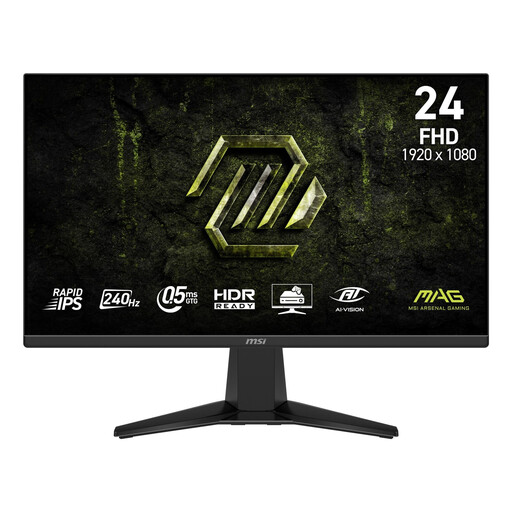
Why it suits this profile: Its 23.8-inch screen and Full HD resolution are a good match for a compact desktop and a system that doesn’t need to output QHD or 4K.
The product specifications list 240Hz, Adaptive-Sync, two HDMI 2.0b ports and DisplayPort 1.2a. Check that your source device supports this refresh rate.
Rapid IPS, Full HD, 240Hz, 1ms MPRT and VESA 100 × 100 mm. The stand offers tilt adjustment.
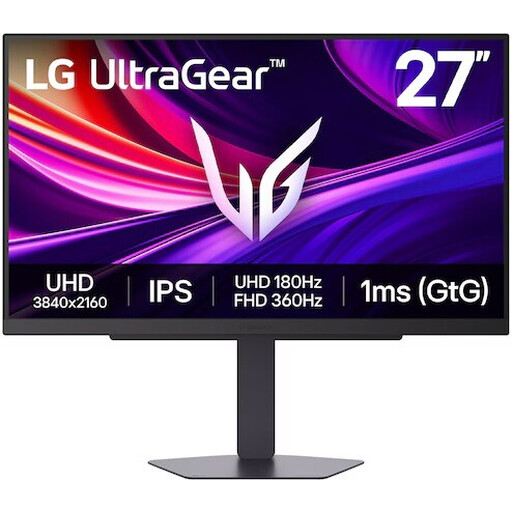
Why it suits this profile: This model combines high resolution with a high refresh rate, and offers features for gaming, entertainment and creative work.
Connections matter for 4K: this model lists two HDMI 2.1 ports and DisplayPort 1.4 with DSC. Check the specifications of your PC, console and cable.
4K UHD, IPS, 180Hz, Dual Mode 4K 180Hz/FHD 360Hz, G-SYNC Compatible and FreeSync Premium according to the product information.
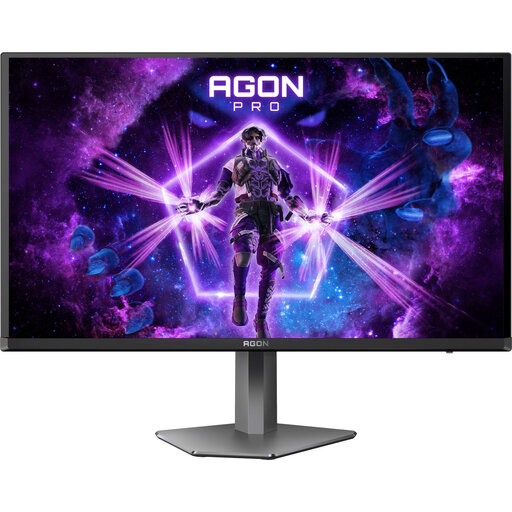
Why it suits this profile: QD-OLED technology, QHD resolution and 240Hz are aimed at users who want to combine fast competitive gaming with high picture quality.
The product specifications list both DisplayPort and HDMI, with different maximum refresh rates. Check you’re using the right port before setting the monitor to 240Hz.
QD-OLED, QHD, 240Hz, AdaptiveSync, FreeSync and G-SYNC Compatible according to the stated specifications; the stand supports height adjustment, pivot, swivel and tilt.
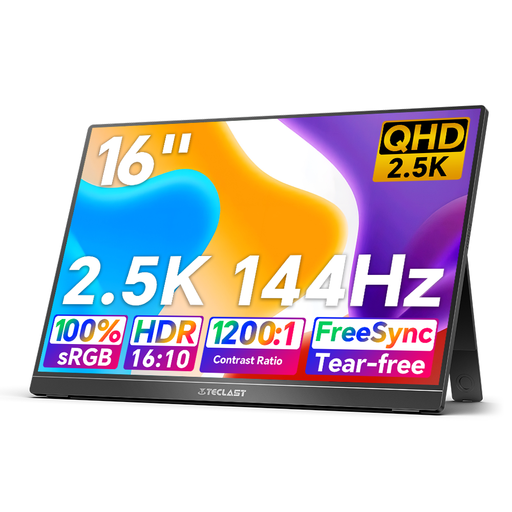
Why it suits this profile: Its portable 16-inch design is well suited to laptop use, travel, temporary workspaces and use as a second screen.
Two USB-C ports and mini-HDMI give you several connection options. Check in advance that your laptop supports video over USB-C, and use the monitor on a stable surface.
2.5K IPS, 144Hz, 16:10 aspect ratio, HDR, FreeSync, built-in speakers and an integrated kickstand according to the product description.
We’ve put together a complete, up-to-date list of products that meet these strict selection criteria and comply with current European safety regulations.
It can be, but the pixel density is lower than QHD at the same screen size. A 27-inch Full HD gaming monitor can work well for esports, while QHD is often the better choice if you also want text, photos or larger game worlds to look sharp.
It depends on the resolution, monitor and source device. DisplayPort gives you access to the highest refresh rate on many models, while HDMI capabilities can vary from one monitor to another. Always check the connections table and use a cable that supports your desired setting.
Lifespan depends on build quality, hours of use, heat, settings and the panel technology. LCD and IPS models don’t have a fixed replacement date. Check the warranty terms, keep ventilation clear and avoid unnecessarily high brightness. For OLED or QD-OLED models, it’s worth checking the terms covering long periods of static images and any burn-in protection.
