What should you look for?
OLED TV
A good fit for: a setup where players and spectators are spread out and viewing the picture from an angle matters. Compare the viewing angle of the specific model.
Keep in mind: if you use the TV for long periods with fixed game elements on screen, it’s worth following the care advice for your chosen OLED model.
Mini LED LCD TV
A good fit for: anyone who wants to compare this LCD option with OLED and can assess the screen from the seats furthest to the side.
Keep in mind: a specification such as 144 Hz doesn’t, on its own, tell you about the viewing angle or input lag of the specific model.
Start by checking how easy the split-screen sections are to see from your seats, then check the viewing angle and gaming features of the specific model. Nintendo confirms the split-screen mode for Mario Kart 8 Deluxe, while RTINGS treats viewing angle and input lag as separate points to compare. PlayStation lists 120 Hz output for TVs and games that support it.
| What to consider |
What should you check? |
Who should give this more priority? |
| How easy each split-screen section is to see |
Consider screen size, viewing distance, available space and the size of the on-screen sections in your game. |
If I want to follow my part of the race clearly from my seat, I look at screen size and distance. Around 36% of consumers prioritise how easy the on-screen sections are to see. |
| Picture quality from the side |
Compare the viewing-angle specifications of the specific model and consider the seats furthest to the side. |
If players or spectators sit beside the TV, I want the picture to remain clear from those seats. Around 29% of consumers prioritise viewing from an angle. |
| Responsive controls |
Look for input lag measurements in Game Mode and check whether your console, TV connection and game support 120 Hz or VRR. |
If I want an immediate response during a race, I check input lag and the features my game actually uses. Around 21% of consumers prioritise responsive controls. |
| Purchase and use |
Compare the energy label for the specific screen size and check the dimensions, placement and any installation requirements. |
If I want to keep an eye on my budget and practical setup, I also consider expected usage and placement. Around 14% of consumers prioritise the total cost of buying and using a TV. |
Joybuy TVs for split-screen racing
These TVs offer screen sizes and gaming features to compare for split-screen racing, with OLED and LCD models, including QD Mini LED options. Always check that the features of the specific model suit your console and game.
 No image available
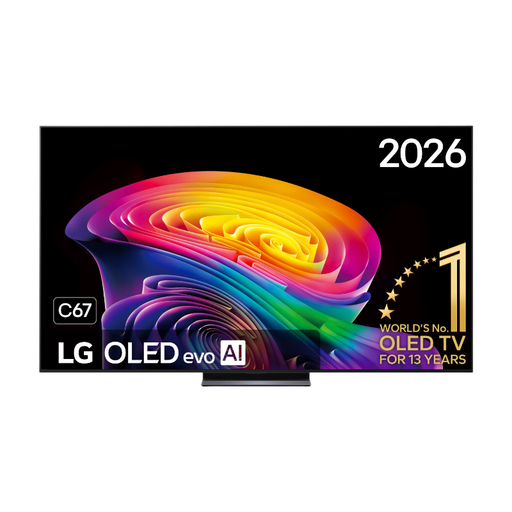
LG OLED83C67LA C6 83-inch 4K OLED Evo AI TV
The 83-inch screen provides plenty of physical space for split-screen sections. Decide whether the size suits your viewing distance and room.
The product name lists 4K, 120 Hz and VRR up to 165 Hz. Check that your console and game support these features; these specifications aren’t an input lag measurement.
View at Joybuy
 No image available
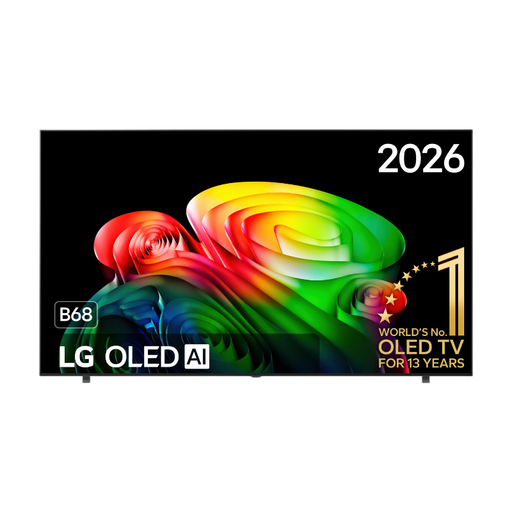
LG OLED77B68LA 77-inch 4K OLED TV
The 77-inch screen offers room for split-screen sections. Compare its size with your viewing distance and available space.
The product name lists 4K, 120 Hz and VRR up to 144 Hz. Check that your console and game support these features; the refresh rate doesn’t indicate input lag.
View at Joybuy
 No image available
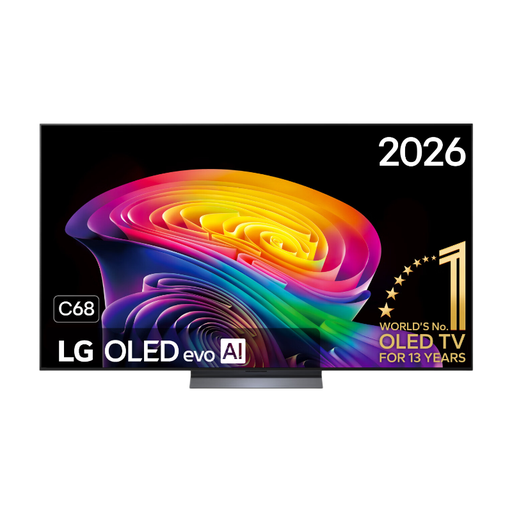
LG OLED65C68LA C6 65-inch 4K OLED Evo AI TV
The 65-inch size is worth comparing if you’re weighing up the space needed against how easy the split-screen sections are to see from your seats.
The product name lists 4K, 120 Hz, VRR up to 165 Hz, ALLM and HDMI 2.1. Check which features your console and game use.
View at Joybuy
 No image available
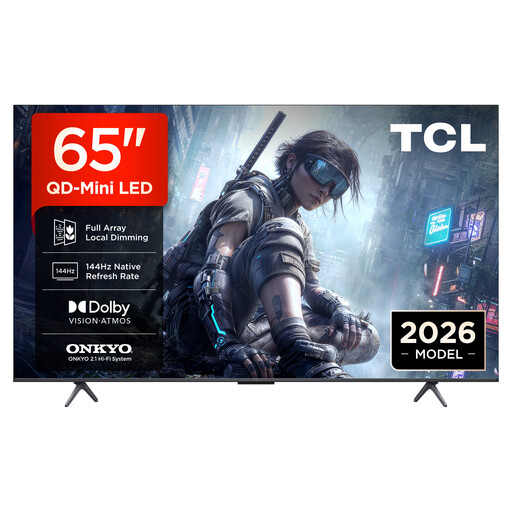
TCL 65T8D 65-inch QLED QD-Mini LED TV
This 65-inch LCD option is worth comparing with OLED for your preferred screen size and setup.
The product name lists 4K, QD-Mini LED, 144 Hz VRR and FreeSync Premium. Check that your console and game support these features; these specifications alone don’t tell you about viewing angle or input lag.
View at Joybuy
 No image available
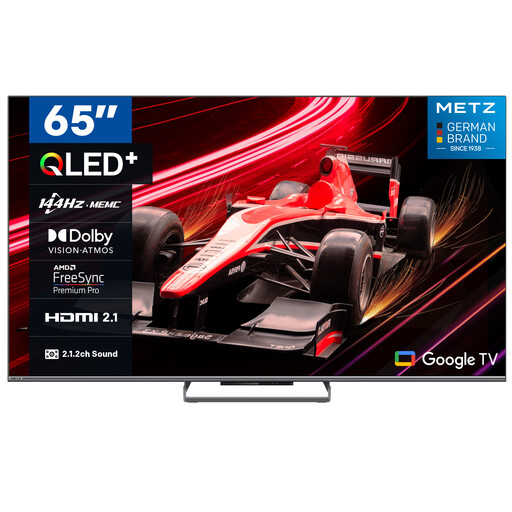
METZ 65MQE8000Z 65-inch 4K QLED TV
The 65-inch size gives you an LCD option to compare against your available space and preferred split-screen section size.
The product name lists 4K, 144 Hz, ALLM and VRR. Check that your console and game support these features, and compare input lag separately.
View at Joybuy
Frequently asked questions
Can four people race on one TV at the same time?
That depends on the game, not just the TV. Nintendo confirms that Mario Kart 8 Deluxe can be played by four players on one split screen on Nintendo Switch in TV or tabletop mode. Check the available modes for other games.
Do I need 120 Hz for split-screen racing?
Not just because you’re playing split-screen. PlayStation describes 120 Hz output for TVs and games that support 120 Hz, so first check the capabilities of your console, game and connection.
What should I check after connecting a PS5?
Go to Settings, Screen and Video, then Video Output to check which signal and features the connected HDMI device supports. PlayStation says ALLM can automatically enable a low-latency mode during games if your TV supports it.
What can I do if a TV I bought online doesn’t suit my seating arrangement?
For many distance purchases, the Dutch Government says you have a 14-day cooling-off period, but exceptions and the terms of your purchase matter. Separately, when you buy a product, you’re entitled to a product that works properly under the statutory guarantee.
Is an extended warranty legally required?
No. The Dutch Government distinguishes between the statutory guarantee and any manufacturer’s guarantee, seller’s guarantee or additional cover you can choose to buy.


