Who is this relevant to?

Players on a wide sofa

If you play together with someone sitting off-centre, check whether colours, contrast and clues remain easy to follow from that outer seat. RTINGS and the Dutch Consumers’ Association highlight viewing angle as a factor to consider with a wide seating arrangement.

Players in a bright living room

If you play during the day, check the picture and look for reflections from windows and lamps from both seats. The Dutch Consumers’ Association notes that LCD TVs are often bright, while reflections are a separate factor to consider.

Players who share clues

If you want both players to be able to read text and small details, measure the viewing distance from each seat and check the screen size from the outer seat.

What should you look for?

OLED

Best suited when: several players sit spread out and a clear picture from the side is a priority; also check for reflections from the actual playing positions.

Trade-off: the Dutch Consumers’ Association generally describes OLED TVs as offering wider viewing angles and deeper blacks. Image retention remains a consideration with static game screens displayed for long periods; the cited test involved older TV models.

LCD, including QLED and Mini LED

Best suited when: daylight visibility and brightness are important, provided the chosen model remains clear to read from the side seat.

Trade-off: LCD TVs can often be bright, but QLED or Mini LED does not guarantee a wide viewing angle. The panel and specific model also affect what remains visible when viewed from the side.

What to consider What should you look for? Who should pay particular attention?
Viewing angle Watch the same picture from the central seat and the outer playing position; where possible, check a test of the exact model. If we play on a wide sofa, I want to be able to follow clues from the side too. Around 33% of consumers put viewing angle first.
Light and reflections Look out for windows and lamps reflected in the screen from either seat; assess reflections alongside brightness. If I play during the day, I want to see whether incoming light or reflections obscure details. Around 27% of consumers prioritise light and reflections.
Readability and size Measure the distance from both playing positions and try reading small in-game text from the outer seat. If we play from different distances, I want us both to be able to follow text and clues easily. Around 20% of consumers make shared readability and screen size their main priority.
Controls and gaming features Check the gaming mode and which HDMI and refresh rate features your console and games actually use. If I want actions to respond straight away, I look at the gaming mode and the connection my console needs. Around 13% of consumers prioritise controls and console features.
Static game screens Consider how long the same menus stay on screen and read the instructions for the exact model. If a game menu often stays on screen for a long time, I want to factor image retention into my choice. Around 7% of consumers see prolonged static images as their main concern.

Common pitfalls

  • Judging the TV only from straight in front

    A TV can look different from the side seat than it does from the central one; colours, brightness or contrast may change when you view it at an angle.

    Factor in the outer playing position and assess the specific model in the lighting conditions of your own living room.

  • Assuming a high Hz rating means a good co-op picture

    Refresh rate and input lag answer different questions from viewing angle and how easy it is for both players to read in-game information.

    Check the seating positions and readability first. Then compare only the gaming features your console and games use.

  • Confusing QLED or Mini LED with a wide viewing angle

    These are still LCD technologies; viewing angle also depends on the panel and the specific model.

    Look for a review of the exact model or check the picture yourself from the side seat.

  • Assuming an add-on package is the same as your statutory rights

    According to the Dutch government, the Netherlands has no fixed statutory guarantee period; additional cover is not the same as your statutory rights.

    Read the cover details and exclusions alongside your statutory rights before choosing an add-on package.

Brands to consider

LG

The Dutch OLED C5 range is worth considering if you want a wide seating arrangement and console features in one TV.

  • LG lists an OLED screen for the Dutch OLED65C56LB.
  • RTINGS reported a wide viewing angle on a tested 65-inch C5 from another market. Check the exact Dutch model before applying that test result to it.

Samsung

The S95H OLED range is worth comparing if viewing positions and reflections are factors for you.

  • Samsung lists Glare Free for the Dutch 65-inch S95H.
  • RTINGS included the S95H in a general selection of gaming TVs; that selection is not a comparison of Dutch models alone or of TVs for co-operative puzzle games.

Philips

The Dutch 65OLED810/12 is an OLED model with Ambilight to include when comparing TVs for multiple seating positions.

  • Philips lists OLED, Ambilight and VRR up to 144 Hz for the 65OLED810/12.
  • Philips’ statement that the picture looks good from an angle is a manufacturer claim. The stated 144 Hz depends on the connected source and the game.

Sony

The A90K range offers compact OLED sizes to consider if space is limited.

  • Sony lists 42- and 48-inch sizes for the A90K, with support for gaming at up to 120 fps.
  • A compact size alone does not tell you whether small in-game details will be easy for both players to read from their seats.

Joybuy products for gaming together

This selection includes OLED models and one QLED model. For each one, compare the screen size with your viewing distance and assess the viewing angle from the side seat.
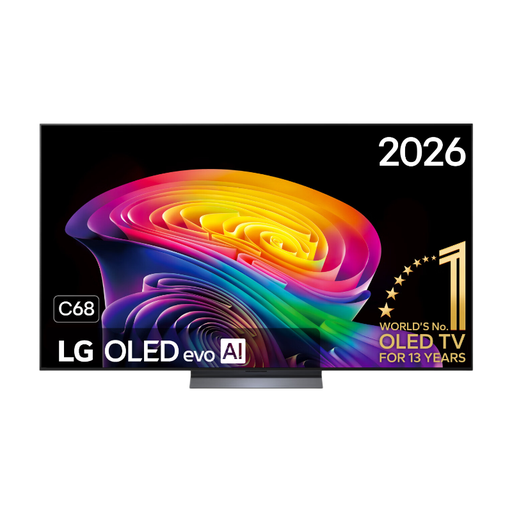
LG OLED65C68LA 65-inch OLED evo AI C6 4K Smart TV

LG OLED65C68LA 65-inch OLED evo AI C6 4K Smart TV

An OLED option for anyone considering picture quality from different seats; check the viewing angle of this specific model from the outer seat.

65 inch; OLED; 4K; 120 Hz; VRR up to 165 Hz.

View at Joybuy
LG OLED55C68LA 55-inch OLED evo AI C6 4K Smart TV

LG OLED55C68LA 55-inch OLED evo AI C6 4K Smart TV

A 55-inch OLED option if you want to assess a shared game picture from several seats; choose a size to suit the distance from both players.

55 inch; OLED; 4K; native 120 Hz; VRR up to 165 Hz.

View at Joybuy
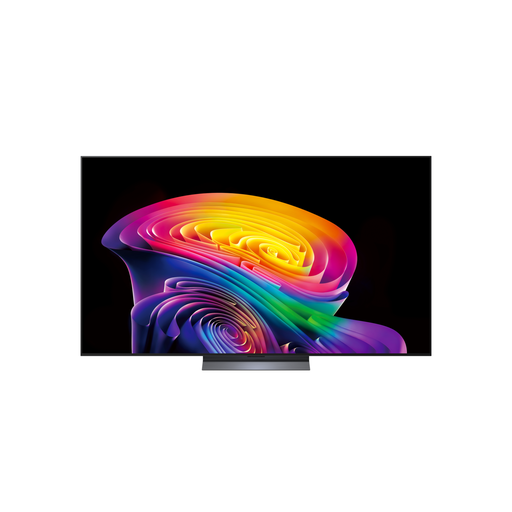
LG OLED42C68LA 42-inch 4K OLED Smart TV

LG OLED42C68LA 42-inch 4K OLED Smart TV

A 42-inch OLED option to consider if space is limited; check that in-game text is large enough to read from both seats.

42 inch; 4K; OLED; HDMI 2.1; AMD FreeSync.

View at Joybuy
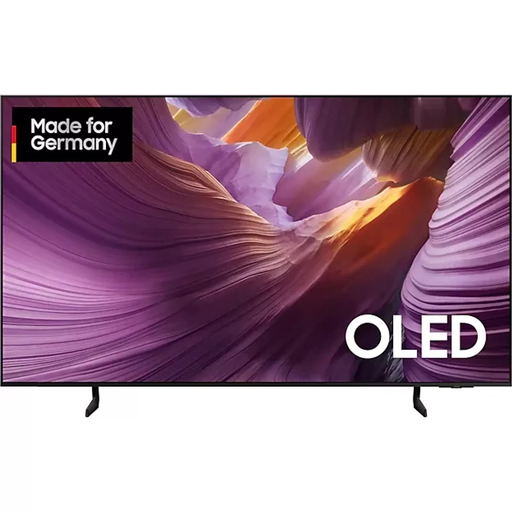
Samsung S85F Series GQ55S85FAU 55-inch OLED 4K

Samsung S85F Series GQ55S85FAU 55-inch OLED 4K

A 55-inch OLED model to include in your comparison for gaming together; check how clearly the picture can be seen from the side seat on this exact model.

55 inch; OLED; 4K.

View at Joybuy
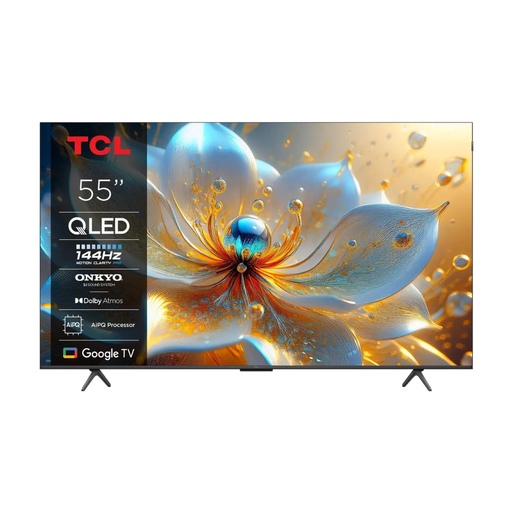
TCL 55T8C 55-inch 4K QLED Smart TV

TCL 55T8C 55-inch 4K QLED Smart TV

A QLED model with a stated refresh rate of 144 Hz to compare if you are considering that feature; check the viewing angle separately from the outer playing position.

55 inch; 4K; QLED; 144 Hz.

View at Joybuy

Frequently asked questions

Is 120 Hz or more essential for co-operative puzzle games?

No, not just for this type of game. Check the viewing angle and readability first, then see whether your console and games make use of a higher refresh rate. Assess input lag at the relevant resolution, frame rate and gaming mode.

How do I test a TV from the side seat?

Compare the same scene and small in-game text from both playing positions. Try the gaming mode with your console too, and in daylight check separately whether windows or lamps are reflected in the screen.

Should I avoid leaving game menus on screen on an OLED TV?

Image retention is worth considering if a static image stays on screen for a long time. The Dutch Consumers’ Association found image retention in a test of older models, but did not establish a fixed time limit; follow the instructions for the model you choose.

Do I only get a two-year guarantee on a TV in the Netherlands?

No. According to the Dutch government, there is no fixed statutory guarantee period in the Netherlands: a product should last as long as you can reasonably expect it to. The manufacturer’s guarantee is additional; if something goes wrong, contact the seller.

Can I return a TV bought online in the Netherlands?

For distance purchases, you usually have a 14-day cooling-off period; the seller must tell you about it. Before ordering, check which terms apply, and don’t treat a more generous returns policy as a replacement for your statutory rights.
