
Families playing motion games together
In sports games that involve movement, such as Nintendo Switch Sports, as described by Nintendo, the screen, players and walking route all need to fit in the same space.


Start by looking at where the players will move and where they need to be able to see the screen. A bigger picture won’t help if it gets in the way of the playing area or sightlines. Check for reflections in the light conditions of your own kitchen-diner, and only opt for 120 Hz or VRR if your console and games support those features; a high quoted refresh rate doesn’t guarantee a higher frame rate in a game.
In sports games that involve movement, such as Nintendo Switch Sports, as described by Nintendo, the screen, players and walking route all need to fit in the same space.
If you often play during the day, assess the picture and any reflections from the places where you actually sit and play. The panel type alone won’t tell you how the screen will look in your room.
Match the TV’s features to the consoles and games you use. Nintendo and PlayStation describe different output capabilities, so a TV feature won’t necessarily work with every device.
First, measure the space for the screen, playing area and walking route. Then compare how visible the screen is in daylight, and finally check which gaming features your console and games actually support.
| What to consider | What should you check? | Who is this important for? |
|---|---|---|
| Screen size, sightlines and room to move | Measure the space for the screen and check the view from both the table and the playing area. Keep the movement zone and walking route clear, and check the mounting requirements for your chosen model. | If players are moving while others watch, you’ll want everyone to see the screen without it encroaching on the playing area. Around 36% of consumers prioritise space and freedom of movement. |
| Daylight and visibility from different positions | View the screen in similar daylight conditions and from the actual viewing angles. Compare the specifications for the exact model, not just the panel type. | If you play during the day or watch from different positions, you’ll want to judge for yourself how the picture and reflections look. Around 29% of consumers prioritise visibility in daylight. |
| Refresh rate and gaming features | Check your console and games, your preferred resolution and refresh rate, VRR support, and the right TV input. | If you want to make the most of your console’s features, check that both the game and the TV support the output you want. Around 21% of consumers put console compatibility first. |
| Maintenance, energy use and service | Compare the energy label for the exact model, read the cleaning instructions and check what delivery and installation include. Keep statutory rights, the manufacturer’s warranty and a paid service plan separate. | If you’re also thinking about running costs, maintenance and installation after purchase, you’ll want to weigh up the terms in advance. Around 14% of consumers prioritise these considerations. |
The screen’s refresh rate and a console’s output are two different things. Nintendo says that Switch 2 in TV mode supports up to 4K at 60 fps, or 120 fps at a selected resolution of 1080p or 1440p.
Start with your console and the games you play. Then check which TV input and settings support the output you want.
According to the Government of the Netherlands, there is no fixed statutory warranty period in the Netherlands. A manufacturer’s warranty or paid plan does not automatically replace your rights if a product is faulty.
Read what extra cover a plan provides and keep your proof of purchase. The retailer remains your point of contact for a statutory remedy if a product is faulty.
The 43PQS9011/12 is a compact point of comparison, with 4K QLED and Ambilight.
The 65C6K offers a larger QD mini-LED point of comparison.
The QE55QN83HAUXXN is a 55-inch mini-LED option to compare with other screen technologies.
The OLED55B6ELC offers an OLED point of comparison if you’re weighing up contrast as well as sports games.
These TVs offer options for gaming in a kitchen-diner, from a more compact 43-inch size to larger screens with stated gaming features. Measure the playing area and walking route, and check that your console and games support the features.
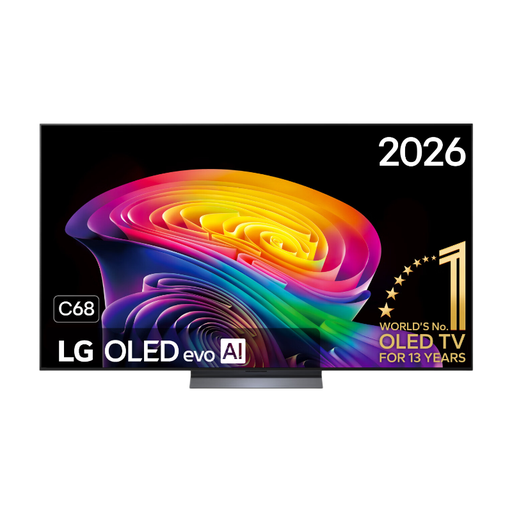 No image available
An option to compare if a 55-inch screen fits in your kitchen-diner and you’re considering OLED and gaming features.
The product name lists 4K, native 120 Hz, VRR up to 165 Hz, G-SYNC compatibility and FreeSync Premium.
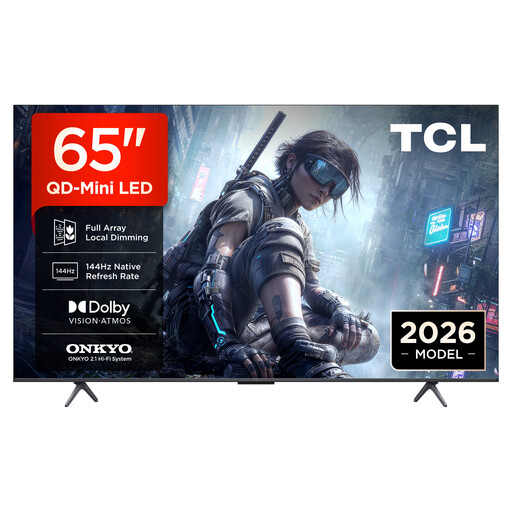 No image available
Only compare this larger screen if your setup leaves both viewing positions and the movement and walking areas clear.
The product name lists 4K, QD mini-LED, 144 Hz VRR and FreeSync Premium.
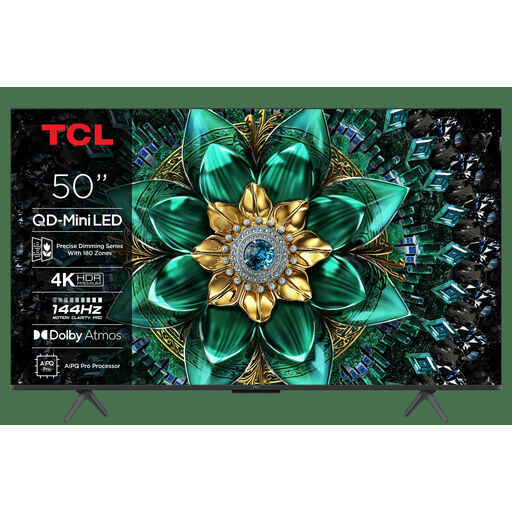 No image available
A 50-inch option to compare if you want a larger screen but don’t have room for the 65-inch model.
The product name lists 4K HDR, 144 Hz and an energy rating of E.
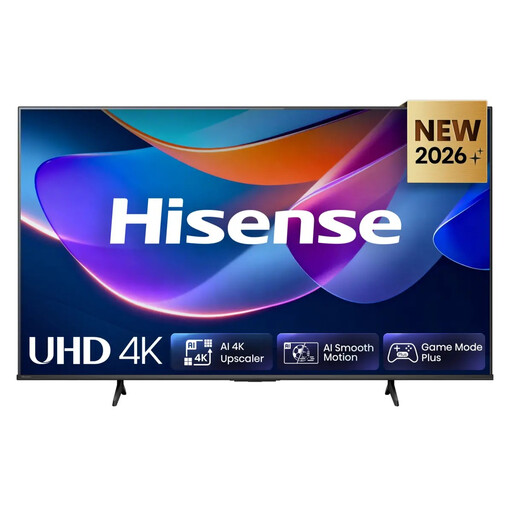 No image available
A more compact option to compare if space to play or walk is limited; measure the area before choosing a size.
The product name lists 60 Hz, Dolby Vision, VIDAA and Game Mode Plus.
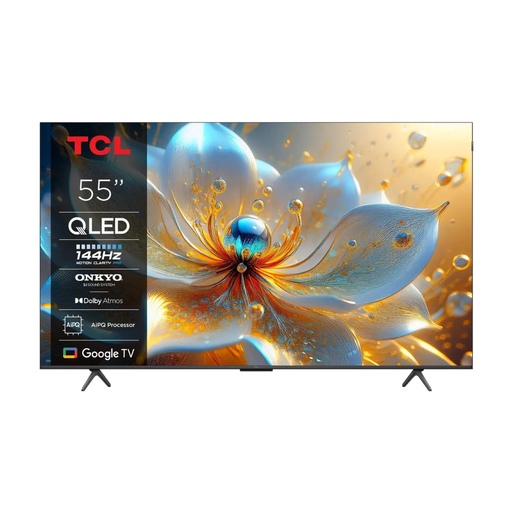 No image available
A 55-inch option to compare if this size suits your viewing distance and the space you need to play together.
The product name lists 144 Hz.
No, not to display 4K at 120 fps: Nintendo lists TV output of up to 4K at 60 fps, or 120 fps at a selected resolution of 1080p or 1440p. Check separately what the game supports.
No, the screen’s refresh rate isn’t the same as the frame rate output by your console and game. Check the output capabilities of your equipment, the game and the specific TV input.
Measure the space for the TV and allow for viewing positions, moving players and the walking route. Choose a size that doesn’t encroach on the playing area, and check the installation instructions for your chosen TV and wall.
View the TV in similar daylight conditions and from the places where you sit and play. Panel technology alone won’t tell you how reflections or viewing angles will look in your room.
Before buying, check the type of wall, your chosen TV model and the relevant installation instructions. LG’s mounting guide warns that the wall and installation environment can impose limitations, and recommends using a qualified technician. This is manufacturer advice, not a universal legal requirement for installation.