Gaming TVs on Joybuy
These Joybuy models offer OLED, QLED and Mini LED options for local matches, in a range of screen sizes. Compare the screen size with your viewing distance and seating positions, and check that your console and game support the gaming features listed.
 No image available
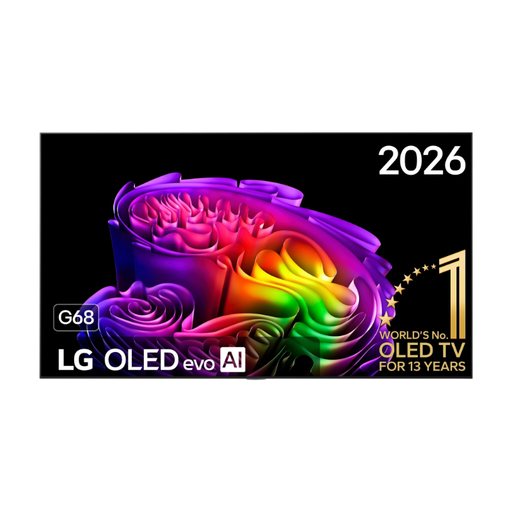
OLED77G68LW
An OLED model to compare if you play local matches on one screen; check that its features suit your console and game.
Joybuy
 No image available
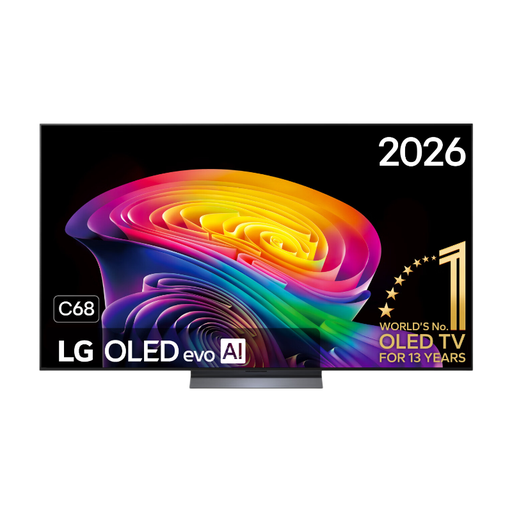
LG OLED65C68LA 65-inch OLED evo C6 4K Smart TV
The 65-inch 4K OLED version could be a good fit if the screen is easy to follow from your seats. Compare the viewing angle and check that it has the features you need for your console.
Joybuy
 No image available
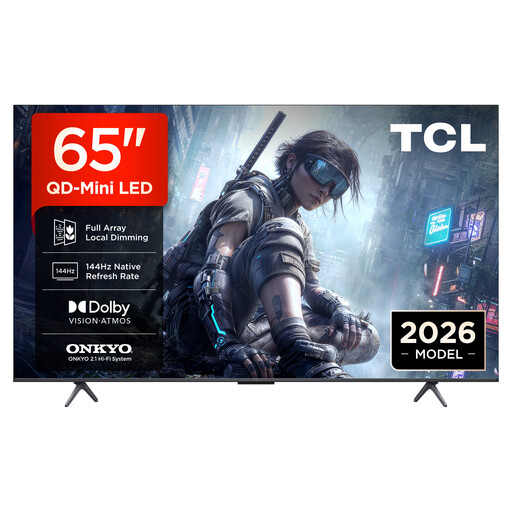
TCL 65T8D 65-inch QD Mini LED 4K TV
This 65-inch QD Mini LED TV lists 144 Hz VRR; check that your console and basketball game support the output you want.
Joybuy
 No image available
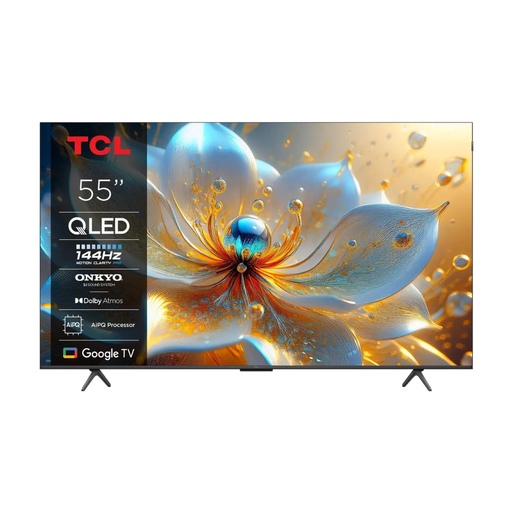
TCL 55T8C 55-inch 4K QLED TV
The 55-inch size could work if it suits your viewing distance. The product name lists 144 Hz; check that the game and connected source support that output.
Joybuy
 No image available
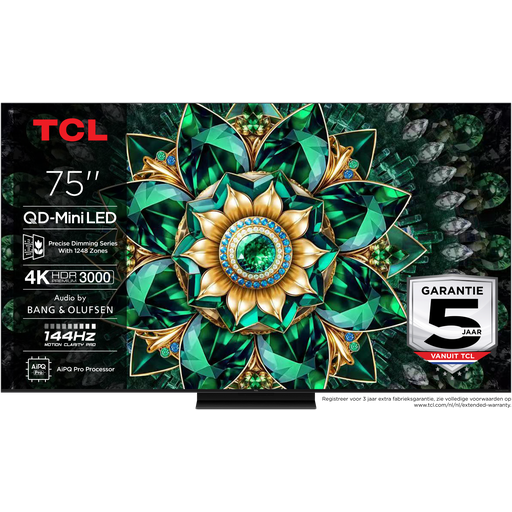
TCL 75Q7C 75-inch 4K Mini LED TV
This 75-inch screen is worth comparing if you have enough space and the viewing distance is right. The product name lists 144 Hz; choose based on the output supported by your console and game.
Joybuy
Frequently asked questions
Do you always need a 120 Hz TV for local basketball games?
No, not always. Choose 120 Hz support only if both your console and the game support the output you want; check the video settings to be sure. For VRR, the TV, source device and game must also be compatible.
How do you choose the right screen size when players are spread out?
Measure the distance from the seats and check that you can read the in-game information from the furthest seat and the seats at the sides. The Consumers’ Association suggests a comfortable viewing distance of around 2.4 times the screen diagonal, based on its own research; it’s not a fixed rule for every set-up.
What should you set up after connecting your console?
Check your console’s video output settings and enable features such as 120 Hz output or VRR only when supported by the console, game and TV. Use an HDMI input that supports the feature on your exact TV model.
What information can help you compare power consumption?
Compare the EU energy labels for the exact models, for both standard picture and HDR. The European Commission says the label also provides information about efficiency when displaying HDR content.
What are your rights when buying a TV online in the Netherlands?
According to ACM ConsuWijzer, online purchases generally come with a statutory 14-day cooling-off period from the date of delivery. This is separate from your statutory rights if a product doesn’t meet what you could reasonably expect from it.


