What should you look for when buying?
First assess the daylight in the planned TV location, then compare gaming response, seating positions and compatibility with your equipment.
| What to consider |
What should you check? |
Who is this important for? |
| Reflections and daylight |
Compare reflection handling and brightness for the exact model, taking the position of your windows into account. |
If the windows are reflected on the screen during a match, I want to be able to see the pitch clearly. Around 33% of consumers put daytime visibility first. |
| Controls and motion |
Check input lag in gaming mode and confirm the output supported by your game and console or PC. |
If I want to pass and defend quickly, I want my actions to register promptly on screen. Around 27% of consumers put responsive controls first. |
| Seating and viewing angle |
Measure the available space and assess the picture from your usual seats. |
When several of us sit together, I want everyone to be able to follow the game clearly. Around 20% of consumers give everyone a clear view from different seats top priority. |
| Connections and energy use |
Check the HDMI input and output of your equipment, and look at the EU energy label for the exact model. |
If I want to connect my current console or PC and compare energy use too, I check these points before buying. For around 20% of consumers, connections and running costs are their main concern. |
Gaming TVs on Joybuy
This selection includes OLED and QD-MiniLED or Mini LED TVs with stated gaming features. Assess reflections, screen size and compatibility for each model and viewing setup.
 No image available
OLED77G68LW OLED evo 4K TV
An option if you’re considering OLED and gaming features; check how it handles reflections in your intended location.
77-inch OLED evo 4K TV; native 120 Hz; VRR up to 165 Hz; ALLM; four HDMI 2.1 inputs.
Joybuy
 No image available
TCL 65T8D 65-inch QD-Mini LED TV
A QD-Mini LED option if you’re weighing up screen size and gaming features; check the picture from your seats and in daylight.
65-inch 4K QD-Mini LED; stated 144 Hz; HDMI 2.1; ALLM; VRR; FreeSync Premium.
Joybuy
 No image available
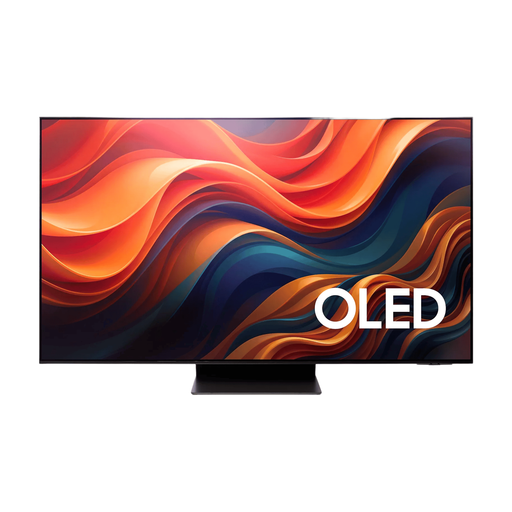
Samsung 65-inch S95H 4K OLED TV
An OLED option if you’re comparing gaming features and screen treatment. Samsung lists Glare Free for the 65-inch S95H in the Netherlands, but check how it handles reflections from your windows.
65-inch 4K OLED TV; native 165 Hz; VRR; ALLM; HDMI 2.1.
Joybuy
 No image available
TCL 75Q7C 75-inch 4K Mini LED TV
A 75-inch model to consider if that size suits your available space and seating arrangement.
4K QD-Mini LED; 144 Hz VRR; HDMI 2.1; ALLM; FreeSync Premium Pro.
Joybuy
 No image available
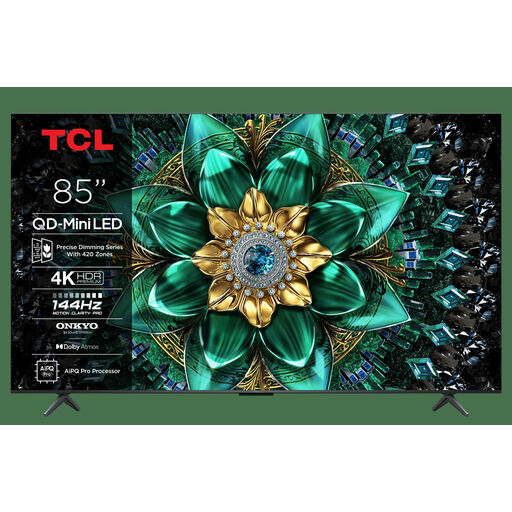
TCL 85Q6C QD-Mini LED TV
The stated matte panel finish may be worth considering, but on its own it doesn’t measure how well the TV handles reflections.
85-inch 4K QD-Mini LED; Matte HVA Panel; 144 Hz; Game Master.
Joybuy
Frequently asked questions
Do I need 144 Hz for local football games?
Not necessarily; first check which output the specific game and console or PC support. Sony Netherlands points out that 4K/120 fps on PS5 also requires a suitable TV, connection and output settings, as well as a game that supports it.
Where should I connect my console, and which setting should I check?
Check your TV’s specifications to see which HDMI input supports the signal you want, and use gaming mode. If necessary, enable the corresponding output on your console; the game also helps determine which output is actually available.
How do I assess a TV for a spot near tall windows?
Compare reflections and brightness separately, and view the screen from your planned seating positions in the daylight you usually have. This lets you weigh the exact model’s features against the position of the windows in your room.
What are my rights when buying a TV online in the Netherlands?
According to ACM ConsuWijzer, the statutory cooling-off period for a product bought online ends 14 days after delivery. If an unexpected fault develops during normal use, you can contact the retailer about your statutory warranty; this isn’t simply a fixed two-year period.
What energy information is available for TVs?
The European Commission describes an energy label for electronic displays, including TVs, on a scale from A to G. Use the label for the exact model when comparing its stated energy consumption.


