What should you look for when buying?
First, consider where everyone will sit, then see how the TV performs with your console’s signal. Only compare refresh rates and extra gaming features against the games and devices you actually use.
| What to consider |
What to look for when buying |
Who is this more important to? |
| Visibility from every seat |
Map out the seating positions and compare independent viewing angle measurements for the exact model. |
If we’re playing as a group around one screen, I want players sitting away from the centre to be able to follow the game too. Around 36% of consumers prioritise visibility for the whole group. |
| Responsive controls |
Compare input lag in Game Mode at the resolution and frame rate you use. |
If I also play fast-paced games, I want to know how the TV responds with my console and chosen settings. Around 29% of consumers put low input lag at the top of their list. |
| Easy to connect |
Check how many HDMI inputs you need and how to activate Game Mode. |
If I want to connect my existing console without a complicated set-up, I focus on having the right connection and game version. Around 21% of consumers prioritise ease of connection. |
| Total cost |
Compare the total price of your chosen TV and check the EU energy label for the exact model. |
If I want to take both the purchase price and running costs into account, I compare the models and their energy labels. Around 14% of consumers put total cost first. |
Joybuy TVs for console gaming
These 4K TVs may suit a console set-up; the models vary in screen type, size and stated gaming features.
 No image available
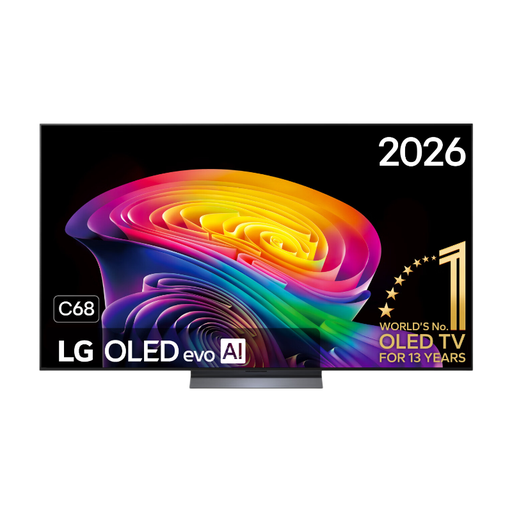
LG OLED55C68LA 55-inch OLED Evo AI C6 4K Smart TV
A 55-inch OLED option to compare if you’re considering higher refresh rates as well as cooking games.
The product listing specifies 4K, 120 Hz native, VRR up to 165 Hz, ALLM and four HDMI ports.
View at Joybuy
 No image available
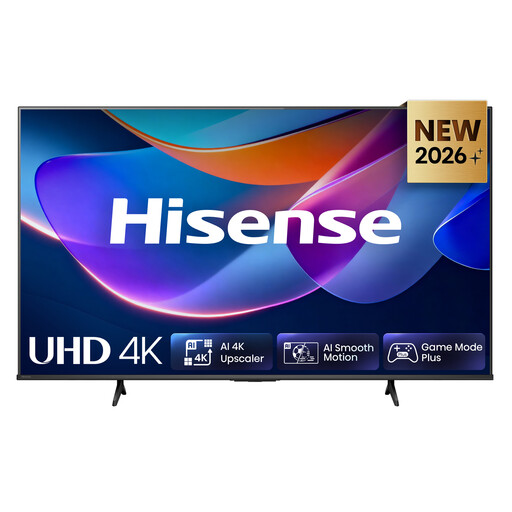
Hisense 65A6S 65-inch 4K UHD TV
A 65-inch option to compare if you’re looking for a large screen for game night.
The product listing specifies Game Mode Plus, VRR and ALLM at 60 Hz, along with a 178° viewing angle. This viewing angle is a product specification, not an independent measurement.
View at Joybuy
 No image available
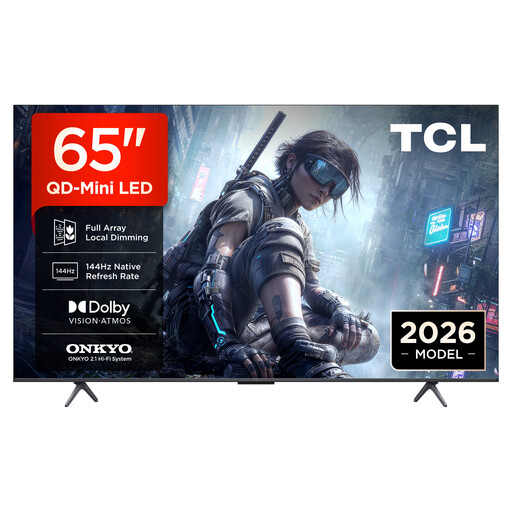
TCL 65T8D 65-inch 4K QLED TV with QD-Mini LED
A 65-inch QLED option to compare if you also play games with higher frame rates.
The product listing specifies 144 Hz native, VRR, HDMI 2.1 and ALLM.
View at Joybuy
 No image available
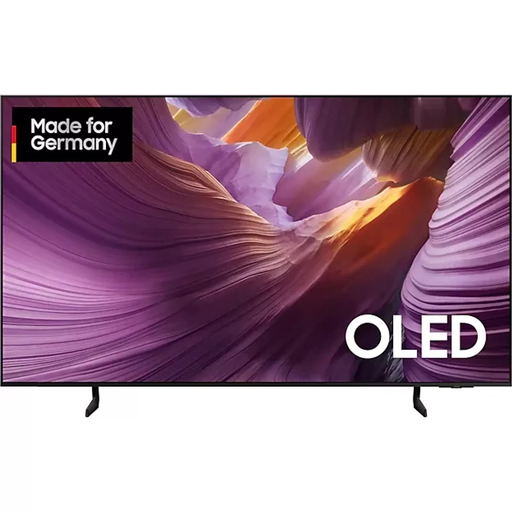
Samsung GQ55S85FAU 55-inch OLED 4K TV
A 55-inch OLED option to compare if you want to connect a console and other devices.
The product listing specifies an OLED panel, 4K resolution and four HDMI ports.
View at Joybuy
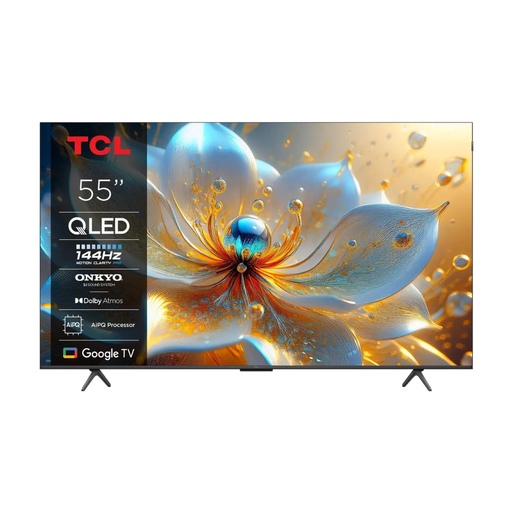 No image available
TCL 55T8C 55-inch 4K QLED Smart TV
A 55-inch QLED option to compare if you also play games with higher frame rates.
The product listing specifies 144 Hz, HDMI 2.1, ALLM and VRR. It identifies a VA panel; RTINGS notes that VA panels generally tend to lose picture accuracy when viewed off-centre. This isn’t a measurement of this model.
View at Joybuy
Frequently asked questions
Do I specifically need a 120 Hz TV for Overcooked! All You Can Eat?
No, not just for the version Team17 describes for newer consoles: the publisher lists 4K at 60 fps. Check your platform and game version; 120 Hz may be useful for other games.
How do I get the TV ready for game night?
Connect your console and check that Game Mode is active for the HDMI input you’re using. Before you buy, check that the exact TV model has enough inputs and that your version of the game supports local co-op; Team17 says Overcooked! 2 supports local co-op for up to four players.
What if a TV I bought online isn’t right for me?
For a standard online purchase, ACM ConsuWijzer says you generally have a statutory cooling-off period of up to 14 days after delivery; a new television is one of the examples it gives. Check the information about returns and any separately ordered services. The cooling-off period for a distance purchase is separate from your rights if a product is faulty.
Does a stated manufacturer’s warranty cover all my rights in the Netherlands?
No. According to ACM ConsuWijzer, the statutory guarantee is separate from a guarantee offered by the retailer or manufacturer. The retailer is responsible if a product breaks sooner than you could reasonably expect under normal use.
Do TVs in the Netherlands have an energy label?
Yes, TVs have an energy label. The European Commission describes a scale from A to G for electronic displays; check the label and model details for the version you’re buying.


