What should you look for when choosing?
First, decide which simulator and monitor you’ll use. Microsoft Flight Simulator Support recommends 32 GB of RAM for Flight Simulator 2024, compared with a minimum of 16 GB. X-Plane publishes its own system requirements, including a recommendation of 16–24 GB of RAM or more.
| What to consider |
What to look for when buying |
Who should consider this? |
| Performance for your simulator and monitor |
Check the exact processor, graphics card, video memory and installed RAM against the requirements for your simulator and monitor. |
If you want to match settings and image quality to your chosen simulator, around 27% of consumers prioritise getting the right performance. |
| Available desk space |
Measure the space for the case, cables, monitor and controls. Also check whether you can place the case beside or under your desk. |
If you want to keep your desk clear for a monitor and flight controls, around 33% of consumers primarily consider the space required. |
| Connections and flight controls |
Decide which controls you want to use and check the USB and monitor connections on the exact PC model. |
If you want to choose a PC around your preferred joystick, yoke or other controls, around 20% of consumers prioritise connections and setup. |
| Full configuration and after-sales service |
Compare the full model code, installed components and what’s included. Also check the terms of sale. |
For around 20% of consumers, the main consideration is weighing up the complete configuration and after-sales support in advance. |
Gaming desktops at Joybuy
These Joybuy gaming desktops are worth comparing for their configuration and how well they suit your simulator and desk setup.
 No image available
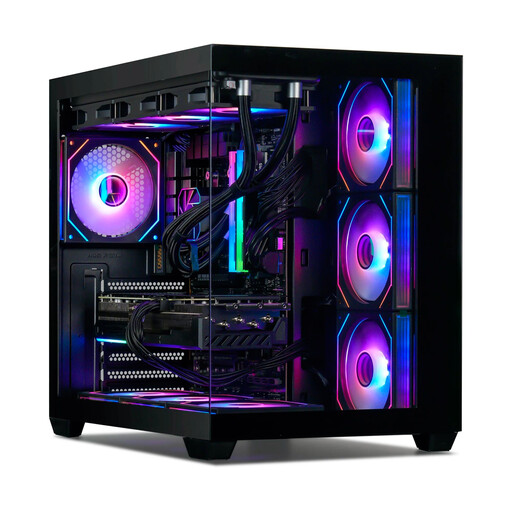
Gaming desktop with Ryzen 7 7800X3D
A desktop configuration to compare if a desktop setup works for you and you want to match the components to your simulator.
Ryzen 7 7800X3D; RTX 5080 with 16 GB of video memory; 32 GB DDR5 RAM; 1 TB NVMe SSD. Windows 11 is listed as Trial.
Joybuy
 No image available
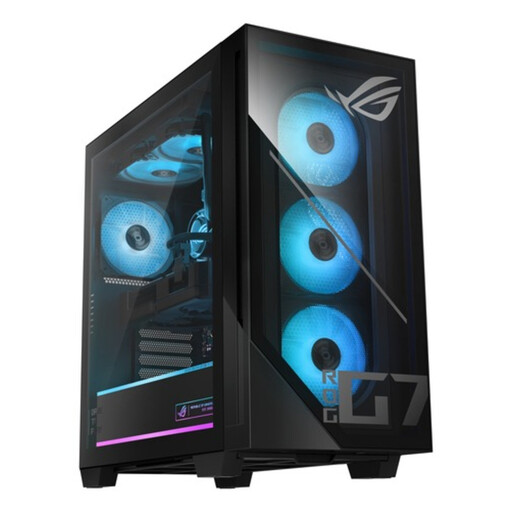
ASUS ROG G700TF-07265F666W
A desktop to compare if its full configuration suits your simulator and preferred setup.
Intel Core Ultra 7 265F; 32 GB DDR5 RAM; 1 TB SSD; NVIDIA GeForce RTX 5070 with 12 GB of video memory; Windows 11 Home.
Joybuy
No image available
ASUS ROG G700TF-05225F170W
A desktop to compare if its full configuration suits your simulator and the space available for your setup.
Intel Core Ultra 5 225F; 32 GB DDR5 RAM; 1 TB PCIe 4.0 SSD; NVIDIA GeForce RTX 5070 with 12 GB of video memory; Windows 11 Home.
Joybuy
 No image available
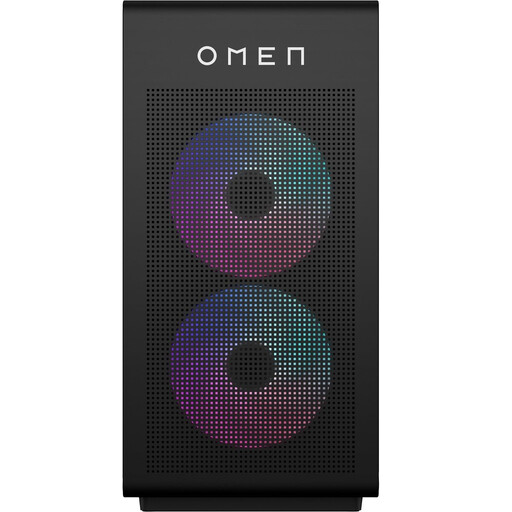
HP OMEN 35L GT16-0160nd
A tower to compare if it doesn’t need to sit on your small desk and you have enough room for ventilation.
Intel Core i7-14700F; RTX 5060 with 8 GB of video memory; 16 GB RAM; 1 TB SSD. The listed 16 GB of RAM is below Microsoft’s 32 GB recommendation for Flight Simulator 2024. The case measures 21 × 40,8 × 41 cm; the description calls for at least 10 cm of clear space all around and advises against using it in an enclosed cabinet.
Joybuy
 No image available
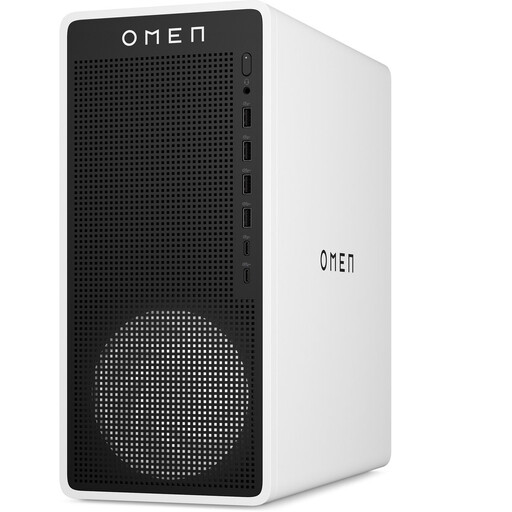
HP OMEN 16L TG03-0057nd
This desktop has a compact 16L case. Check its dimensions and the space available before choosing it for a small desk.
Intel Core Ultra 7 265F; RTX 5050 with 8 GB of video memory; 16 GB RAM; 1 TB SSD. The listed 16 GB of RAM is below Microsoft’s 32 GB recommendation for Flight Simulator 2024. It measures 15,5 × 33,7 × 15,5 cm; the description calls for at least 10 cm of clear space all around and advises against using it in an enclosed cabinet.
Joybuy
Frequently asked questions
Is 16 GB of RAM enough for Microsoft Flight Simulator 2024?
Microsoft Flight Simulator Support lists 16 GB as the minimum and 32 GB as the recommended amount. Check the memory installed in the exact PC model, and don’t treat 16 GB as the recommended configuration.
Does X-Plane 12 have the same system requirements?
No, X-Plane publishes its own minimum and recommended system requirements. Also check that your chosen model is compatible with the supported graphics card and operating system. If you’re unsure, X-Plane recommends trying the demo first.
How can I set up a small desk for flight simulation?
First, measure the space for your PC, monitor, cables and the controls you want to use. The Microsoft Flight Simulator Team guide lists available space, budget and the level of immersion you want as factors when choosing a flight setup. Extra controls aren’t essential for everyone.
What can I do if a PC I bought online isn’t working properly?
In the Netherlands, statutory guarantees apply alongside any commercial warranty. According to ACM ConsuWijzer, if a product breaks sooner than expected during normal use, the seller must put things right free of charge. Depending on the situation, this could mean a repair, replacement or refund.
Can I return a PC I ordered online without giving a reason?
According to ACM ConsuWijzer, online purchases often come with a 14-day cooling-off period from delivery, although exceptions may apply. Check the terms that apply to your order before buying.


