
Builder who wants precise placement
If you often place objects and switch between building, selecting and moving the camera, pay attention to grip, scroll control and cursor settings.


Start by choosing a gaming mouse with a shape and scroll wheel that suit the way you build and control the camera. A wired mouse avoids adding another wireless connection and batteries, while a wireless model gives you more freedom of movement but means you’ll need to check its connection and power supply. Extra buttons are useful if you want to assign commands to them and find the layout comfortable.
If you often place objects and switch between building, selecting and moving the camera, pay attention to grip, scroll control and cursor settings.
For extended use, it’s worth comparing the mouse’s shape and weight. A specification alone can’t tell you whether a mouse will feel comfortable in your hand.
If you also want to use a wireless mouse, check how both devices connect to your PC and whether the receivers, ports and power supply will suit your setup.
Start with grip and basic controls, then consider whether extra buttons or a wireless connection will genuinely add anything to your setup.
| What to consider | What should you check? | Who is this important for? |
|---|---|---|
| Placing objects and controlling the camera | Try the grip, scroll wheel and wheel click; check that you can adjust the sensitivity to suit you. | If I place lots of objects and switch between selecting and moving the camera, I want good control over the cursor and scrolling. Around 36% of consumers prioritise precise placement above all else. |
| Grip during long sessions | Compare the shape, weight and orientation, and assess the mouse using your usual grip. | For long building sessions, I want a shape and weight that feel comfortable in my hand; the stated weight can’t replace my personal judgement. Around 29% of consumers prioritise lasting hand comfort. |
| Assigning commands | Decide which commands you want to assign, then check the button layout and software required for the exact model. | If I want to carry out repeated commands more quickly, accessible buttons are useful if I can—and want to—set them up. Around 21% of consumers prioritise mouse shortcuts above all else. |
| Connection alongside your headphones | Check the connections and power requirements of both devices; test them together in your own setup. | If I want fewer cables on my desk, I first check how the mouse and headphones connect at the same time. Around 14% of consumers prioritise a wireless desk setup. |
A high maximum sensitivity doesn’t prove that you’ll place objects more accurately. Grip, scroll control and a setting that suits the way you use the mouse matter too.
Compare how you can adjust the sensitivity and try the controls, rather than choosing based on a single maximum figure.
The wired Razer Basilisk V3 and wireless Basilisk V3 X HyperSpeed are different models. Features of one don’t automatically apply to the other.
Check the full model name, connection, scroll features and included accessories before choosing.
Your PC needs to support the connections for both devices. The Dutch Authority for Digital Infrastructure warns that shared frequency bands can cause interference.
Check the receivers, ports and power supply, then test the mouse and headphones together in your own setup.
A stated manufacturer’s warranty doesn’t replace your legal right to a product that, under normal use, meets what you could reasonably expect. ACM ConsuWijzer explains the difference.
Keep your proof of purchase and contact the retailer if a fault hasn’t been caused by misuse.
The models listed range from basic wired and wireless mice to a wired version with different scroll modes.
The Basilisk models reviewed differ in their connection and controls, so always check the full model name.
The wired Aerox 3 Snow is worth comparing if you’re looking for a lightweight mouse.
The Scimitar RGB Elite is worth comparing if you want to assign commands to lots of side buttons.
This selection includes wired and wireless gaming mice with features for grip, scroll control and customisable buttons. If you choose a wireless mouse, also check that its connection will work with your headphones and PC setup.
 No image available
A wired option if you want to compare grip combinations when choosing a mouse for building.
The product name lists RGB lighting and 26,000 DPI.
 No image available
A wired option if you want to scroll both quickly and in steps while building.
Logitech lists both a free-spinning and a ratcheted scroll wheel. The mouse requires an available USB Type-A port.
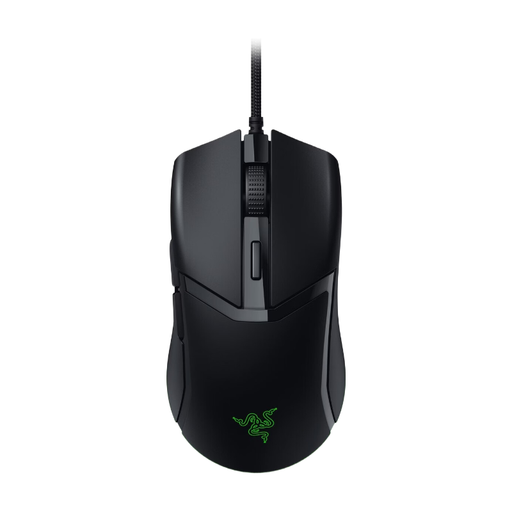 No image available
A wired option if you want a mouse with sensitivity you can adjust to suit your preferences.
Check that the adjustment options and programmable commands suit the way you plan to use the mouse.
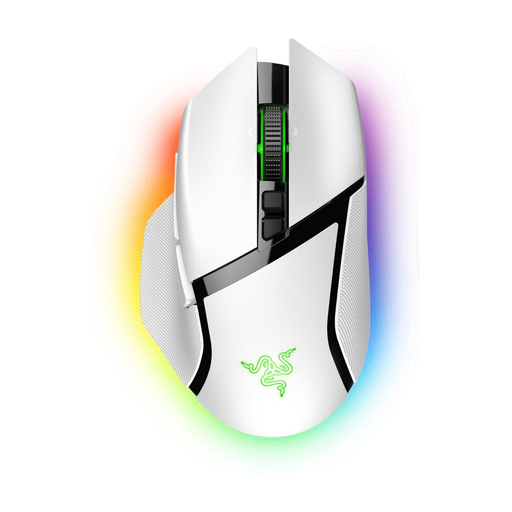 No image available
A wireless option if you want to build without a mouse cable and assign your own functions to the buttons.
The listed connection options are HyperSpeed and Bluetooth; check which one suits your PC setup.
 No image available
A wireless option if you want more freedom of movement and the ability to assign commands to the mouse buttons.
The listed connection options are HyperSpeed and Bluetooth. For HyperSpeed, the product information lists a USB dongle; the mouse uses an AA battery.
No, not necessarily. If you mainly select things and control the camera, start by assessing the shape and basic controls. Extra buttons are useful if you often use commands and can assign them to the mouse.
According to Corsair, you can use iCUE to assign key functions or macros to the mouse buttons. Then check in the game that they work as you expect.
First, check the connections and try increasing the distance between the devices or receivers. The Dutch Authority for Digital Infrastructure warns that shared frequency bands can cause interference; this doesn’t confirm how a specific combination will perform.
For a standard online purchase in the Netherlands, you generally have a legal cooling-off period of up to 14 days after delivery, subject to applicable exceptions. You’re also entitled to a product that, under normal use, meets what you could reasonably expect; the legal guarantee isn’t automatically limited to a stated manufacturer’s warranty period. ACM ConsuWijzer explains these rights.
Radio equipment offered for sale on the Dutch market must meet the applicable European requirements and carry the required CE marking. The Dutch Authority for Digital Infrastructure explains these obligations; a product listing alone doesn’t confirm that a specific model meets them.