
Map builder who zooms often
You regularly use the scroll wheel, middle button and camera controls, and want them to be easy to reach. The Transport Fever 2 Wiki describes these controls for the game.


Start with a mouse whose scroll wheel and middle button are easy to reach. In Transport Fever 2, you use them by default to zoom and rotate or tilt the camera. Extra programmable buttons are most useful if you want to assign your own shortcuts; choose adjustable lighting if you want to customise it in a dark room. Wireless gives you more freedom of movement, but means keeping on top of charging, and a high DPI figure alone won’t tell you whether a mouse is right for this game.
You regularly use the scroll wheel, middle button and camera controls, and want them to be easy to reach. The Transport Fever 2 Wiki describes these controls for the game.
You play in a dark room and want to choose how much light your mouse gives off. Check the options available on the exact model: not every illuminated mouse can be switched off completely.
You prioritise a comfortable fit and easy-to-reach buttons over a high sensor rating. Arboportaal points out that screen-based work involves repeated hand movements and static strain on the neck, shoulders and arms.
According to the Transport Fever 2 Wiki, you zoom with the mouse wheel and rotate or tilt the camera by holding down the middle mouse button. So start by assessing the wheel and grip, then consider which extra controls and lighting you’ll actually use.
| What to consider | What to look for | Who is it important for? |
|---|---|---|
| Scroll wheel and camera controls | Try scrolling and clicking the middle button; check that the controls you want to use are easy to reach. | If I zoom in and rotate the camera often, I want to use the wheel and middle button without having to search for them. Around 28% of consumers prioritise map controls above all else. |
| Lighting in the dark | For each model, check whether you can dim the lighting and switch it off completely. | If you play in a dark room, you’ll want to control the mouse lighting to suit your preference. Around 22% of consumers prioritise adjustable or switchable lighting. |
| Fit for long sessions | Try your usual grip and make sure you can reach both the wheel and side buttons without stretching awkwardly. | If I play for longer periods, I want the mouse to feel comfortable in my hand and the controls to be easy to reach. Around 22% of consumers prioritise fit above all else. |
| Cable and power | Compare wired and wireless models; for wireless, check how it charges and whether a receiver is included. | If you don’t want a mouse cable on your desk, freedom of movement may matter more than charging convenience. Around 17% of consumers prioritise playing without a cable. |
| Essential features | Decide which scroll and button functions you actually use, and check that the relevant software is compatible with your computer. | If I mainly use the standard controls, I don’t want to choose extra features I don’t need. Around 11% of consumers prioritise essential controls. |
A high DPI figure doesn’t tell you whether scrolling, clicking the middle button and moving the camera feel comfortable. These are important actions in Transport Fever 2.
Try the scroll wheel, middle button and grip before comparing sensor figures.
According to Trust Customer Support, the wheel and/or logo on the Trust GXT 930 Jacx stays lit. This could be distracting if you play in a dark room.
Before buying, check the lighting settings and support for the exact model.
A limited manufacturer’s warranty doesn’t affect your statutory rights if a product is faulty. ACM ConsuWijzer distinguishes between statutory guarantees and guarantees offered by the seller or manufacturer.
Keep your proof of purchase and contact the seller if there’s a fault.
Logitech lists the wired G502 HERO with 11 programmable buttons and the separate wireless G502 X LIGHTSPEED with 13 customisable controls. These are features of different models, not an indication that they offer the same thing.
According to Razer, the wired Basilisk V3 35K has a scroll wheel with three modes and adjustable RGB lighting zones. Settings are managed through Synapse.
Trust describes the GXT 145 Rexxa as a vertical mouse with a 45° design, programmable buttons and adjustable lighting. It offers a different grip to consider, but doesn’t guarantee a particular level of comfort.
Corsair describes the wired Scimitar RGB Elite as having 17 programmable buttons, 12 of which are on a repositionable side panel.
This selection includes wired and wireless gaming mice with scroll wheels and a range of button and lighting options. Check which features suit your playing style on each model.
 Image unavailable
An option if you want to customise the scroll wheel and lighting to suit your preferences.
Wired; configurable scroll wheel with three modes and adjustable Chroma lighting.
 Image unavailable
Suited to anyone looking for a wired mouse with a scroll wheel who doesn’t want to manage a mouse battery.
Wired via USB Type-A; the product name lists 25,600 DPI.
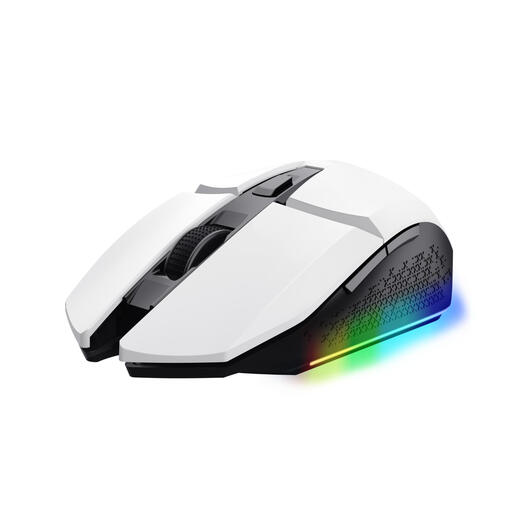 Image unavailable
An option if you want to play without a cable and customise the lighting.
Wireless; the product information lists a rechargeable battery.
 Image unavailable
Could suit you if you want to play wirelessly and customise the buttons to suit how you use them.
Wireless; the product information lists a rechargeable battery and the option to play while charging.
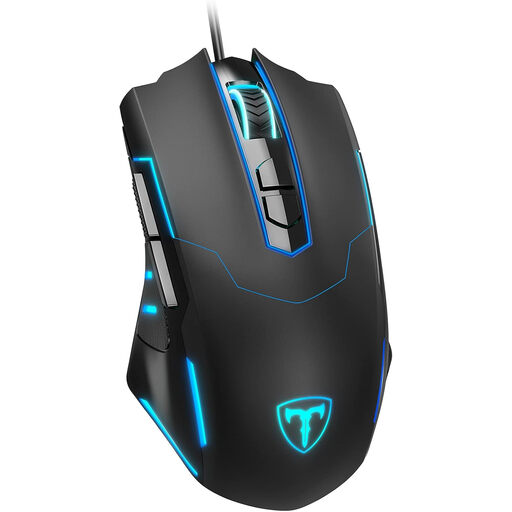 Image unavailable
An option if you’re looking for a wired mouse and want to be able to switch off the lighting.
The product information lists a scroll wheel and seven programmable buttons.
No, not for the standard camera controls. According to the Transport Fever 2 Wiki, you use the scroll wheel and middle mouse button, among other controls. Extra buttons are most useful if you want to assign your own shortcuts to them.
Use the software designed for the exact model and your operating system. Logitech lists G HUB for the G502 HERO, and Razer lists Synapse for the Basilisk V3 35K; features and settings may vary by model.
No, this varies by model. Trust Customer Support states that the wheel and/or logo on the GXT 930 Jacx stays lit. If being able to switch the lighting off completely matters to you, check the support information for the exact model.
For a standard online purchase in the Netherlands, you’ll generally have a statutory 14-day cooling-off period after delivery, subject to applicable exceptions. Your statutory rights are separate from a limited manufacturer’s warranty; if a product is faulty, you can claim against the seller under the statutory conditions. ACM ConsuWijzer explains these rights.