
Players who want to aim precisely
In tactical games, you need to make both broad aiming movements and small adjustments. So consider the shape, how much room you have to move, and how the mouse feels on your surface.


Start with a mouse shape that suits your hand and grip, then check that you can make both broad movements and small aim adjustments on your own desk surface. Next, choose between a wired mouse and a wireless one with a USB receiver. A higher DPI is not a proven solution to screen glare. The Occupational Safety and Health Administration recommends reducing distracting glare from lights and windows, so assess your lighting separately from your choice of mouse.
In tactical games, you need to make both broad aiming movements and small adjustments. So consider the shape, how much room you have to move, and how the mouse feels on your surface.
If you play in daylight or under bright lighting, consider screen reflections separately from how the mouse performs on your desk surface. The Occupational Safety and Health Administration recommends reducing glare from windows and lights.
If a cable could get in the way of your aiming movements, compare the connection, receiver and power supply of wireless models. Also check that you have a USB port available while you play.
First, choose based on your grip and how well you can control your movements on your own mouse surface. Then decide whether you prefer a cable or want to factor in the power supply and receiver of a wireless model.
| What to consider | What to look for when buying | Who is this most important for? |
|---|---|---|
| Aim control | Assess the shape during broad movements and small adjustments, and check that you have enough room on your mouse mat. | If I want to aim with control in tactical games, I look for movements that suit my play style; around 29% of consumers put aim control first. |
| Grip and fit | Compare the shape with your current mouse and consider how your hand and fingers hold the body. | If I want a mouse to feel comfortable in my hand and suit my grip, fit matters more to me than extra features; around 23% of consumers prioritise grip and fit. |
| Lighting and surface | Check for reflections on the screen and try the mouse on the surface you play on. | If incoming light makes it harder for me to see the screen, I also want to know whether the mouse surface suits my gaming setup; around 18% of consumers start with lighting and surface. |
| Connection and power | Check the connection for the exact model, whether a receiver is included and how the mouse is powered. | If I want to move without a cable, I weigh the freedom against battery use or charging; around 18% of consumers prioritise a wireless connection. |
| Purchase and aftercare | Compare the current total price and check what any additional warranty covers. | If I want to weigh up my spending and aftercare carefully, I look at what an extra warranty actually adds; around 12% of consumers prioritise cost and aftercare. |
Glare can make the screen harder to see, but a mouse sensor is not a proven solution to reflections.
While playing, first check the position of your screen, windows and lights. Then assess the mouse and the surface you use it on separately.
The HyperX Pulsefire Haste 2 is available in both wired and wireless versions. The SteelSeries Aerox 3 Wireless and Aerox 3 Wireless Gen 2 are also different models.
Compare the full model name, connection and box contents before choosing a version.
Wireless models vary in their power supply and battery life. For example, SteelSeries quotes different maximum battery lives for the Aerox 3 Wireless Gen 2 over Bluetooth and 2.4 GHz.
Check the quoted battery life for the connection you plan to use, and find out how to charge the mouse or replace its battery.
If you choose a mouse that uses AA batteries, you’ll need to replace them; a rechargeable model will need charging from time to time.
According to the Government of the Netherlands, statutory consumer guarantees in the Netherlands do not have a fixed time limit. Any additional manufacturer’s warranty is separate.
Check what extra rights an additional warranty offers, and contact the seller if your product develops a fault.
A paid-for additional warranty may offer little extra if it does not provide any additional rights.
The wired Pulsefire Haste 2 is worth comparing if you’re looking for a lightweight mouse that gives you plenty of room to move.
The Viper range includes wireless models as well as versions Razer has designed for particular grip styles.
According to SteelSeries, the Aerox 3 Wireless Onyx offers both 2.4 GHz and Bluetooth connectivity.
The G305 LIGHTSPEED and G502 HERO offer different options for power and control.
The GXT 926 Redex II is a 2.4 GHz wireless option that comes with a cable for playing while it charges.
This selection includes wired and wireless gaming mice. Compare the version and connection with your grip, the room you need to move and the way you play.
 Image unavailable
An option if you’re looking for a wireless mouse with multiple connection options and a right-handed shape.
The product name lists RF, Bluetooth, USB Type-A and 42,000 DPI. The shape is designed for right-handed use.
 Image unavailable
A good fit if you’re looking for a wired mouse and don’t want to factor wireless power into your choice.
The product name lists PC, PS5, PS4, Xbox Series X|S and Xbox One as compatible platforms.
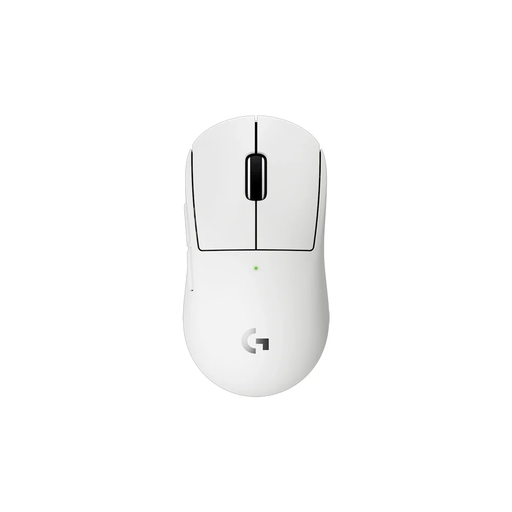 Image unavailable
Worth a look if you want to play wirelessly and are after a compact shape; check that it suits your hand and grip.
The product name identifies the white wireless version.
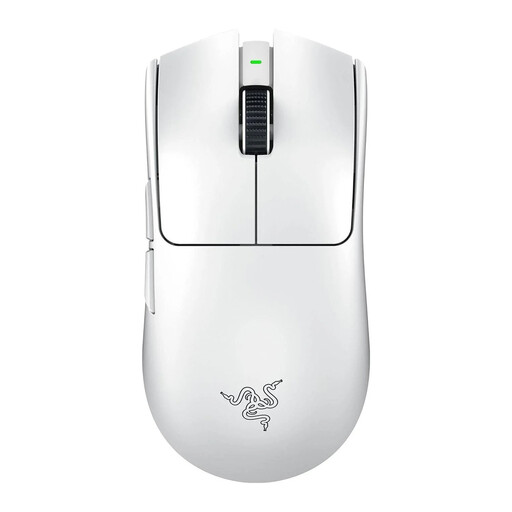 Image unavailable
A good fit if you want to aim without a cable and adjust button and DPI settings.
The product name identifies the white wireless version.
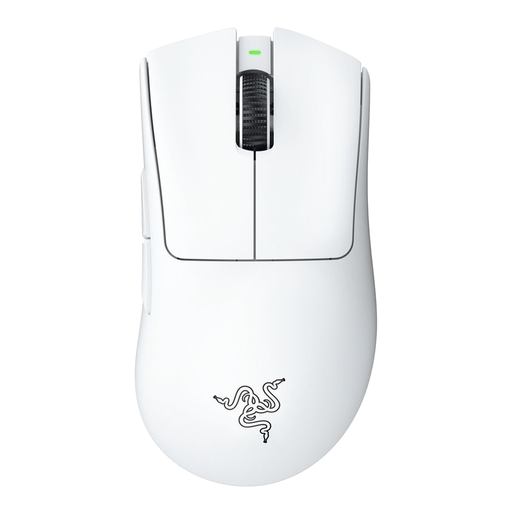 Image unavailable
Worth comparing if you’re looking for an ergonomic shape and want to play wirelessly.
The product name identifies the white version.
No. A higher quoted sensor resolution has not been shown to solve screen reflections. If you’re struggling to see the screen, first check the position of your screen, windows and lights, then test the mouse separately on your own surface.
Start with a sensitivity that lets you make both broad movements and small adjustments in the space available for your mouse. Settings vary by model; Logitech G says the G502 HERO lets you adjust DPI and button commands through G HUB.
It depends on the model. Trust says the GXT 926 Redex II can be used with the included Play & Charge cable, while Logitech says the G305 runs on an AA battery. Check the power supply for the exact version.
For qualifying online consumer purchases, there is generally a 14-day cooling-off period, according to the Government of the Netherlands. Consumers in the Netherlands also have a statutory right to a product that works as it should, with no fixed statutory warranty period. A manufacturer’s warranty is separate; contact the seller if your product develops a fault.
Take unwanted electrical equipment to a suitable collection point or, when buying a similar item, use the take-back scheme. According to the Government of the Netherlands, loose used batteries should not go in the bin; take them to a battery collection point.