
Player with limited mouse space
Your keyboard takes up a lot of room, and you want to know whether a compact shape will feel comfortable to move and hold. Razer describes the Orochi V2 as compact.


On a small desk, a compact wireless mouse can keep the cable out of your way, while a larger model may put more controls at your fingertips. Extra buttons or a more versatile scroll wheel are most useful when your game and setup support them. Also check the fit, connection and power source; the model features mentioned here are not the result of a comparative performance test.
Your keyboard takes up a lot of room, and you want to know whether a compact shape will feel comfortable to move and hold. Razer describes the Orochi V2 as compact.
You like to control building tools and the camera using custom key bindings, and are considering extra mouse buttons or scroll functions. Which commands are useful depends on your game and settings. Paradox Wikis says that Cities: Skylines controls can be customised; some of the pages consulted may refer to an older version of the game.
You pay attention to a relaxed hand position and proper arm support. Arboportaal also highlights repetitive hand movements and static posture when working at a screen; a light or compact mouse won’t transform your whole workstation on its own.
| What to consider | What should you check? | Who is this important for? |
|---|---|---|
| Fit and freedom of movement | Measure the free space beside your keyboard and compare the mouse shape with your usual grip. | If my desk is short on space, I want to move the mouse without constantly reaching too far. Space and fit are the top priorities for around 36% of consumers. |
| Buttons and camera controls | Check which commands your game lets you assign and whether the mouse buttons can be configured with the software you want to use. | If I want quick access to building tools or camera functions, I check whether extra buttons are genuinely useful in my game. Around 29% of consumers prioritise direct control in games. |
| Comfort during longer sessions | Consider your hand position, reach and arm support; change your posture and activity during long periods of screen use. | During long gaming sessions, I want to support my arm and keep my hand relaxed. Long-term comfort is the most important factor for around 21% of consumers. |
| Connection and power | Check which USB connection is available, how the exact model connects, and whether the mouse uses a battery or rechargeable battery. | If I don’t want a cable getting in the way, the wireless connection needs to work with my computer and I need to know how the mouse is powered. Around 14% of consumers prioritise connection and power. |
A high maximum sensor resolution alone doesn’t tell you whether the mouse shape, buttons and sensitivity settings suit the space you have available.
Start by assessing the fit and controls. Compare DPI only across the settings you actually plan to use.
The Joybuy product listing for the Logitech G305 mentions Bluetooth, whereas Logitech specifies a LIGHTSPEED connection. So don’t assume it has Bluetooth without checking the exact model.
Check the full model name and the manufacturer’s information before making Bluetooth a requirement.
A different mouse won’t automatically fix an outstretched arm or a lack of support. Arboportaal also highlights posture and changing activities when working at a screen.
Make room beside your keyboard and check that your arm is supported; change your posture and activity during long sessions.
The compact, wireless Orochi V2 and wired Basilisk V3 offer different options for shape and controls.
The wireless G305 uses an AA battery, while the wired G502 X offers different control options.
The GXT 926 Redex II is a rechargeable option which, according to Trust, can be used wirelessly or with the supplied charging cable.
The Pulsefire Haste 2 Wireless is worth comparing if you’re looking for a rechargeable mouse with two wireless connection options.
This selection of Joybuy products includes compact wireless mice, models with customisable controls and a rechargeable option for small desks.
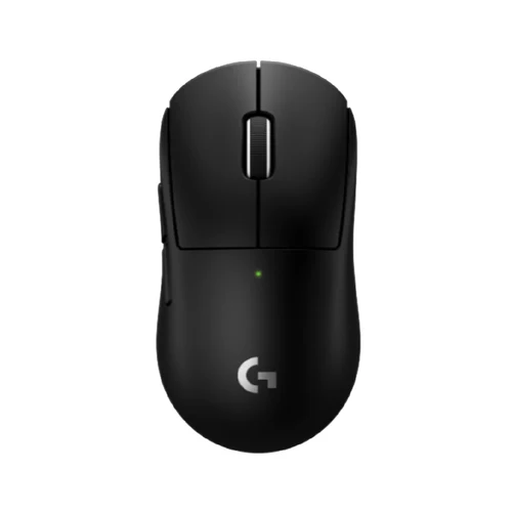 No image available
This compact wireless model is a good fit if you have limited space beside your keyboard.
The product description lists five programmable buttons and a wireless LIGHTSPEED connection. Check that the shape suits your hand and grip.
 No image available
The described symmetrical shape is designed for small to medium-sized hands; check that it suits your grip.
The product name lists tri-mode connectivity and a magnetic charging dock. It also mentions a PAW3950 sensor and an 8K Hz polling rate.
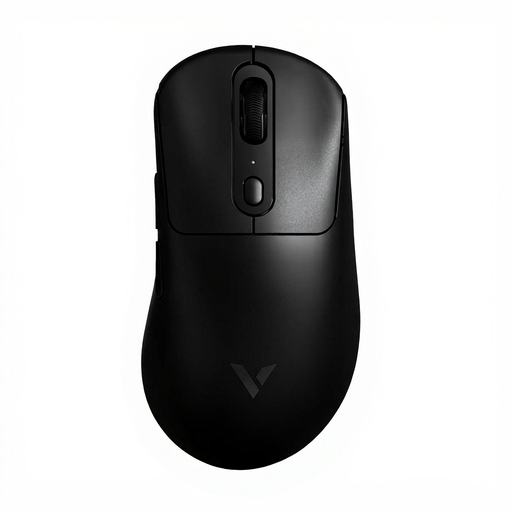 No image available
This wireless model keeps a mouse cable out of the way on a small desk.
The product name lists a weight of 59 g, a PAW 3950 sensor and an 8KHz polling rate. Check which features and settings your game actually uses.
 No image available
The compact wireless design is an option if you have limited free space beside your keyboard.
Razer lists six programmable buttons and Bluetooth alongside HyperSpeed Wireless. According to the product description, this model uses an AA or AAA battery; neither is rechargeable.
 No image available
This wired model is an option if extra controls matter to you and you have room to keep the cable out of the way.
The product description lists thirteen programmable buttons and a USB Type-A connection. Logitech says the G502 X has a two-mode scroll wheel and programmable tilt controls.
Not necessarily. First check which functions your game lets you assign to keys and which ones you’re already happy to control with the keyboard. Paradox Wikis describes customisable key bindings for Cities: Skylines, although some of the pages consulted may refer to an older version of the game. So check the settings for your game and version.
It depends on the model: Razer lists Bluetooth and a 2.4GHz receiver for the Orochi V2, while Logitech specifies LIGHTSPEED for the G305. Check the connection on the exact model, and remember that a mouse with an AA battery will need replacement batteries.
The product name and specifications listed here don’t establish that. Arboportaal also highlights repetitive movements, static posture, support and changing activities when working at a screen. So assess your whole workstation, not just the mouse.
For an eligible online purchase from a business in the Netherlands, you’ll generally have a 14-day cooling-off period, according to the Dutch government. Whether this applies depends on the purchase and seller. Any manufacturer’s warranty is in addition to your statutory rights if a product is faulty; ask the seller about the applicable returns policy and process.