
Builder with limited mouse space
If your keyboard and other items leave you with little room, a manageable shape and a cable that stays out of the way are important. A compact mouse won’t automatically suit every hand.


Start with a mouse that fits your hand and leaves you enough room to move on your desk. A wireless mouse keeps a cable off your work surface, but you’ll need to consider power and connectivity. A wired mouse doesn’t need a battery, but you’ll need to allow space for the cable. Then check that the scroll wheel and buttons suit the building actions you use: extra buttons aren’t essential.
If your keyboard and other items leave you with little room, a manageable shape and a cable that stays out of the way are important. A compact mouse won’t automatically suit every hand.
If you scroll and click frequently while building, consider the scroll wheel and whether the buttons are within easy reach. Which extra actions are useful depends on the game and your own controls. For example, Minecraft Help describes the default controls for Minecraft: Java Edition.
For longer sessions, a comfortable grip and power or connectivity that suits the way you play matter. Shape, weight and battery type vary by model.
First compare the space you have to move the mouse and how well it fits your hand. Then decide whether you’d rather use a cable or manage a battery. Only choose extra buttons if you can reach them easily and have a use for them.
| What to consider | What to look for | Who is this most important for? |
|---|---|---|
| Room to move | Measure the free space for your mouse and check the shape and dimensions. For a wired model, allow for the cable route too. | If your keyboard and other items leave you with little room, you’ll want to move freely without a cable getting in the way. Around 36% of consumers put room to move at the top of their list for a small desk. |
| Controls while building | Check the scroll wheel’s functions and whether any side buttons are within reach from your usual grip. | If you scroll and click frequently while building, you’ll want actions to be easy to use and extra buttons only if they’re useful. Around 29% of consumers prioritise easy-to-reach building controls. |
| Fit and grip | Compare the shape and dimensions, and consider how your hand rests on the mouse. Compare weights on a like-for-like basis, with or without the battery. | If you play for longer periods, you’ll want a mouse that suits your hand and grip; a compact model isn’t necessarily the right fit. Around 21% of consumers prioritise fit and grip. |
| Power and use | Check the battery type and whether you can use a wireless mouse while it’s charging. If you choose a wired mouse, allow for the cable. | If you have long building sessions, you’ll want to avoid a flat battery or a charging cable getting in the way. Around 14% of consumers prioritise power and uninterrupted use. |
For the Razer Orochi V2, the stated weight of under 60 g is without a battery. This means it isn’t directly comparable with a weight that includes a battery.
Compare weights on a like-for-like basis and check which battery type the mouse uses.
With a replaceable battery, you’ll need to add the battery’s weight and replace it eventually.
Logitech describes the G305 as connecting via a LIGHTSPEED USB receiver. Check the exact model’s connectivity before choosing it for a device that mainly uses Bluetooth.
Check Logitech’s model information for details of the connection, and make sure you have a suitable USB port.
In Minecraft: Java Edition, scrolling, placing blocks and using the middle mouse button are already part of the default controls. Extra buttons are mainly useful if you want to assign a function to them.
First check the fit, scroll wheel and your own controls; then compare any extra features.
The Orochi V2 is a wireless option if you’re looking for a compact model and a tidy work surface.
The G305 LIGHTSPEED is wireless and uses an AA battery; the G203 LIGHTSYNC is a wired alternative.
The Pulsefire Haste 2 Mini Wireless is designed for anyone looking for a smaller, rechargeable wireless mouse.
The wired GXT 922 YBAR is an option if you don’t want to manage a battery.
The Aerox 3 Wireless is an option if you want to switch between 2.4 GHz and Bluetooth.
These Joybuy product picks are aimed at wireless gaming on a small desk, with a focus on fit, connectivity and easy-to-reach buttons.
 No image available
The tri-mode wireless connectivity and programmable buttons are useful if you want to avoid a cable and set up your own building shortcuts.
The product title lists a weight of 63 g, 7 programmable buttons, 24.000 DPI, a PAW3311 sensor and a charging dock.
 No image available
The product title describes a symmetrical shape for small and medium-sized hands; check that it suits your grip.
The title lists tri-mode connectivity, a PAW3950 sensor and a maximum DPI of 42.000.
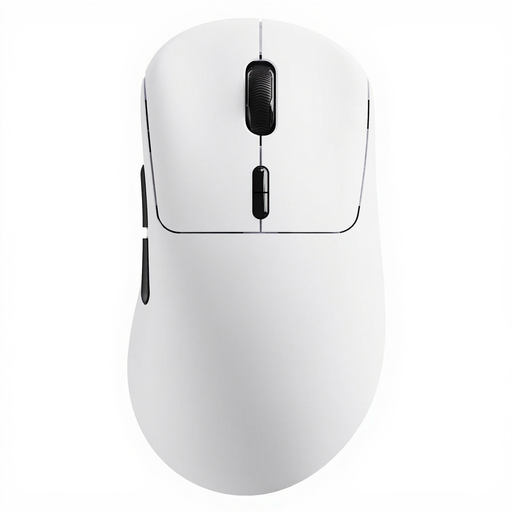 No image available
The wireless design and programmable buttons may suit you if you want to avoid a cable and set up your own shortcuts.
The product title lists a weight of 53 g, 10 programmable buttons and a stated battery life of up to 750 hours.
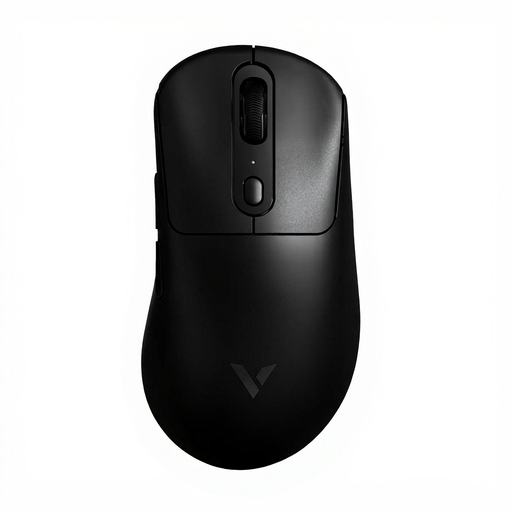 No image available
The wireless design is an option if you don’t want a mouse cable across your work surface. Also consider whether the buttons suit the controls you use.
The product title lists a weight of 59 g, 1+8 programmable buttons, an 8 kHz polling rate and a stated battery life of up to 200 hours.
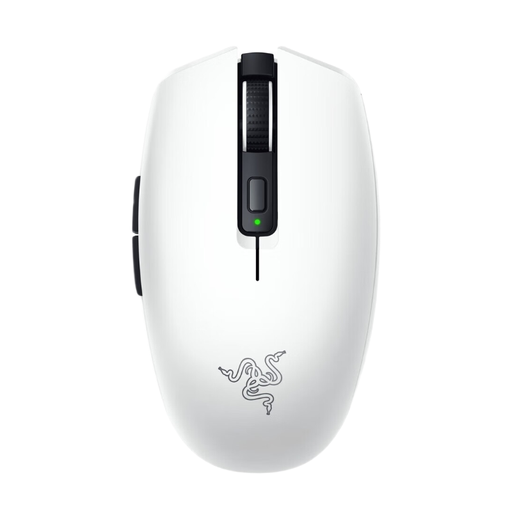 No image available
This wireless mouse is an option if you want to keep your work surface free of cables. Check that the shape suits your hand and which connections your device supports.
For the Orochi V2, Razer lists Bluetooth and 2.4 GHz connectivity, six programmable buttons and a weight of under 60 g without a battery. This model uses one AA or AAA battery at a time.
No, not for the default controls described for Minecraft: Java Edition. The right button uses or places items, the scroll wheel switches through the hotbar, and the middle click is set to Pick Block by default. Extra buttons are only needed if you want to assign a function to them.
According to Logitech, you connect the G305 using the LIGHTSPEED USB receiver and an AA battery. The official connection instructions don’t describe Bluetooth connectivity for this model, so check that your laptop has a suitable USB port.
No. Razer says the Orochi V2 is designed to use one battery at a time and warns against inserting two batteries.
According to the Dutch government, when buying at a distance from a business, you usually have a 14-day cooling-off period. You’re also entitled to a product that works properly; if a product is faulty, the seller must provide a solution. The Dutch government states that the Netherlands does not have a fixed statutory guarantee period for every product.