Gaming mice at Joybuy
Below are wired and wireless gaming mice to compare for fit, connection and controls at a fixed home workstation with an aquarium app.
 No image available
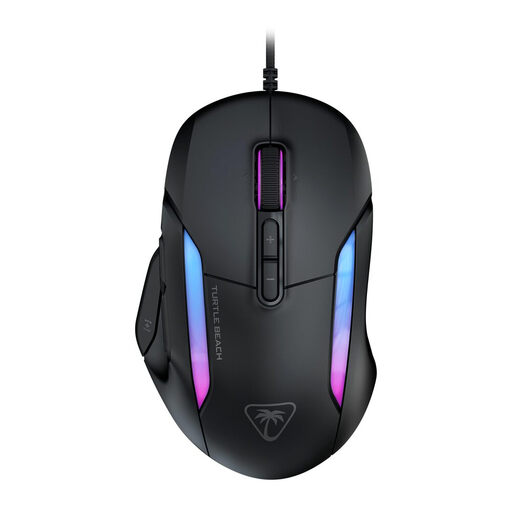
Turtle Beach Kone II wired gaming mouse
Suits a fixed workstation if you don’t need a wireless connection.
The product title lists 26.000 DPI and 23 buttons. Check that the button settings work with your aquarium app.
The cable will remain part of your desk set-up.
View at Joybuy
 No image available
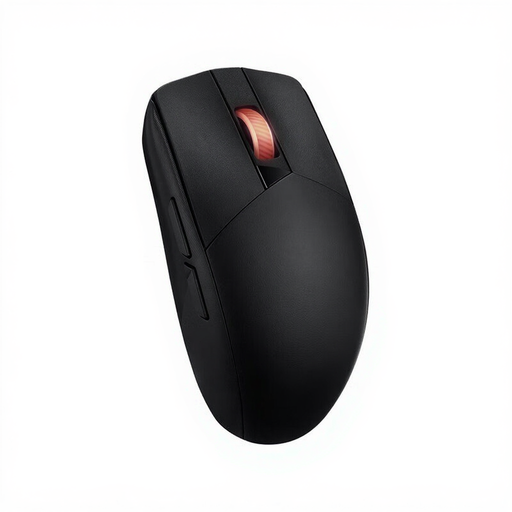
ASUS ROG Strix Impact III Wireless
Could suit you if you’re looking for a wireless mouse with Bluetooth or an RF connection; check which connection your computer supports.
The product title lists an ambidextrous shape, an optical sensor and 36.000 DPI.
View at Joybuy
 No image available
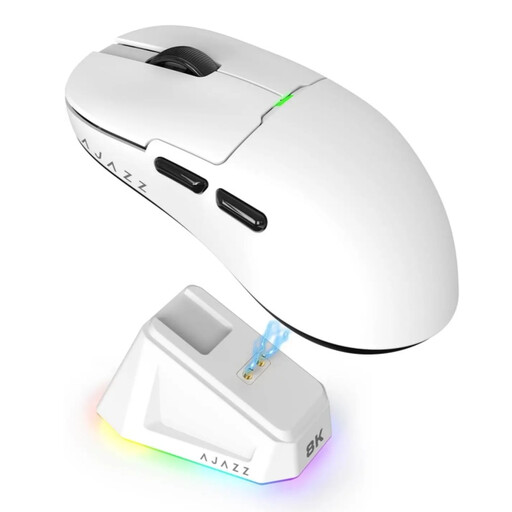
AJAZZ AJ159 PRO wireless gaming mouse
Could suit you if you switch between devices with different wireless options; check what each device supports.
The product title lists Bluetooth, 2.4G, USB-C, a 400 mAh battery and a weight of 56 g.
The product description warns you to keep the magnetic base away from pacemakers and other medical implants.
View at Joybuy
 No image available
Logitech G G502 X wired right-handed mouse
Suits a fixed workstation and a right-handed grip if you don’t want to manage batteries.
The product title lists a USB Type-A connection and 25.600 DPI. The cable will remain part of your desk set-up.
View at Joybuy
 No image available
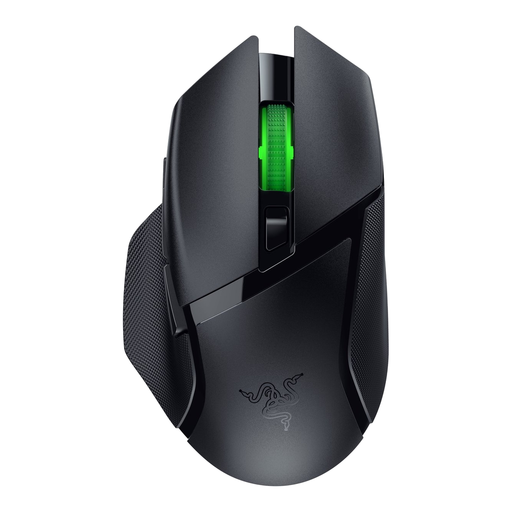
Razer Basilisk V3 X HyperSpeed
Consider this model if you want to customise the mouse buttons; check in advance that the required software works on your computer.
The product description mentions an AA battery and Razer Synapse for customising the buttons.
View at Joybuy
Frequently asked questions
Do I need a mouse with the highest DPI for a calm virtual aquarium?
No. A high maximum DPI hasn’t been shown to offer an advantage for this use on its own. First consider the grip, the cursor speed you want and how you use your aquarium app.
How can I use a mouse while working from home for long periods without staying in the same position?
Set up your workstation so your shoulders, wrists and forearms stay relaxed, and regularly break up screen-based work with other tasks or a break. Arboportaal stresses the importance of varying your activities. The shape of a mouse alone can’t replace this or automatically prevent discomfort.
What are my rights if my mouse develops a fault?
If a product is faulty, the retailer is your point of contact in the Netherlands. According to the Dutch government, there’s no fixed term for the statutory guarantee; any manufacturer’s guarantee is separate.
Do I have a cooling-off period when buying a mouse online in the Netherlands?
For online purchases from a business, there’s often a 14-day cooling-off period. The Dutch government lists some exceptions and distinguishes these purchases from those made from a private individual; check the terms that apply to your purchase.
Do I need a specific gaming mouse model for working from home?
The Dutch rules consulted don’t specify a particular gaming mouse model. Employers do have obligations relating to healthy working practices for screen-based work, including varying screen-based tasks; exactly how these apply depends on the working situation.


