
Precise garden design
You place and move lots of objects and want to be able to adjust pointer speed. Before considering extra controls, check whether your game supports button assignments.


Start with a mouse that feels comfortable in your hand and lets you adjust pointer speed. Extra buttons are most useful if your game supports the commands you want to assign to them. A wired mouse means you don’t have to manage batteries, while a wireless mouse gives you more freedom to move but requires a suitable connection and careful receiver placement alongside a wireless headset.
You place and move lots of objects and want to be able to adjust pointer speed. Before considering extra controls, check whether your game supports button assignments.
You use your mouse for long periods, so its shape, grip and weight matter. A low stated weight alone doesn’t tell you whether a mouse will feel comfortable in your hand.
You want to keep cables and receivers organised. Check how your headset connects and which ports are available on your computer.
Start by considering fit and pointer speed, then decide whether extra buttons or a wireless connection would improve your setup.
| What to consider | What to look for | Who is it important for? |
|---|---|---|
| Precise placement | Check whether the DPI is adjustable and whether the buttons are comfortable to reach. Also check that your game supports the commands you want to use. | If I place objects often and want to switch quickly between actions, I need a usable pointer speed and suitable controls. Around 36% of consumers prioritise precise placement and control. |
| Comfort during long sessions | Compare the shape, grip and stated weight. Check whether you can reach the buttons without repositioning your hand. | When I design for long periods at a time, I want a shape that suits my hand and grip. Around 29% of consumers prioritise comfort during long sessions. |
| Connecting alongside a headset | Check whether the mouse uses a USB receiver or Bluetooth, and whether your computer supports the connection you choose. | If I also use a wireless headset, I want to know in advance which ports and receivers my setup needs. Around 21% of consumers prioritise a tidy wireless setup. |
| Running costs and features | Check what power source or batteries are needed, and only choose extra features if you’ll use them. | When I’m looking for a mouse mainly for basic control, I don’t want to pay for features or ongoing supplies I don’t need. Around 14% of consumers prioritise basic features and running costs. |
A maximum DPI figure doesn’t tell you whether the pointer will move comfortably as you place objects. The usable setting and how well the mouse fits your hand are just as relevant to your choice.
Start with a setting that lets you move accurately, then consider the maximum range.
Buttons and configuration software are only useful for commands your game supports and that you can comfortably reach.
Check your game’s control settings before choosing a mouse with extra buttons.
Wireless mice can have different connection modes and battery requirements. If the connection stutters, receiver placement and other wireless devices may also be relevant; that doesn’t mean a headset will automatically cause interference.
Check the available ports and power requirements. If the connection stutters, Logitech recommends, among other things, repositioning the receiver and temporarily disconnecting other wireless devices.
If your mouse uses AA batteries, remember to factor in replacements; costs depend on how you use it and which batteries you choose.
Similar-looking model names can refer to different versions, each with its own features and specifications.
Compare the full model name and key features with the manufacturer’s information.
The G305 is a compact wireless option powered by an AA battery, while the G502 X LIGHTSPEED offers more customisable controls.
The Basilisk V3 X HyperSpeed supports a 2.4GHz receiver connection and Bluetooth.
The Aerox range includes both wired and separate wireless versions.
The wired GXT 109 Felox features adjustable DPI, macro software and six buttons.
This selection includes wired and wireless gaming mice with adjustable pointer speed, hand controls and a range of connection options.
 No image available
Adjustable DPI can help you tailor pointer speed to placement work.
The product name lists a PAW3395 sensor, 26K DPI, 2.4G, USB-C and Bluetooth, a 400 mAh battery and a weight of 56 g.
The product information warns you to keep the magnetic base away from pacemakers, medical implants and payment cards.
 No image available
The wired connection is a good fit for a desk setup where you don’t want to manage mouse batteries.
The product information lists a weight of 69 g, DPI settings up to 26,000 and 16 possible combinations of interchangeable grip components. Button assignments are customisable.
Check that the cable will work with your desk setup.
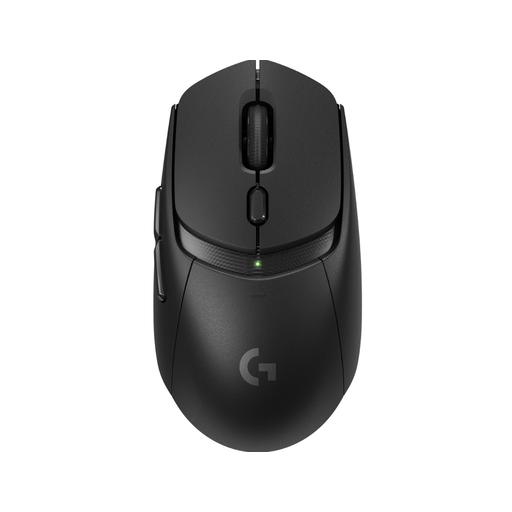 No image available
The combination of wireless control and programmable buttons suits anyone who wants to work cable-free and customise their controls.
The product information lists LIGHTSPEED, Bluetooth, a HERO 25K sensor and six programmable buttons. An AA battery and USB receiver are also mentioned.
Remember to factor in battery management.
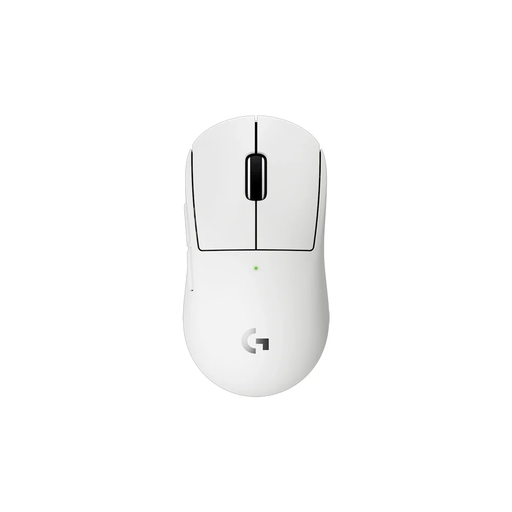 No image available
The compact design is intended for smaller hands or a more compact grip.
The product information lists a weight of 53 g, five programmable buttons, a HERO 2 sensor and adjustable DPI. The wireless connection uses LIGHTSPEED and a USB receiver; Bluetooth isn’t listed.
 No image available
The listed wireless connection options give you a choice of Bluetooth, 2.4G and USB-C.
The product name lists seven programmable buttons, 24,000 DPI, a PAW3311 sensor, a weight of 63 g and a charging dock.
Only if your game lets you assign the actions you want to buttons and you can reach them comfortably. According to Razer, the Razer Basilisk V3 X HyperSpeed has nine customisable controls; Trust says the GXT 109 Felox includes software for features such as macros. These specifications don’t confirm that your game supports those features.
First, check the battery and receiver placement. If the connection stutters, Logitech recommends, among other things, temporarily disconnecting other wireless devices to test the effect and moving the USB receiver closer to the mouse. This is troubleshooting advice, not proof that your headset is causing the problem.
Choose a pointer speed that feels comfortable for placing objects, and only assign extra buttons to commands your game supports. If the cursor moves erratically, clean the sensor lens and, if you have a wireless model, check the battery too.
For a standard online product purchase, you generally have a statutory cooling-off period of up to 14 days after delivery, with some exceptions, according to ACM ConsuWijzer. Your statutory guarantee is separate from any manufacturer’s warranty: with normal use, the product must meet what you could reasonably expect, and the retailer is your point of contact.
Check the applicable EU safety requirements and CE marking, and confirm who the seller is, as the Dutch government advises for electronic products from online shops outside the EU. A Dutch-language webpage doesn’t, by itself, show that the seller is based in the EU.