What should you look for when choosing?
First, note which controls you want to operate with your mouse. Then compare the button layout and shape, before choosing between a cable and wireless use for your desk setup.
| What to consider |
What should you check? |
Who is this important for? |
| Button assignments |
Make a list of the controls you use most often and check whether the game and configuration software support the assignments you want. |
If I want to operate simulator controls directly using accessible mouse buttons, I look for a layout that suits the controls I use. Around 40% of consumers say button assignment is their top priority. |
| Grip and reach |
Compare the shape, hand orientation and button positions; if possible, try holding the mouse. |
During long gaming sessions, I want to reach the buttons without having to keep moving my hand. Around 30% of consumers say hand comfort is their top priority. |
| Wired or wireless |
Check the connections and, for wireless use, how the mouse is powered and where the receiver will go. |
If I use a headset, I want to know whether a mouse cable will get in the way, or whether I’d rather not have to charge a wireless mouse. Around 20% of consumers say their desk setup and connection are their top priorities. |
| Features you won’t use |
Compare the number of buttons with the controls you need and check whether you’ll use the associated software features. |
I don’t want to set up an extensive button layout if I only want to operate a few controls with my mouse. Around 10% of consumers say simplicity and avoiding unused features are their top priorities. |
Gaming mice at Joybuy
This selection includes wired and wireless gaming mice with programmable buttons, for anyone who wants to operate simulator controls with a mouse.
 No image available
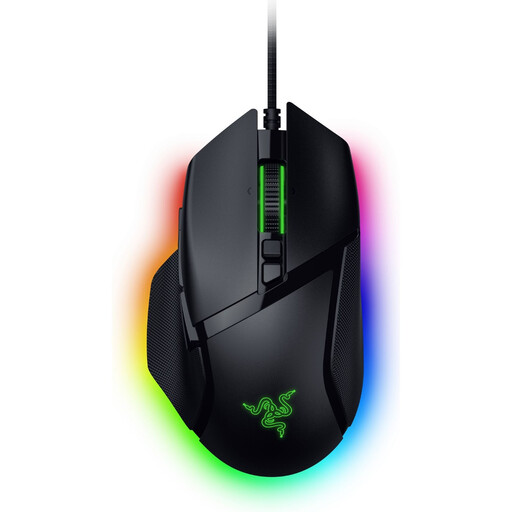
Razer Basilisk V3 35K wired gaming mouse
A wired version for anyone who wants to assign simulator controls to mouse buttons and avoid managing a mouse battery.
The product name lists 35,000 DPI and 11 buttons.
View at Joybuy
 No image available
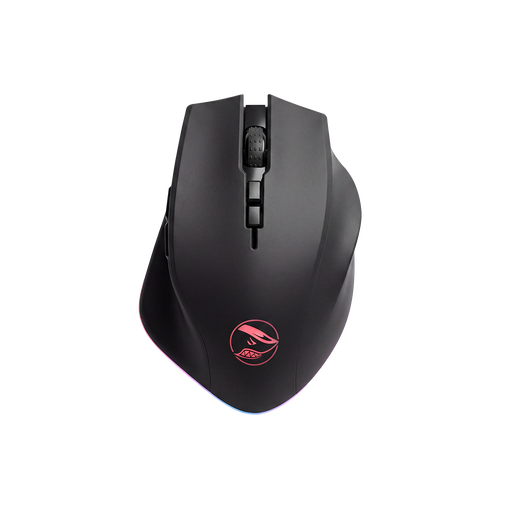
Shark Velocity M71 wireless gaming mouse
A wireless mouse with programmable buttons; the product name also mentions wired USB use.
The product name lists 8 programmable buttons, a PAW3335 sensor and 16,000 DPI. Check which connection option you want to use with your setup.
View at Joybuy
 No image available
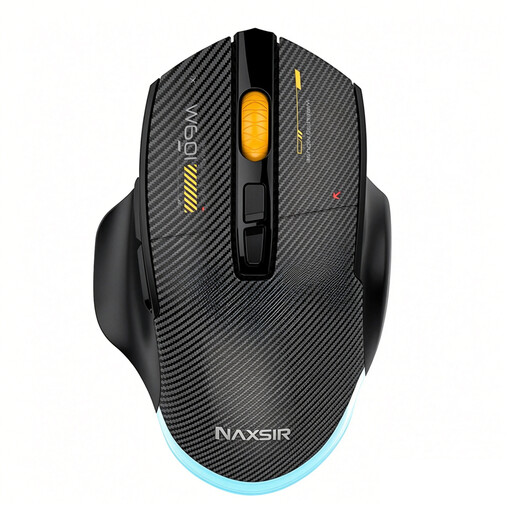
NAXSIR 3-in-1 gaming mouse
An option for anyone who wants to choose between a cable, 2.4G wireless use and Bluetooth.
The product name lists 7 programmable macro keys and 12,800 DPI. Check which connection type and controls you need.
View at Joybuy
 No image available
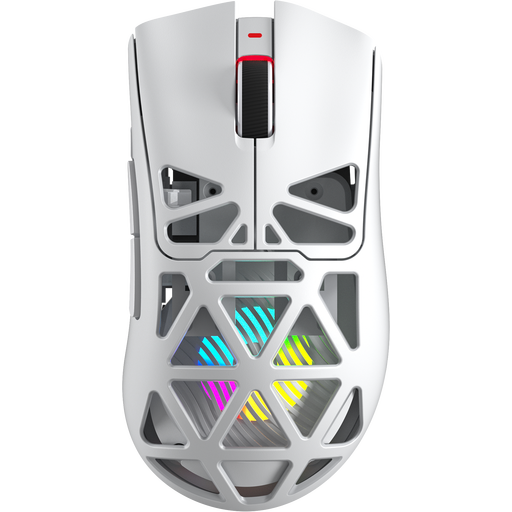
AULA SC620 wireless gaming mouse
A wireless mouse with several connection options listed; the product name also mentions USB-C.
The product name lists 7 programmable buttons, a weight of 67 grams and a 400 mAh battery. Check whether the listed connections and button layout suit your needs.
View at Joybuy
 No image available
Logitech G G502 X wired mouse
A wired version for anyone who doesn’t want to manage a mouse battery. The product name specifies right-handed use and a USB Type-A connection.
Logitech G lists a weight of 89 grams for the wired G502 X. Check whether the shape and button positions suit your hand.
View at Joybuy
Frequently asked questions
Do you need a gaming mouse with lots of buttons for Euro Truck Simulator 2?
No, lots of buttons aren’t essential. SCS Software lists a keyboard option for the game; extra mouse buttons are most useful if you can assign the controls you want to accessible buttons in the game. So first, make a list of the controls you want to operate with your mouse.
How do you set up mouse buttons for a driving simulator?
Assign the buttons you want in your mouse software, then check that each control works in the game. Logitech G explains button assignments and game profiles in G HUB; Corsair explains remaps and hardware profiles for the Scimitar RGB Elite in iCUE. The options available depend on the mouse, the software and the game.
Do you need a wireless mouse if you use a wireless headset?
No, you can choose the mouse connection separately. The wired G502 X and wireless G502 X LIGHTSPEED are different versions. Check the connections and receivers for your setup; the product information provided doesn’t tell you how a specific mouse and headset will perform together.
What are your rights if a mouse you bought online isn’t suitable or breaks?
For online consumer purchases, you generally have a statutory 14-day cancellation period from delivery, subject to legal exceptions. A product must also be of satisfactory quality; if it breaks sooner than you could reasonably expect, the seller is responsible for providing an appropriate solution. ACM ConsuWijzer explains these rights. In the Netherlands, the legal guarantee does not have a fixed two-year limit.
What product rules apply to a wireless gaming mouse in the Netherlands?
Wireless radio equipment sold in the Netherlands is subject to European product rules. The Dutch Authority for Digital Infrastructure outlines requirements including safety and resistance to interference; the European Commission explains the framework of the Radio Equipment Directive. The requirements that apply to a product depend on the equipment and the relevant rules.


