
Vandaag of morgen in huis

Kwaliteit gegarandeerd

Welkomstaanbiedingen ontgrendelen: GRATIS bezorging | Tot 80% korting | Gratis 30 dagen JoyPlus-proefperiode
Download de app
Buying a gaming mouse seems straightforward, until you have to choose between wireless, wired, ultra-light, ergonomic or a model with lots of buttons. Marketing often focuses on high DPI, RGB lighting and esports terminology. These specifications are not automatically more important than the shape, weight or connection.
For PC gamers, FPS players and streamers, three pitfalls are particularly relevant:
An optical gaming mouse uses a sensor to register movement across a surface. DPI indicates how sensitive the mouse can be set. A value of 8.500, 18.000, 30.000 or 44.000 DPI may sound impressive, but the highest setting does not automatically give you an advantage.
For FPS games, the following matter most:
The polling rate indicates how often the mouse reports its position. 1.000 Hz is a common setting. Some esports mice support 4.000 or 8.000 Hz. This may be interesting for competitive players, but higher values can use more system resources. Also check whether the required software and receiver are included.
A weight of around 50 to 60 grams is often chosen by players who prioritise fast flicks and frequent repositioning. Examples include the 60-gram Logitech G PRO X SUPERLIGHT 2 LIGHTSPEED, the 54-gram Razer Viper V3 Pro and the 53-gram Logitech G PRO X Superlight 2c.
A heavier model can provide more support and stability. According to the product information, the Razer Basilisk V3 Pro 35K weighs approximately 112 grams and has a pronounced ergonomic shape. This may suit a palm grip or long sessions, while a compact mouse may be a better fit for smaller hands.
Check the following before buying:
So, a model marketed as an ergonomic gaming mouse is not necessarily suitable for every user.
A wireless gaming mouse usually works via a 2.4GHz receiver, Bluetooth or both. For gaming, the included wireless receiver is generally used; Bluetooth is useful for laptops and everyday use. A wired mouse eliminates the need for charging and is often a practical choice for a dedicated gaming PC.
For wireless models, pay attention to the difference between:
Programmable buttons are particularly useful for MMOs, simulators, productivity and streaming. For an FPS gaming mouse, two easily accessible side buttons may be enough. RGB lighting does not change tracking performance; only choose an RGB gaming mouse if lighting is part of your setup.
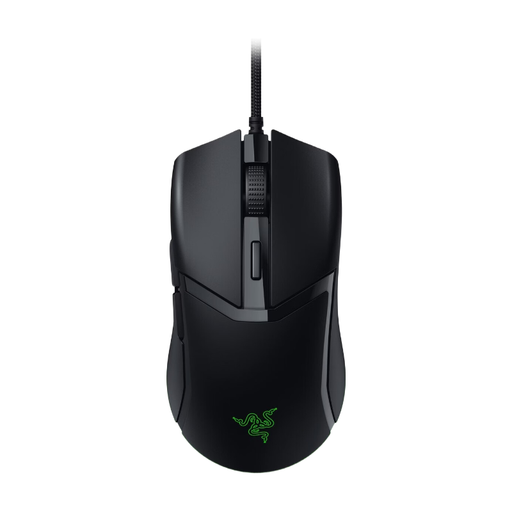
Why it suits this profile: The wired connection means there is no need to charge the mouse, making this a straightforward choice as a first gaming mouse for PC. According to the product specification, the shape is suitable for both right- and left-handed use.
You are not paying for wireless battery technology. The DPI can be adjusted in increments of 50, and the cable is designed for smooth movement.
58 grams, optical sensor up to 8.500 DPI, six buttons and programmable Razer Chroma RGB lighting.
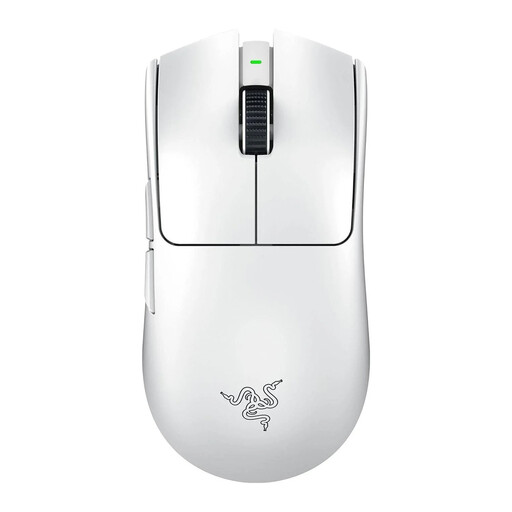
Why it suits this profile: This wireless gaming mouse is designed for players who want to combine low weight, a high polling rate and long battery life for competitive FPS games.
The product information mentions both 2.4GHz wireless and wired use. This means you can continue playing via USB-C when the battery is empty.
54 grams, Razer Focus Pro 35K optical sensor, polling rate of up to 8.000 Hz and up to 95 hours of battery life according to the product information.
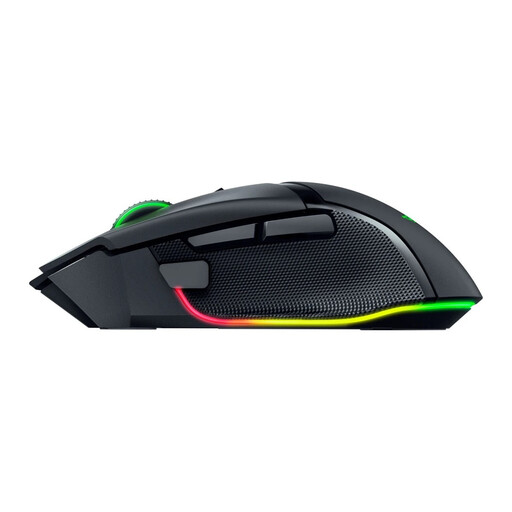
Why it suits this profile: The ergonomic shape and large number of buttons suit users who combine MMOs, simulators, streaming software and everyday tasks.
This model is not focused solely on DPI: the product description lists 11 programmable buttons and an ergonomic shape.
35.000 DPI optical sensor, 2.4GHz and Bluetooth connectivity, 11 programmable buttons and Chroma RGB.
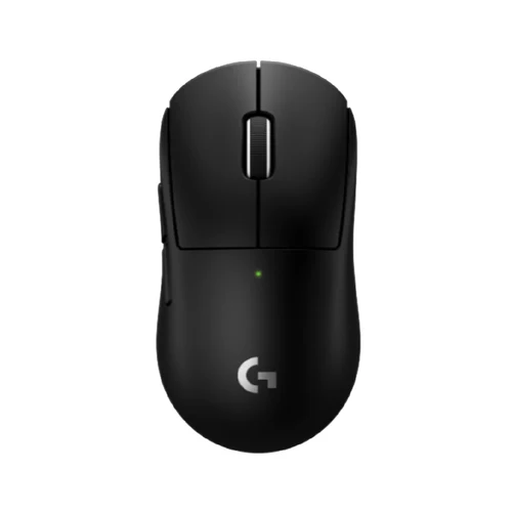
Why it suits this profile: The compact design and low weight are aimed at players with smaller hands or a preference for a compact grip.
The listing states the size, weight and required Logitech G HUB software. This allows you to check in advance whether the features suit your PC.
53 grams, HERO 2 optical sensor up to 44.000 DPI, wireless connectivity up to 8.000 Hz and up to 95 hours of battery life according to the product information.
We have put together a complete, up-to-date list of products that fully meet these strict selection criteria and the applicable European safety regulations.
A gaming mouse is covered by standard statutory consumer rights. For the products mentioned, the product information generally states a minimum statutory warranty of two years within the EU. Keep your purchase details and follow the safety instructions, particularly for models with a lithium-ion battery.
There is no single setting that suits everyone. Many FPS players choose a low to medium DPI with low sensitivity in the game. Start with a setting that you can control accurately and adjust it gradually. A high maximum DPI mainly gives you more adjustment options.
It can be, provided the mouse has a stable wireless connection, a suitable receiver and sufficient battery life. For competitive use, 2.4GHz wireless is generally a more logical choice than Bluetooth alone. Also check the polling rate and whether the mouse can be used via a wired connection while charging.
Its lifespan depends on usage, switches, cable or battery, maintenance and transport. Manufacturers sometimes state a click or battery-life rating; according to the brand’s own research or the product specification, this is not a guarantee for every user. Keep the mouse dry, do not pull on the cable and store a wireless receiver carefully.
