Monitors at Joybuy
These models suit grand strategy and working from home, with 27-inch 16:9 screens and an ultrawide option for anyone looking for more horizontal space.
 No image available
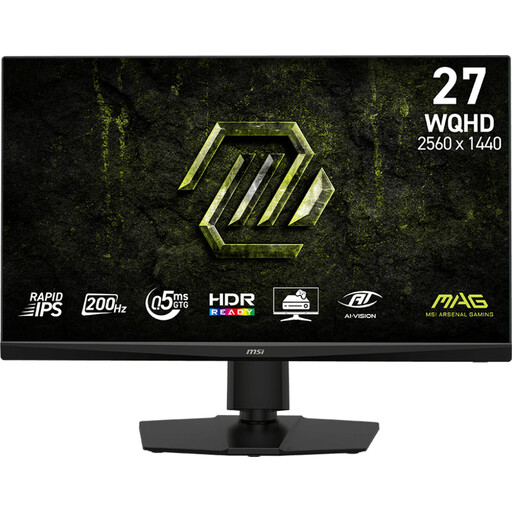
MSI MAG 272QPF E20 27-inch QHD 200 Hz Rapid IPS monitor
A 27-inch QHD screen for anyone looking for a 16:9 set-up for gaming and work.
Rapid IPS panel; 2560 × 1440 pixels; 200 Hz; 16:9 aspect ratio.
View at Joybuy
 No image available
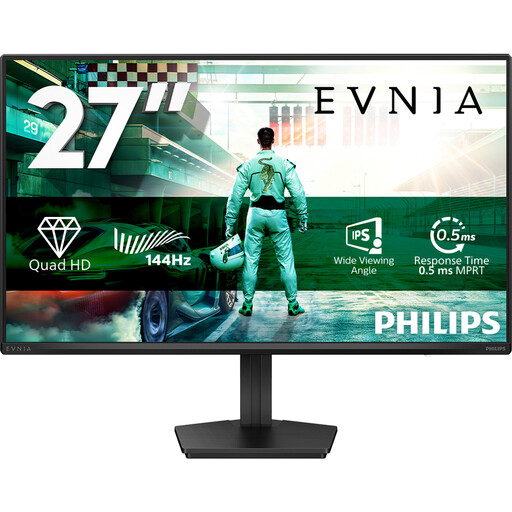
Philips Evnia 27M2N3500NF 27-inch QHD IPS monitor
A 27-inch model for anyone looking for a QHD screen for gaming and everyday use.
IPS panel; 2560 × 1440 pixels; 144 Hz; DisplayPort 1.4 and HDMI 2.0. The stand tilts.
View at Joybuy
 No image available
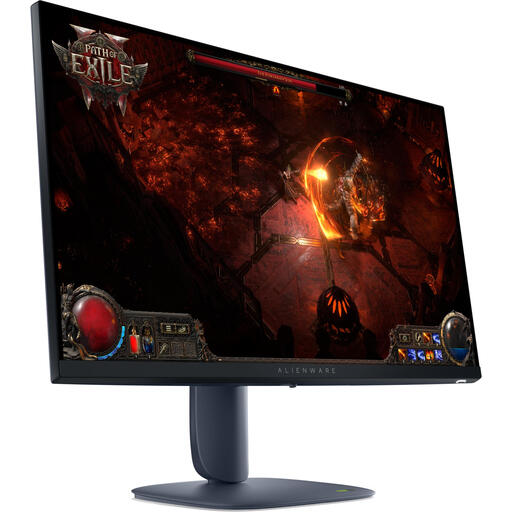
Alienware AW2725DM 27-inch Wide Quad HD IPS monitor
A 27-inch IPS model for anyone looking for a screen for gaming and creative applications.
2560 × 1440 pixels; 180 Hz; HDMI 2.1 and DisplayPort 1.4. The stand is adjustable.
View at Joybuy
 No image available
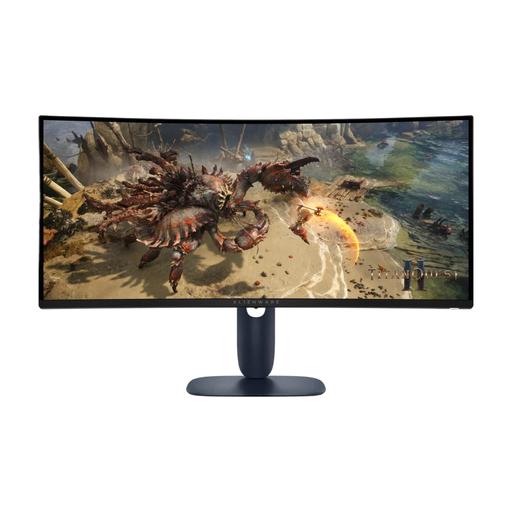
Alienware AW3425DWM 34-inch ultrawide monitor
An ultrawide option for anyone looking for more horizontal space; check your games’ interfaces and the space available on your desk first.
VA panel; 21:9; 3440 × 1440 pixels; 180 Hz; DisplayPort 1.4. The stand is adjustable.
View at Joybuy
 No image available
LG 27GS85Q-B 27-inch Quad HD Nano IPS monitor
A 16:9 gaming monitor with an adjustable stand for anyone who wants to change the screen position.
2560 × 1440 pixels; 180 Hz, overclockable to 200 Hz; height, tilt and swivel adjustment.
View at Joybuy
Frequently asked questions
Does a gaming monitor for grand strategy need to have a 240 Hz refresh rate?
No, 240 Hz hasn’t been shown to be a requirement for this genre. First check readability, screen set-up and the connection to your PC; then consider the level of smoothness you want for your other games.
What should you check when connecting a work laptop?
Check that the video input and, if you want to use it, USB-C Power Delivery are suitable for your laptop. LG lists 65 W for the 27BA75QB-B; Gigabyte lists up to 18 W for the MO27Q2A.
How can you use an OLED screen with game menus visible for long periods?
Follow the instructions for the exact model and check which protection features are available. For OLED Care, Gigabyte describes measures to help prevent potential burn-in, including Pixel Clean, dimming when the image is static and Pixel Shift; they don’t eliminate the risk.
What rights do you have when buying a monitor online in the Netherlands?
According to ACM ConsuWijzer, online purchases generally come with a statutory cooling-off period of up to 14 days after delivery, subject to exceptions. Statutory guarantee rights are separate from any manufacturer’s warranty; if a product develops a fault too soon under normal use, the retailer must offer an appropriate solution, according to ACM ConsuWijzer.
Are there legal requirements for a monitor in a home office?
Employers’ obligations don’t automatically apply to every personal gaming set-up. Where the Dutch rules for employees working with display screens apply, Arboportaal outlines requirements including an adjustable screen and a suitable workplace, subject to specific conditions.


