Joybuy products
These products are for anyone looking for a wide 21:9 or 32:9 gaming screen for space battles, with a 21:9 OLED option as well.
 No image available
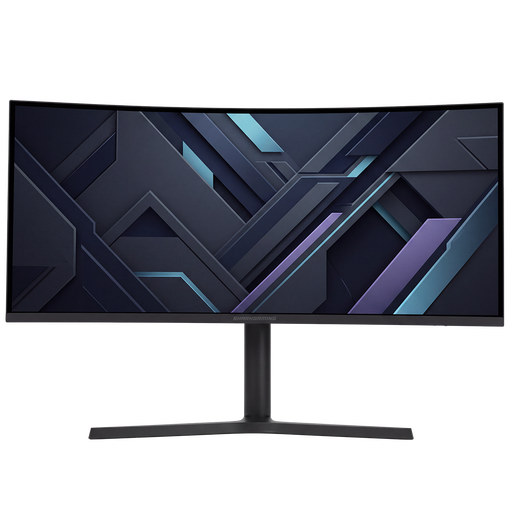
Shark Gaming 34-inch UWQHD monitor
An option if your game displays 21:9 properly and you want a single wide screen for a clear cockpit view.
34 inches; 21:9; 3440 × 1440; up to 180 Hz; curved VA panel; 2 × HDMI and 2 × DisplayPort.
Joybuy
 No image available
Philips Evnia 49M2C8900/00
An option if your game displays 32:9 and your desk has room for an extra-wide screen.
49 inches; 32:9; 5120 × 1440; QD-OLED; 240 Hz. Allow for the desk space, graphics processing power and OLED panel care required.
Joybuy
 No image available
Philips Evnia 3000 34M2C3500L
An option for a wide cockpit view on one screen, if your game displays 21:9 properly.
34 inches; 3440 × 1440; up to 180 Hz via DisplayPort and 100 Hz via HDMI; 2 × HDMI and DisplayPort; FreeSync Premium.
Joybuy
 No image available
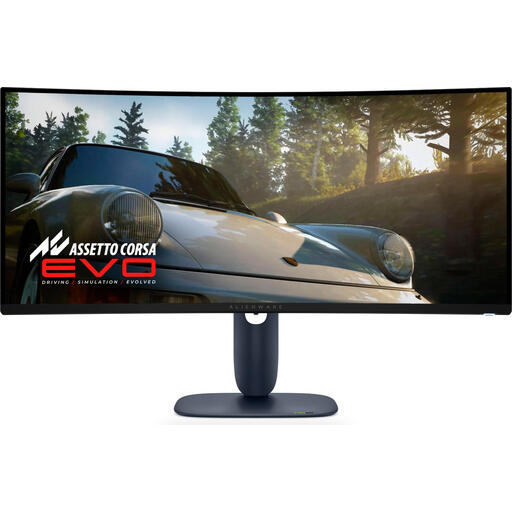
Alienware AW3425DW
An option if you’re choosing 21:9 and value detail in dark scenes. Check how your game displays and allow for OLED panel care.
34 inches; 21:9; 3440 × 1440; QD-OLED; 240 Hz.
Joybuy
 No image available
Alienware AW3425DWM
An option if you want more horizontal space and your game displays 21:9 properly.
34 inches; 21:9; 3440 × 1440; VA panel; up to 180 Hz; DisplayHDR 600.
Joybuy
Frequently asked questions
Will 21:9 or 32:9 automatically give me a more useful view in every space game?
No, it depends on the specific game. Check whether the game supports the format you’ve chosen and how it displays the gameplay, HUD and field of view.
How do I set up variable refresh rate?
First, check that your monitor, graphics card and connection are compatible. AMD explains that FreeSync matches the screen’s refresh rate to the frames being delivered on a compatible setup. Enable the feature by following the instructions for your monitor and graphics card.
What should I look out for with an OLED monitor?
Use the panel care features available on the exact model and check the relevant terms. For its OLED monitors, Samsung lists Pixel Refresh and Pixel Shift among the measures designed to help prevent image retention. These features don’t mean burn-in is impossible.
How do I compare monitors’ energy use and warranty?
Compare the EU energy label and product information sheet for the exact monitor. EUR-Lex explains that the EU rules also cover computer monitors. In the Netherlands, statutory guarantees apply alongside any manufacturer’s warranty. ACM ConsuWijzer explains that the retailer is responsible for providing an appropriate solution if a product proves faulty under normal use.
Do I have a cooling-off period when buying online in the Netherlands?
ACM ConsuWijzer states that for a standard online purchase, consumers generally have a statutory cooling-off period of up to 14 days after delivery, subject to legal exceptions. Check which rules apply to your purchase.


