Joybuy product picks for a compact QHD setup
These Joybuy product picks focus on 27-inch QHD gaming monitors for a compact sim-racing setup.
 No image available
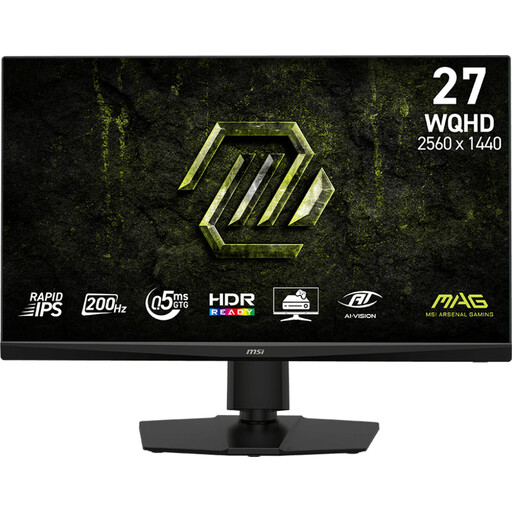
MSI MAG 272QPF E20 27-inch QHD gaming monitor
This 27-inch model is a good fit if you’re looking for a more compact QHD setup.
The product title lists QHD, 200 Hz and a Rapid IPS panel.
Joybuy
 No image available
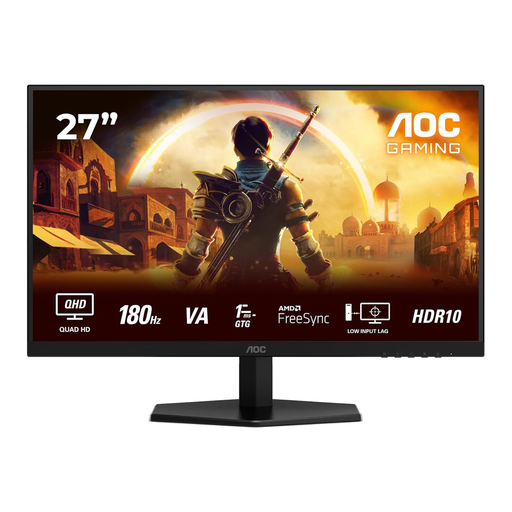
AOC Q27G42XNE 27-inch Quad HD gaming monitor
This 27-inch QHD model is a good match for a compact screen setup.
The product title lists 2560 × 1440, 180 Hz, FreeSync Premium, HDMI 2.0 and DisplayPort 1.4 connections.
Joybuy
 No image available
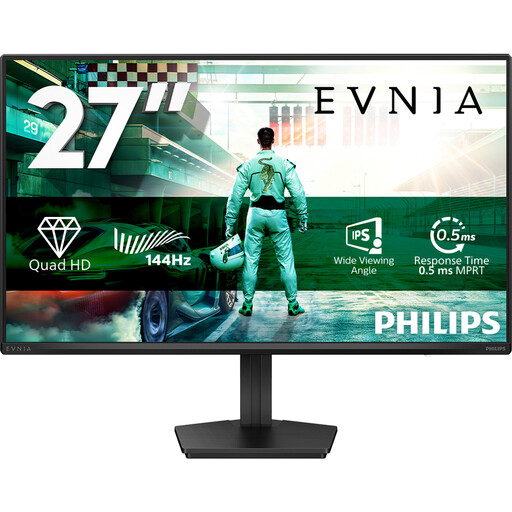
Philips Evnia 27M2N3500NF 27-inch QHD gaming monitor
The 27-inch size and QHD resolution make this a good option if you’re looking for a compact monitor for sim racing.
The product title lists an IPS panel, 144 Hz, Adaptive Sync and Flicker-Free.
Joybuy
 No image available
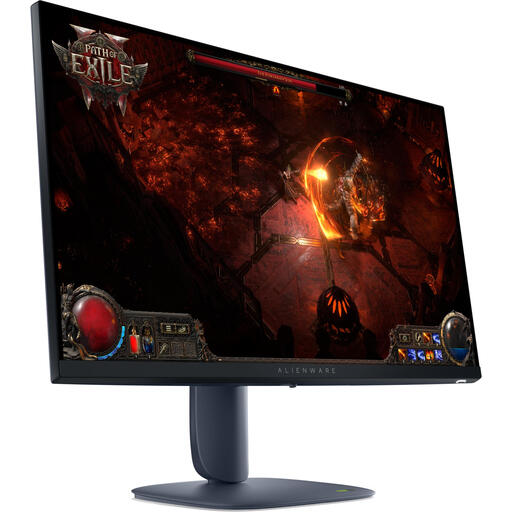
Alienware AW2725DM 27-inch QHD monitor
The 27-inch size is worth considering if you want a more compact monitor setup.
The product information lists 2560 × 1440, IPS, 180 Hz and an adjustable stand.
Joybuy
 No image available
LG 27GS85Q-B 27-inch Quad HD monitor
This 27-inch QHD model is a good choice if you’re looking for a more compact gaming monitor.
The product information lists 2560 × 1440, 180 Hz and an adjustable stand; up to 200 Hz is listed as overclocked.
Joybuy
Frequently asked questions
How do I adjust the picture to suit my racing position?
For iRacing, measure the distance from your eyes to the screen and the screen width from your usual seating position. Enter these measurements in the monitor settings and choose the setting for a flat or curved screen. For other simulators, check their own setup instructions.
Can I use a 180 Hz monitor at 180 Hz through any connection?
Not without checking the specifications for the exact model and connection. For the MAG 342CQR E2 at 3440 × 1440, MSI lists up to 180 Hz via DisplayPort and up to 100 Hz via HDMI 2.0b. Your PC and chosen settings must also support the mode you want.
What should I look for in an OLED monitor with a fixed racing HUD?
Follow the manual for the exact model and check which care features and warranty terms apply. MSI lists OLED Care 2.0 for the MAG 341CQP QD-OLED and states that this model has manufacturer cover for burn-in; this does not mean the risk disappears.
What are my rights when buying a monitor online in the Netherlands?
For a standard online purchase, you generally have a statutory 14-day cooling-off period from delivery. Check which exceptions and returns terms apply to your purchase. Alongside any manufacturer’s warranty, you also have statutory rights: if a product does not perform as you could reasonably expect under normal use, the seller is responsible for providing an appropriate solution.


