
Drivers with limited cockpit space
If space is tight, first check whether the screen, stand or arm will fit alongside your wheel. For the 27GS75Q-B, LG lists a 100 × 100 mm mounting pattern, among other details.


For a compact cockpit, a 16:9 screen is a practical choice if a 21:9 ultrawide won’t fit the available width. Choose an ultrawide only if you have enough space and your PC can handle the wider display. Measure the screen, stand and viewing distance, and check your sim, connections and achievable refresh rate. No panel type or high Hz rating alone determines where there’s grip on a wet racing line.
If space is tight, first check whether the screen, stand or arm will fit alongside your wheel. For the 27GS75Q-B, LG lists a 100 × 100 mm mounting pattern, among other details.
If you want to distinguish puddles, reflections and spray, assess how they look in the sim you use. iRacing describes these weather effects and notes that the usual dry racing line can become more slippery in the rain.
If you want to see more alongside the car, weigh up screen width and the demands on your PC against your cockpit layout. iRacing describes a separate setup for three monitors; settings vary by sim.
Choose this when: your cockpit has limited width or you want to position the screen close to the wheel.
The trade-off: you get less horizontal screen space than with a 21:9 ultrawide.
Choose this when: you have enough space and want to see more alongside the car without mounting three screens.
The trade-off: an ultrawide takes up more width and requires more pixels to be processed per frame.
| What to consider | What should you check? | Who should give this more weight? |
|---|---|---|
| Space and mounting | Measure the available width, depth and viewing distance. Compare the dimensions with and without the stand, and check the mounting options for the exact model. | If my cockpit is narrow, I want to know whether the screen and stand will fit alongside the wheel. Around 36% of consumers put fit above other purchase concerns. |
| Rain visuals | Assess reflections, puddles and rain settings in the sim you use. Compare HDR ratings for each model. | I want to assess rain visuals clearly, without expecting the screen itself to show me where there’s grip. Around 29% of consumers prioritise the visibility of rain visuals. |
| Smooth visuals | Check which resolution and refresh rate are achievable through your chosen port and cable. Compare this with your PC’s performance in the sim. | If moving images on my own system are my priority, I want to know what my PC and connection can actually handle. Around 21% of consumers give smooth visuals top priority. |
| Side view | Compare 16:9, 21:9 and, if relevant, three screens against the available space and your sim’s configuration. | I want to see more alongside the car, but only if the extra screen width fits in my cockpit. Around 14% of consumers prioritise a side view. |
In a compact cockpit, the screen’s width and depth, its stand and your viewing distance all affect how well it fits.
Measure the available space and compare the dimensions of the exact model with and without its stand before choosing a 27- or 34-inch screen.
A monitor category or stated refresh rate doesn’t prove that you’ll find the wet racing line easier to spot. The display also depends on the sim and its settings.
Check the connections and achievable PC performance, then assess the rain visuals in the game you use.
A manufacturer’s warranty and your statutory rights when a product is faulty are not the same thing.
Check the terms of any manufacturer’s warranty separately. ACM ConsuWijzer explains that the seller is responsible if a product doesn’t meet what you could reasonably expect from it under normal use.
The models listed show different sizes and panel types; features of one model don’t automatically apply to the entire brand range.
LG offers both a compact 27-inch QHD option and a 34-inch ultrawide OLED model.
The CU34G2XP/BK is a 34-inch 21:9 Fast-VA ultrawide with 3440 × 1440 pixels.
MSI describes the MAG 342CQRF E20 as a 34-inch Rapid-VA ultrawide.
With the EX2710Q, BenQ offers a 27-inch QHD option with an IPS panel.
The AW3426DW is a 34-inch QD-OLED ultrawide.
These 27-inch 16:9 monitors are a good fit if you’re considering a single compact screen. Check the dimensions, connections and preferred settings for your sim for each model.
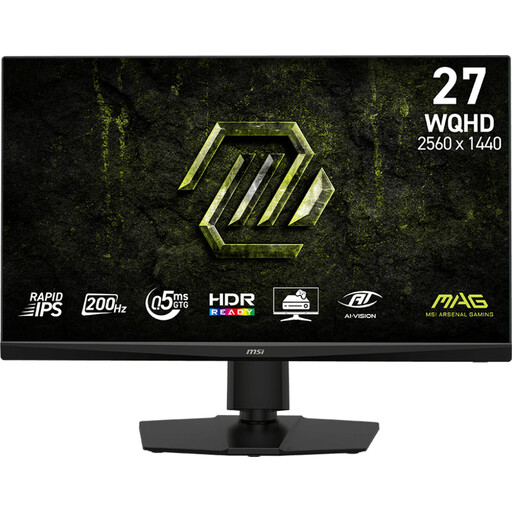 No image available
A 27-inch model for anyone looking for a compact screen.
Specifications: 16:9, 2560 × 1440, 200 Hz and Rapid IPS.
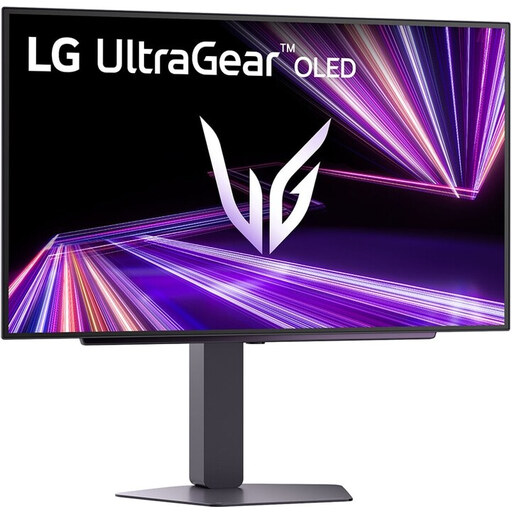 No image available
A 27-inch OLED model for assessing picture characteristics in your own sim.
Specifications: QHD (2560 × 1440), 240 Hz and DisplayHDR 400 True Black.
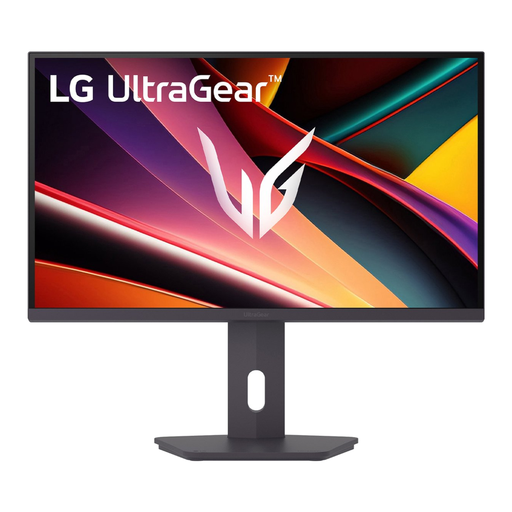 No image available
A 27-inch QHD model for anyone looking for a compact 16:9 screen.
Specifications: IPS, 2560 × 1440 and 200 Hz.
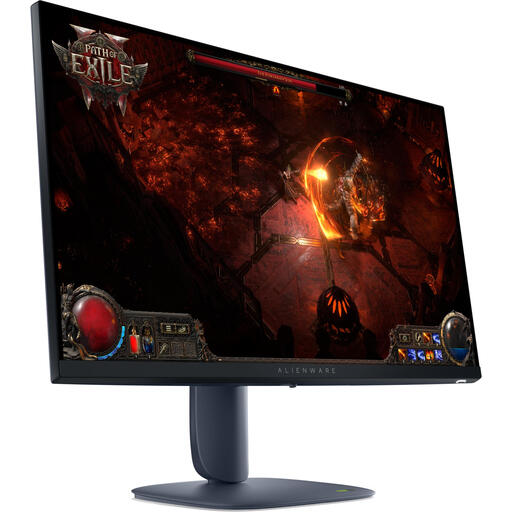 No image available
A 27-inch IPS model for anyone considering a compact screen.
Specifications: 2560 × 1440, 16:9 and 180 Hz.
 No image available
A 27-inch model for anyone comparing QHD with a high refresh rate.
Specifications: Nano IPS, QHD and 180 Hz; the product information lists an overclocking option up to 200 Hz. HDR10 and compatibility with G-Sync and FreeSync are also listed.
No, that conclusion doesn’t follow from the monitor specifications. iRacing describes puddles, reflections and spray, and notes that the usual dry line can become more slippery in the rain. Assess the display in your own sim and don’t base your choice on an HDR rating alone.
Measure the distance from your eyes to the screen and enter the actual screen details in your sim’s viewing angle settings. iRacing describes settings for its three-screen configuration; for other sims, refer to their corresponding settings.
Check which resolution and refresh rate are available through your chosen input. For OLED, also check the recommendations and warranty terms for the exact model; MSI’s published burn-in cover refers to a specific list of models.
Compare the EU energy label for the specific screen; the European Commission says it also includes information about energy use with HDR. Your own costs depend on the energy use shown on the label, how long you use the screen and your electricity tariff.
According to ACM ConsuWijzer, online product purchases generally come with a statutory cooling-off period of up to 14 days after delivery, subject to legal exceptions. Dutch statutory warranty rights have no fixed end date: if a product doesn’t meet what you could reasonably expect under normal use, the seller is responsible for providing an appropriate solution. A manufacturer’s warranty doesn’t replace these statutory rights.