
Vandaag of morgen in huis

Kwaliteit gegarandeerd

Welkomstaanbiedingen ontgrendelen: GRATIS bezorging | Tot 80% korting | Gratis 30 dagen JoyPlus-proefperiode
Download de app
Buying a gaming monitor seems simple until you start comparing the specifications. 180 Hz, HDR10, OLED, 1 ms, Adaptive Sync and HDMI 2.1 all sound appealing, but these terms only mean something if they suit your PC, games and desk. The wrong choice could leave you with a picture that isn’t sharp enough, a refresh rate you can’t make full use of or a screen that’s simply too big for your workspace.
A 240Hz gaming monitor can display movement smoothly, but your computer also needs to deliver enough frames per second. If your PC is less powerful, some of that capacity will go unused. For many gamers, a 180Hz gaming monitor is already a clear step up from 60 Hz, without requiring an extremely powerful graphics card.
Pay attention to the connection, too. The maximum refresh rate can vary between inputs. For example, the AOC AGON PRO AG346UCD is listed as offering 175 Hz via DisplayPort and 100 Hz via HDMI. So check not only the panel specification, but also the HDMI and DisplayPort versions.
A quoted response time, such as 0.03 ms or 1 ms, depends on the measurement method and monitor settings used. So look at the panel type, refresh rate and support for variable synchronisation as well. A FreeSync monitor or G-SYNC Compatible monitor can help reduce screen tearing and stuttering when your PC’s frame rate fluctuates. Just check that the feature works with your chosen connection and graphics card.
HDR support alone doesn’t tell you how much difference you’ll see in practice. Check the brightness, contrast, panel type and HDR certification. OLED panels can switch off individual pixels, while VA and IPS panels have different strengths. According to manufacturers’ own product information, features such as HDR, colour coverage and contrast are presented in different ways. So use the listed specifications to compare models, rather than relying on the marketing name alone.
A 27-inch gaming monitor is a practical mid-size option for a desk and works well with Full HD or QHD. At 27 inches, QHD 2560 × 1440 generally gives you more detail than Full HD, without the graphics demands of 4K.
A 32-inch gaming monitor gives you more screen space for RPGs, simulators and multitasking. At this size, QHD is a good choice if you want a large picture without immediately needing a very powerful graphics card. For sharper text and more detailed images, you could also consider a 4K gaming monitor, such as a 27- or 31.5-inch model. Bear in mind that it places greater demands on your GPU.
An ultrawide gaming monitor often has a 21:9 aspect ratio. It’s useful for racing games, simulators, films and having two windows side by side. Before you buy, check that your desk can accommodate at least the width of the screen, with room for speakers and cables.
A QD-OLED monitor combines OLED technology with quantum dots. The final picture quality still depends on brightness, calibration, picture mode and the type of content.
60 Hz is enough for standard office work, but a high refresh rate monitor gives you a smoother picture in fast-paced games. 100, 120, 165, 180 and 240 Hz are all common options. Also check:
An adjustable stand is especially important if you use your monitor every day for working from home, streaming or image editing.
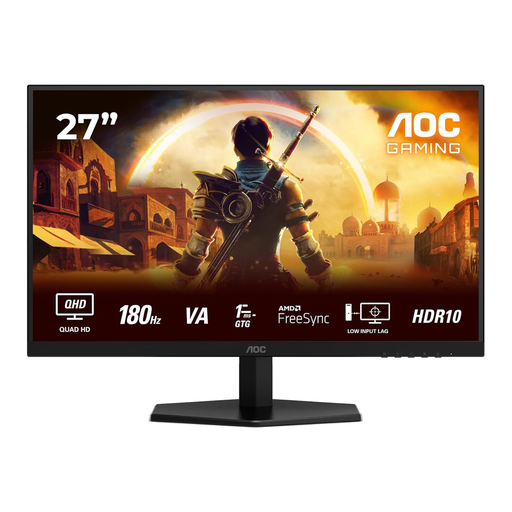
Why it suits this profile: This 27-inch monitor combines QHD resolution with 180 Hz, making it suitable for shooters, multiplayer games and everyday use at a single desk.
The specifications list QHD, 180 Hz, 1 ms GTG and FreeSync Premium. That gives you more to compare than a standalone response time claim.
27 inches, 2560 × 1440, 180 Hz and HDR10; with HDMI 2.0 and DisplayPort 1.4.
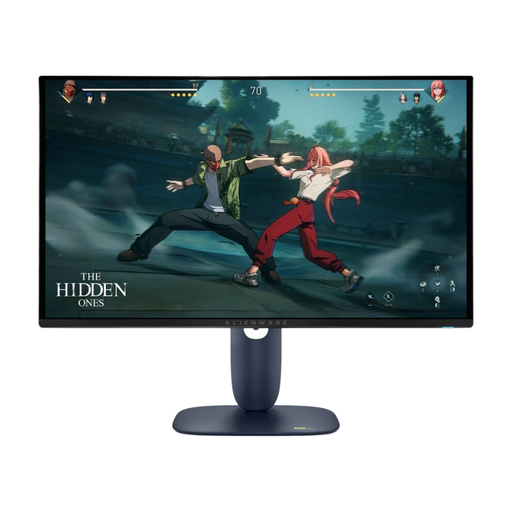
Why it suits this profile: QD-OLED technology, QHD resolution and a high refresh rate make this a good fit for gamers and creative users who value deep contrast and fast-moving images.
The product details list 280 Hz, 0.03 ms, HDR True Black 400 and support for FreeSync Premium Pro and G-SYNC Compatible. This lets you assess the key claims side by side.
26.7-inch QHD QD-OLED, 280 Hz, HDMI 2.1, DisplayPort 1.4 and a height-adjustable stand.
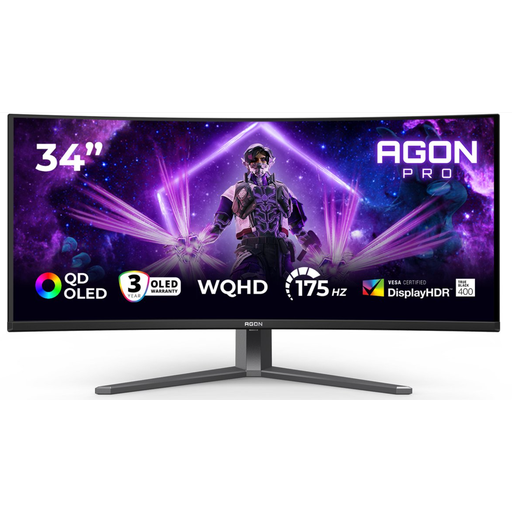
Why it suits this profile: This 34-inch ultrawide screen is designed for simulators, RPGs, streaming and multitasking, with its wide 21:9 display.
The product listing distinguishes between DisplayPort at 175 Hz and HDMI at 100 Hz. This helps you avoid expecting the wrong maximum speed.
3440 × 1440, QD-OLED, 175 Hz, HDR True Black 400, USB hub, and height, swivel and tilt adjustment.
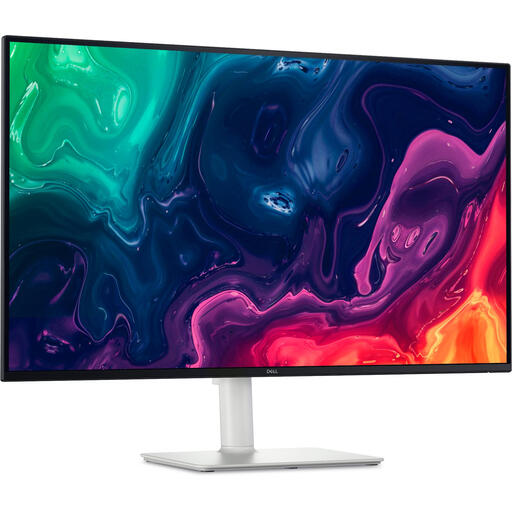
Why it suits this profile: The 31.5-inch 4K screen gives you plenty of workspace for spreadsheets, content and games where detail matters more than an extremely high esports refresh rate.
The combination of 4K, 120 Hz, HDMI 2.1 and FreeSync Premium makes the balance between sharpness, speed and connectivity clear.
31.5 inches, 3840 × 2160, 120 Hz, VA panel, HDMI 2.1, DisplayPort 1.4, speakers and height adjustment.
We’ve put together a complete, up-to-date list of products that meet these strict selection criteria and the applicable European safety regulations.
The difference is smaller than the jump from 60 to 144 Hz, but movement can look even smoother. The benefit depends on your game, frame rate, graphics card and personal preference.
It can be, but think about how you’ll use it. Lots of static windows or taskbars mean you’ll need to pay extra attention to the panel care features and warranty terms. For mixed use, brightness, text clarity and ergonomics matter just as much as contrast.
Not necessarily. Power consumption depends on the panel type, brightness, resolution, HDR mode and settings. Compare the stated energy consumption and energy label rating before you order.
