
Vandaag of morgen in huis

Kwaliteit gegarandeerd

Welkomstaanbiedingen ontgrendelen: GRATIS bezorging | Tot 80% korting | Gratis 30 dagen JoyPlus-proefperiode
Download de app
Buying a new gaming monitor can be a daunting task. The market is flooded with terms like 4K, QHD, 144Hz, and OLED. What do these specifications mean, and which ones do you really need for your favourite games? Whether you're a competitive esports player or you enjoy the graphical splendour of single-player adventures, the right monitor makes all the difference.
In this article, we'll explain the most important specifications and provide concrete recommendations for different types of gamers. This will help you make an informed decision that suits your playstyle and budget.
Before we look at the products, it's helpful to understand a few key factors. This will help you filter the specifications and determine what's important to you.
The choice between resolution and refresh rate is often the first step.
Your PC or console must be able to handle the chosen combination. A 4K screen at 144Hz requires a very powerful graphics card.
The panel determines the image quality, colour reproduction, and response time.
Most gamers opt for a 27-inch gaming monitor, as this offers a good balance between overview and immersion. For console gamers, connectivity is important. A gaming monitor for PS5 or Xbox Series X should preferably have an HDMI 2.1 port to enable gaming in 4K resolution at 120Hz.
Based on specifications that cater to different gaming needs, we have highlighted a few models.
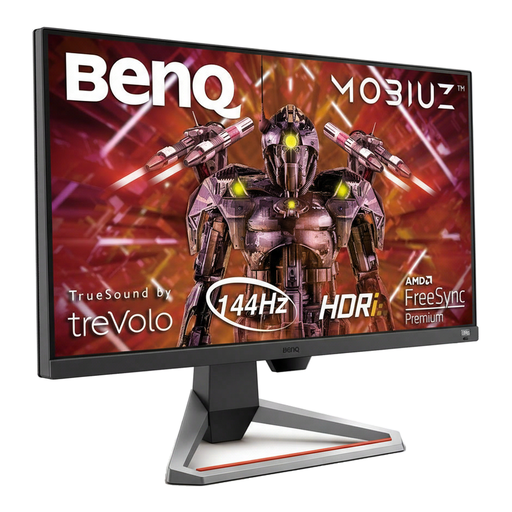
Why This Model Stands Out: The BenQ EX2710U is a strong all-rounder that combines high resolution with a fast refresh rate. It's a monitor that is equally suited for the beautiful worlds of single-player games and for fast-paced multiplayer action.
Pros:
Who Is This For? For the gamer who wants the best of both worlds: the visual splendour of 4K and the smooth gameplay of a high refresh rate. An excellent choice for those who play on both PC and a next-gen console.
View the BenQ EX2710U MOBIUZ on Joybuy.nl
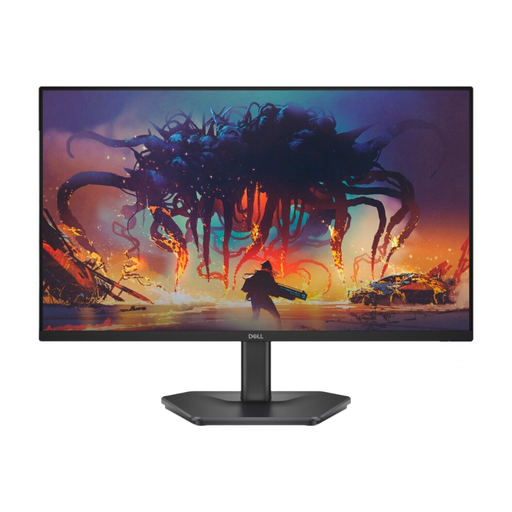
Why This Model Stands Out: This Dell monitor focuses entirely on speed. With a 200Hz refresh rate, this screen is built for competitive games where every millisecond counts, without the premium price tag.
Pros:
Who Is This For? For the serious esports player or competitive gamer who prioritises speed and responsiveness. If you mainly play shooters, racing games, or other fast-paced titles and want a competitive edge, this is a compelling option.
View the DELL SE2425HG on Joybuy.nl
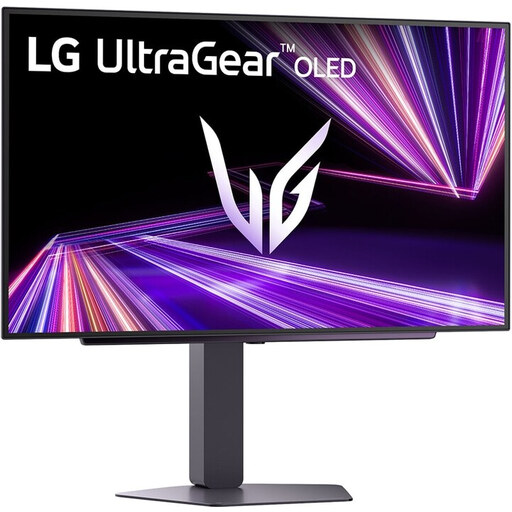
Why This Model Stands Out: The LG Ultragear combines the advantages of an OLED gaming monitor with an extremely high refresh rate. This results in image quality and responsiveness that are hard to match with traditional LCD panels.
Pros:
Who Is This For? For the gamer who wants to make no compromises. Whether you want to see the deepest shadows in a horror game or need the fastest response time in a shooter, this OLED monitor delivers top performance on both fronts.
View the LG Ultragear 27GX704A-B on Joybuy.nl
The world of gaming monitors is vast, and the right choice is a personal one. Are you looking for a different size, a curved screen, or a model with specific connections?
Check out our full range of HDMI Gaming Monitors for more options to suit your setup.
Yes, absolutely. The step up from 60Hz to 144Hz provides a noticeably smoother image. This is not only easier on your eyes but can also give you an advantage in fast-paced games where reaction time counts. Even navigating your desktop feels smoother.
A 4K monitor is primarily worthwhile if you have a powerful PC or a PS5/Xbox Series X and enjoy playing visually impressive single-player games. The extra sharpness and detail really bring games to life. For competitive gamers who focus on high frame rates, a QHD or even a Full HD monitor with a higher refresh rate is often a more practical choice.
