Who is this for?

Players who enjoy long sessions

If you play for a long time, you’ll want a mouse that suits your hand and grip, with controls that are easy to reach. Arboportaal explains that computer work can involve repeated movements of the fingers and hands, so it’s also worth factoring in some variety during prolonged use.

Hotkey users

If you often switch between game commands, check whether programmable buttons can supplement useful keyboard shortcuts. Paradox Interactive describes hotkeys and interface features in Crusader Kings III, while Corsair and SteelSeries describe mice with programmable controls.

Players who do a lot of navigating

If you spend a lot of time moving around maps and menus, compare whether a wheel with tactile steps or a free-scrolling mode better suits the way you play. Logitech G and Razer describe different wheel modes on their respective models.

What should you look for?

What to consider What to look for Who is this important for?
Comfort for long sessions Compare the shape with your hand and grip. Check that the thumb buttons and wheel are within reach without stretching your hand. If I play for hours, I want to reach the buttons comfortably and have a shape that suits my grip. Around 33% of consumers prioritise comfort during long sessions.
Easy-to-reach hotkeys Check whether you can programme the buttons for commands you actually use, and whether the required software suits your needs. If you often switch between game commands, extra buttons are only useful if they’re easy to reach and practical to use. Around 27% of consumers give hotkeys top priority.
Scrolling and map navigation Compare tactile wheel steps with free scrolling, and check which wheel modes are available. If I use maps and menus a lot, I want a wheel that suits the way I navigate. Around 20% of consumers prioritise scroll controls.
Connectivity and power Compare a wired connection with the connection method, charging method and usage requirements of a wireless model. If you want to avoid a cable during long sessions, you’ll also need to consider the power requirements of a wireless mouse. Around 20% of consumers give connectivity and power top priority.

Common pitfalls

  • Assuming a high dpi means better control

    A maximum sensor specification doesn’t tell you whether the mouse suits your hand or whether its buttons and wheel feel comfortable to use.

    First, compare the grip, button reach and scroll wheel with the games you play.

  • Taking a comfort claim as a guarantee against discomfort

    A stated weight or shape doesn’t prove that a mouse will be comfortable for every player or prevent discomfort. Arboportaal describes the repeated movements involved in working at a screen.

    Where possible, try the mouse with your own grip, and make sure you vary your computer use during long sessions.

  • Assuming wireless battery life is always the same

    Corsair gives different battery life figures for 2.4 GHz and Bluetooth, with RGB lighting switched off as a condition.

    Check the conditions for the exact version you’re considering and compare them with the connection method and lighting you plan to use.

Brands to consider

Logitech G

The G502 X family includes wired and wireless versions, both with extra controls. Compare each version separately.

  • Logitech G lists a weight of 89 g and a two-mode wheel for the wired G502 X.
  • The G502 X LIGHTSPEED page refers to different HERO sensor versions. Check the exact version before taking a sensor specification into account.

Razer

The wired Basilisk V3 35K offers adjustable scroll modes, while the Naga Left-Handed Edition is a separate option designed for left-handed use.

  • Razer describes three scroll modes for the Basilisk and a left-hand layout with twelve thumb buttons for the Naga.
  • These product descriptions don’t prove that a model will be more comfortable for every hand. Check the software and fit of the exact version.

Corsair

The SCIMITAR ELITE WIRELESS SE is designed for players who want plenty of controls through an adjustable thumb grid.

  • Corsair lists 16 programmable buttons and an adjustable side panel with twelve buttons.
  • Battery life varies by connection method and is quoted with RGB switched off. A large number of buttons is only helpful if you can reach and distinguish them easily.

SteelSeries

According to SteelSeries, the Aerox 9 Wireless combines a stated weight of 89 g with a twelve-button side panel.

  • SteelSeries lists 18 programmable buttons for the Aerox 9 Wireless.
  • A claim about comfort or fatigue isn’t proven to have a health benefit. Check that the side panel suits your thumb and grip.

Joybuy products

This selection features wired gaming mice with extra controls, including models with programmable buttons or adjustable scrolling.
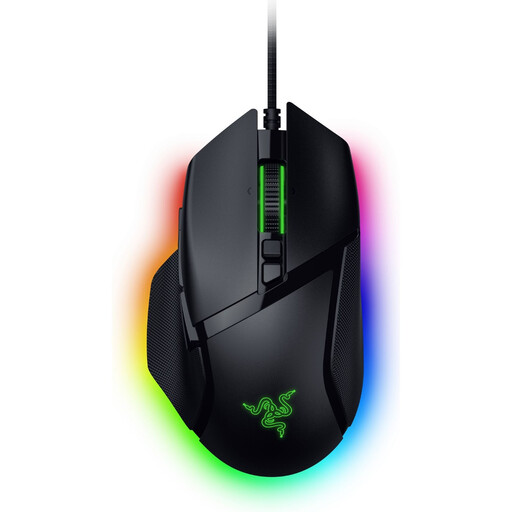
Razer Basilisk V3 35K wired gaming mouse

Razer Basilisk V3 35K wired gaming mouse

A wired option if you’re looking for adjustable scroll controls and extra controls.

Razer describes three scroll modes: tactile, free-spin and automatic switching.

Joybuy
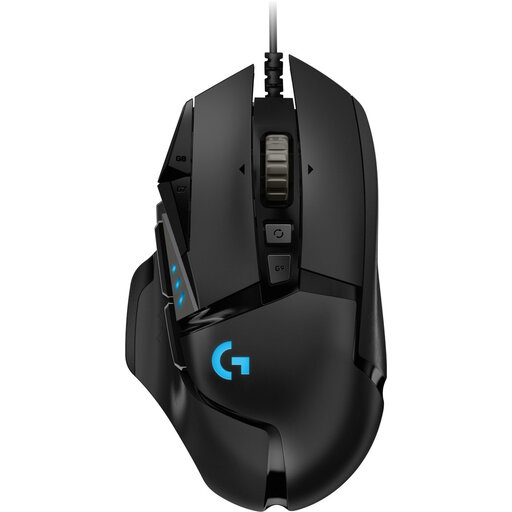
Logitech G502 HERO wired gaming mouse, black

Logitech G502 HERO wired gaming mouse, black

A wired model to consider if you want to compare programmable buttons and adjustable weight.

The product description lists 11 programmable buttons and an adjustable weight system with five weights. It names Logitech Gaming Software for programming.

Joybuy
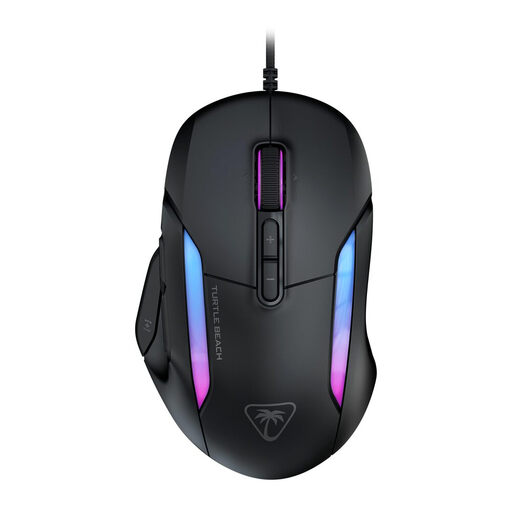
Turtle Beach Kone II wired gaming mouse, black

Turtle Beach Kone II wired gaming mouse, black

A wired option if you’re looking for extra assignable functions and scroll wheel controls.

The product description lists 23 customisable functions and a 4D wheel. The listed functions are set up using Swarm II software.

Joybuy
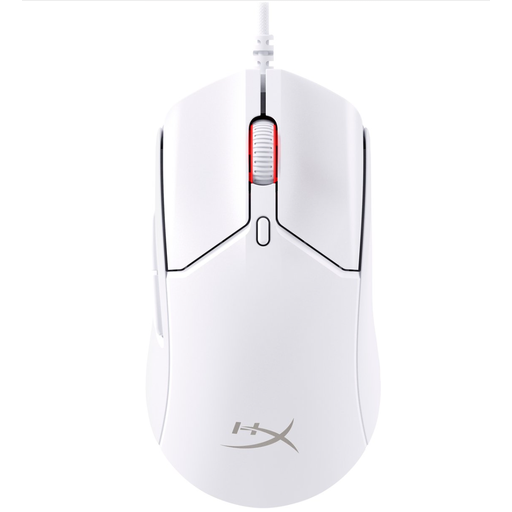
HyperX Pulsefire Haste 2 wired gaming mouse, white

HyperX Pulsefire Haste 2 wired gaming mouse, white

A wired option if you’re looking for six programmable buttons and a flexible cable.

The product description lists a weight of 53 g and grip tape.

Joybuy

Logitech G G502 X wired gaming mouse, right-handed

Logitech G G502 X wired gaming mouse

A wired option if you want to switch between stepped and free scrolling.

Logitech G describes two wheel modes. The product description lists 13 buttons and a USB Type-A connection; the title specifies a right-handed version.

Joybuy

Frequently asked questions

Are more side buttons always better for grand strategy games?

No. Extra side buttons are only useful if you can reach them easily and assign them to commands you actually use. The models reviewed range from a few extra controls to a thumb grid with twelve buttons. Also check your game’s support and whether the mouse fits your hand.

How do you set up a mouse with lots of thumb buttons?

Start with a few commands you use often and check the assignments in your game. For the SCIMITAR ELITE WIRELESS, Corsair explains how to adjust the side panel using the supplied Allen key and customise profiles with iCUE. Refer to the manual for the exact version.

How can you keep the sensor and surface in good condition?

Follow the care instructions for your specific mouse. Joybuy’s product information for the wired G502 X recommends using a suitable surface and keeping the sensor clean. This advice shouldn’t automatically be taken as cleaning instructions for every model.

What are the rules on returns and guarantees for online purchases in the Netherlands?

According to the Dutch government, online purchases from a business are often covered by a 14-day cooling-off period. Check the applicable exceptions and conditions. A legal guarantee means you’re entitled to a product that works as it should; in the Netherlands, there is no fixed legal guarantee period of two years. If a product is faulty, contact the seller.

Do rules on working at a screen apply to private gaming sessions too?

The obligations for working at a screen described by Arboportaal apply to employers and employees; they don’t set a legal limit on gaming time for private use. However, Arboportaal’s information about repetitive movements and prolonged screen use may be worth considering when planning breaks and variety during long sessions.
