
Vandaag of morgen in huis

Kwaliteit gegarandeerd

Welkomstaanbiedingen ontgrendelen: GRATIS bezorging | Tot 80% korting | Gratis 30 dagen JoyPlus-proefperiode
Download de app
A gaming laptop needs to do more than just run games. Students use theirs for lessons and multitasking, streamers pay attention to the processor and ports, while content creators need plenty of RAM, fast storage and a suitable screen. It’s easy, though, to pay too much for specifications that don’t suit the way you use your laptop.
The main pitfalls are clear:
The NVIDIA GeForce RTX series is a popular choice for modern games. A gaming laptop with RTX 5060 is worth considering for Full HD or WUXGA gaming, and can also suit light video editing and streaming. The RTX 5070 and RTX 5080 are designed for more demanding graphics workloads, but they generally place greater demands on cooling and power, and cost more too.
When choosing a graphics card, don’t just look at the model. Check:
For example, a laptop with RTX 5080 may be a good choice for demanding graphics applications, but a lower resolution or less powerful configuration may already be enough for the games you play. Look at the full combination of components rather than focusing on a single logo on the product page.
A laptop with 16GB RAM is a practical starting point for gaming, studying, office work and running several applications at once. For intensive video editing, 3D software or heavy streaming, 32GB can give you more room to work. Check whether the memory is upgradeable too. Some laptops have soldered RAM, while others have two SO-DIMM slots.
A laptop with a 1TB SSD gives you more room for games, projects and programmes than a model with 512GB. The actual free capacity will be lower once Windows and recovery files are taken into account. Also check whether there’s an additional M.2 slot. This could let you expand your storage later without replacing the existing SSD straight away.
A 144Hz screen is a sensible choice for fast-paced games and everyday use. A laptop with a 165Hz screen offers a similar balance of smooth movement and image clarity. A laptop with a 240Hz screen is most relevant to competitive players who can make proper use of the high refresh rate.
Also look for:
A Dutch QWERTY keyboard is practical for local use. Always check the product details, though: some models are listed as QWERTY but have an international or English layout.
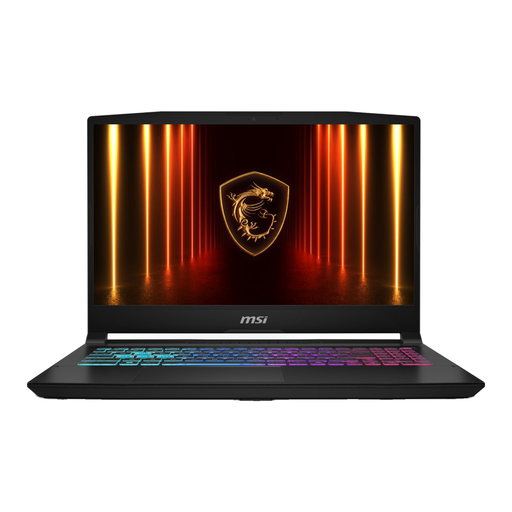
Why it suits this user: This MSI gaming laptop combines an Intel Core i7-13620H, RTX 5060, 16GB DDR5 and a 15.6-inch Full HD screen with a 144Hz refresh rate. It’s a good fit for gamers and students looking for a relatively compact setup for gaming, studying and everyday use.
The RTX 5060, 16GB RAM and 144Hz refresh rate are clearly listed. Before buying, check what’s included in the box: according to the product information, the charger must be purchased separately.
RTX 5060 with 8GB GDDR7, 16GB DDR5-5200, Wi-Fi 6E and a QWERTY keyboard.
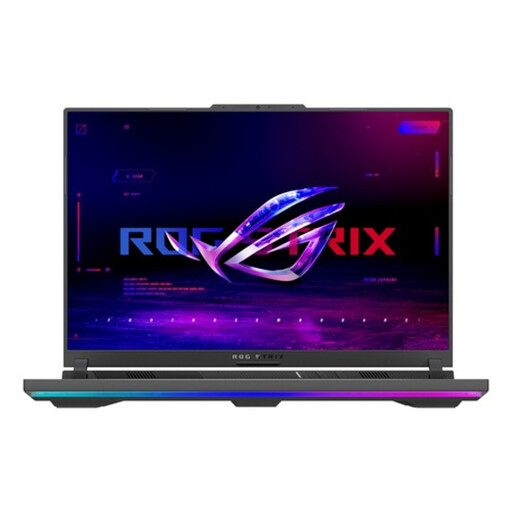
Why it suits this user: This ASUS gaming laptop is designed for people who combine gaming, streaming and content creation. It comes with a Ryzen 9 8940HX, RTX 5070, 16GB RAM, 1TB SSD and a 16-inch WQXGA screen with a 240Hz refresh rate.
The screen resolution, refresh rate, storage and graphics card are all listed separately. This makes it easier to match the configuration to the games and software you use.
RTX 5070 with 8GB GDDR7, 1TB PCIe 4.0 SSD, 240Hz screen and 100% DCI-P3 according to the product specifications.
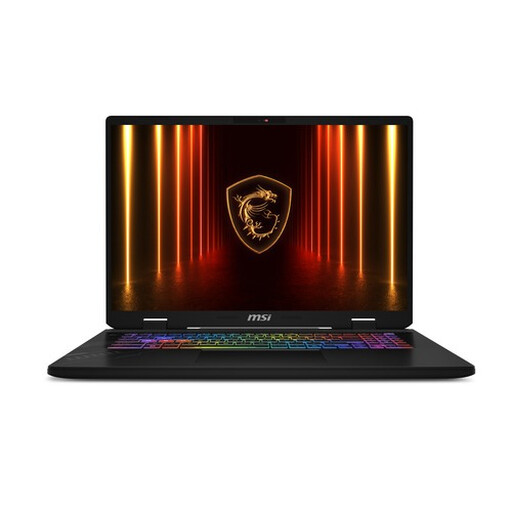
Why it suits this user: Streamers, competitive gamers and creators who run lots of programmes at once may want to consider this MSI gaming laptop, with 32GB DDR5, a 1TB SSD and a 17-inch QHD+ screen with a 240Hz refresh rate.
The 32GB RAM reduces the chance of multitasking quickly hitting a memory limit. At around 2.8 kg, and with the cooling it needs, this is more of a desktop replacement than a lightweight laptop for school.
32GB DDR5, 1TB SSD, 240Hz QHD+ screen and Thunderbolt 4 according to the product specifications.
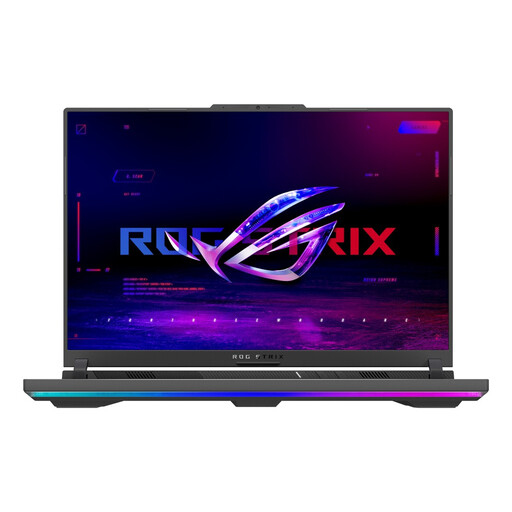
Why it suits this user: This ASUS ROG configuration is designed for users looking for an RTX 5080, Ryzen 9 processor and 1TB SSD for demanding games and graphics software.
The RTX 5080 is paired with a 330W adapter and a 90Wh battery. Bear in mind that it weighs around 2.5 kg, and that performance on the go varies depending on the game and power mode.
RTX 5080 with 16GB GDDR7, Ryzen 9 8940HX, 1TB SSD and a 165Hz screen.
We’ve put together a complete, up-to-date list of products that meet these strict selection criteria and the applicable European safety regulations.
For gaming, studying, office work and everyday streaming, 16GB RAM is often a good starting point. If you game while editing video, working with large files or running several virtual environments, it’s worth looking at 32GB. Check whether the memory is upgradeable before you buy.
How long it remains useful depends on the games you play, your settings, heat levels and how well you maintain it. A laptop used mainly for office work may stay relevant for longer than one used for demanding games every day. Keep the ventilation clear, use the right adapter and check whether the RAM and SSD can be upgraded later.
Gaming laptops generally use more power than a standard Windows 11 laptop, as the processor, graphics card and cooling system have to work harder. On battery power, the system often switches to a more power-efficient mode, which can reduce performance. For long gaming sessions, connecting the laptop to the supplied or approved adapter is usually the practical choice.
