
Gamer with someone asleep nearby
Wants to hear game audio without letting it carry unnecessarily around the room. Closed ear cups and a good seal are worth considering. Also bear in mind your volume and how loudly you speak during voice chat.


Choose a headset that works with your PC or console, and look for closed ear cups and a fit that helps keep sound from reaching the person sharing your room. Check that you can pick out in-game sounds at a comfortable volume, too. Microphone controls are important if you play together. A headset can help you hear audio, but it won’t improve your aim on its own.
Wants to hear game audio without letting it carry unnecessarily around the room. Closed ear cups and a good seal are worth considering. Also bear in mind your volume and how loudly you speak during voice chat.
Wants to pick out relevant in-game sounds and use a connection that works with their platform. An audio preset is no guarantee of better aim.
Is looking for a fit that stays comfortable during longer sessions. With a wireless headset, charging is part of the routine too.
In a shared bedroom, it makes sense to weigh up sound leakage and fit first, then the audio and controls you need, and finally how the headset connects to your platform.
| What to consider | What to look for | Who is this most important for? |
|---|---|---|
| Sound reaching the person sharing your room | Check whether the ear cups are closed and how the headset fits around your ears. Test the volume in the room. | If I’m gaming while someone else is asleep, I want to limit disturbance without turning the volume up unnecessarily. Around 26% of consumers prioritise limiting sound reaching the person they share a room with. |
| Picking out in-game sounds | Look at independent audio reviews and check which platforms any audio features work with. | When practising shooters, I want to hear relevant in-game sounds without assuming a preset will improve my aim. Around 21% of consumers give picking out in-game sounds their highest priority. |
| Comfort | Look at adjustability and ear cushion materials. Consider the fit if you wear glasses, too. | If I practise for long periods, I want a headset that feels comfortable and fits my head well. Around 21% of consumers put comfort ahead of the other considerations. |
| Voice chat and mute controls | Check the microphone, mute controls and whether any software features are available on your platform. | When I play with teammates in a shared room, I want to be easy to understand and able to mute the microphone quickly. Around 16% of consumers prioritise team communication and mute controls. |
| Connection to your platform | Check the exact PC or console variant, connection type and support for the features you want to use. | Before choosing a headset, I want to know whether it actually connects to my PC or console. Around 16% of consumers put platform compatibility above their other needs. |
Ear cups that reduce sound leakage and microphone processing deal with different audio streams. Even with microphone noise cancellation, your voice may still be audible in the room.
Assess sound leakage, microphone performance and how loudly you speak separately.
An audio preset doesn’t prove that you’ll aim more accurately in your game. Software features can also vary between platforms.
Check which features work on your device and whether you can pick out relevant in-game sounds at a comfortable volume.
A wireless variant or receiver may be specific to a particular version of a model. For example, SteelSeries names the Nova 5X for Xbox and says its headsets need their own receiver.
Before ordering, compare the full model number, the receiver included and compatibility with your console.
According to ACM ConsuWijzer, your statutory guarantee applies alongside any guarantee offered by the retailer.
Compare any extra cover with your statutory rights before paying for it.
Additional cover or protection may cost extra; the price depends on what is offered.
The wired Cloud III is worth considering if you want to compare different connection options.
The wired BlackShark V2 X is a closed-back model with a 3.5mm connection to consider for a shared room and voice chat.
The Arctis Nova 5 range is worth considering if you want to play wirelessly. For Xbox, the manufacturer specifically names the Nova 5X.
According to Logitech, the wired PRO X is designed with voice chat settings in mind.
The PULSE Elite is a wireless option to consider if you mainly play on PS5.
This selection includes wired headsets with a 3.5mm connection and one wireless option. Check that the connection and features of each model suit your PC or console.
 No image available
A wireless option for anyone who wants to use the mute controls during voice chat. Wireless use means you’ll need to charge it.
Connects via 2.4 GHz and Bluetooth. Stated battery life: up to 120 hours via 2.4 GHz and up to 200 hours via Bluetooth. The title lists PC, PS5, PS4, Switch and mobile as compatible devices.
The description mentions a detachable microphone and memory foam in the headband and ear cushions.
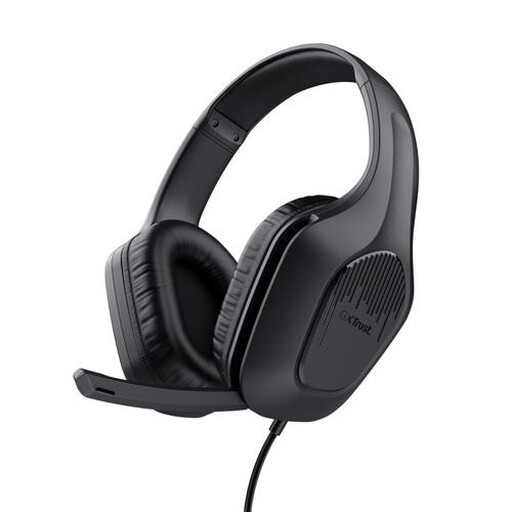 No image available
A wired option to consider if you need a 3.5mm connection and microphone controls.
The description mentions a foldable microphone, mute controls, an adjustable headband and a weight of 244 g.
The description lists soft ear cushions and 50 mm drivers.
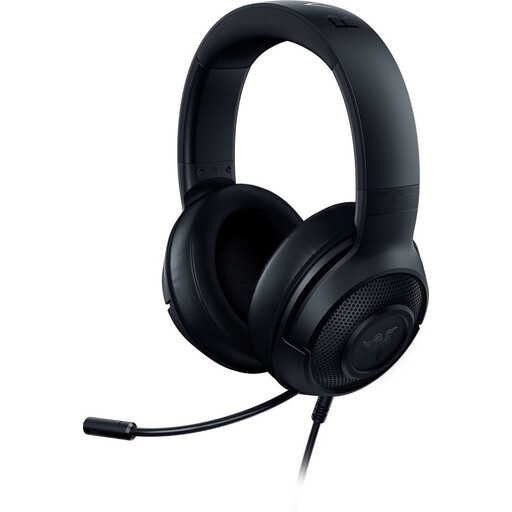 No image available
A wired model to consider for a device with a compatible 3.5mm connection. The description mentions microphone and mute controls.
The description lists a cardioid microphone and a weight of 230 g.
According to the product description, the listed 7.1 surround feature is only available on Windows 10 64-bit.
 No image available
A closed-back wired option for a compatible 3.5mm connection. The description mentions a cardioid microphone and mute button.
Stated weight: 240 g. The description lists memory foam ear cushions.
According to Razer, the 7.1 feature is only available on Windows 11.
 No image available
A wired option to consider if you want to use mute controls and an indicator during voice chat.
The description lists 3.5mm, USB-A and USB-C connections, a closed acoustic design and a microphone with mute controls and an LED mute indicator.
The headband and ear cushions contain memory foam, according to the description. Check which connection suits your device.
No, don’t expect complete silence. According to RTINGS.com, closed ear cups generally leak less game audio than open ear cups, but results vary by model and volume. Your voice during voice chat will still be audible, too.
No. Xbox Support says an Xbox One console doesn’t support a Bluetooth connection for a headset. Check whether your Xbox and exact headset support connection via a compatible controller, a supported receiver or direct connection to the Xbox.
For the compatible wireless headsets listed by PlayStation, plug the supplied USB adapter into the console and pair the headset. If you’re using a headset from another brand, follow the instructions for that exact model.
Don’t turn the volume up unnecessarily. The World Health Organization highlights the risks of unsafe listening while playing video games and recommends volume control as a safety measure. Follow your headset’s own instructions for cleaning and charging.
For an online consumer purchase, you generally have a statutory cooling-off period of up to 14 days after delivery, according to ACM ConsuWijzer. Exceptions may apply to certain unsealed hygiene products. Your statutory guarantee also applies for as long as you can reasonably expect the product to work properly under normal use. This doesn’t automatically mean a fixed two-year period for every headset.