
Players on long solo quests
You play for long stretches at your desk and want to follow dialogue and ambient sounds without uncomfortable pressure points. Comfort and sound matter more to you than extra chat features.


Start with your gaming device and how you plan to use the headset. A wired connection means no charging, while a wireless dongle gives you more freedom to move; some models can also play audio from your phone at the same time. For long solo quests, comfort and clear dialogue matter most. Only choose extra chat, software or wireless features if you can use them with your device. Manufacturer specifications describe features, but they don’t automatically tell you whether a headset will feel comfortable.
You play for long stretches at your desk and want to follow dialogue and ambient sounds without uncomfortable pressure points. Comfort and sound matter more to you than extra chat features.
You want to hear audio from your phone or work while gaming. Check that both the headset and your devices support simultaneous connections.
For example, you switch between a PC and console and want to check in advance which connections, microphone features and software work with your devices.
A good fit if: you mainly play at your desk, don’t want to charge your headset and your device has a compatible connection.
The trade-off: you’re tethered by a cable. The HyperX Cloud III shows that a wired headset can offer several connections, though features may vary depending on which connection you use.
A good fit if: you want to move around without a cable and your device supports the dongle and the exact model version. RTINGS lists a dongle as a useful option for wireless gaming audio.
The trade-off: you’ll need to charge it and check that you have a suitable port. To hear phone and game audio at the same time, you’ll also need a model that supports this combination.
First, work out which connection options are compatible with your gaming device. Then compare comfort, in-game sound and any extra features.
| What to consider | What to look for | Who will find this important? |
|---|---|---|
| Comfort during long sessions | Look for adjustability, room around your ears and a fit that works with glasses, if you wear them. If possible, try wearing the headset for a longer period. | If I play for hours, I want the headband and ear cushions to feel comfortable. Around 36% of consumers say comfort during long sessions is their top priority. |
| Dialogue and in-game sound | Check that voices are clear to you and find out which EQ or spatial audio features work with your device. | When I play a story-driven quest, I want to follow dialogue and ambient sounds. Around 29% of consumers put in-game sound first. |
| Connection and features | Make a note of your device, the available port and the exact model version. Check the software and platform requirements for each feature. | When I switch between devices, I want to know whether the connection and features I need will work with each one. Around 21% of consumers make compatibility their first purchasing priority. |
| Wireless freedom and a second audio source | Check whether game and phone audio can play at the same time and whether the dongle fits your device. | If I want to move around while playing or listen to audio from my phone, I need a suitable wireless connection. Around 14% of consumers prioritise that freedom or a second audio source. |
A headset may provide basic audio, while specific microphone or surround sound features only work with certain software or on a particular platform. For example, Logitech states that Blue VO!CE and DTS Headphone:X 2.0 are only available on PC via G HUB with the wired PRO X.
For the exact model version, check the connection, microphone features and software requirements you need.
RTINGS rated the Audeze Maxwell 2’s sound positively, but also described it as the heaviest headset in its PC selection. Weight and fit are separate considerations for long sessions.
Assess fit and pressure points separately from sound quality, and if possible, try wearing the headset for a longer period.
According to the Rijksoverheid, an additional warranty you buy comes on top of your existing statutory rights and is only worthwhile if it gives you extra rights.
Check exactly what additional cover the plan offers, and keep it separate from your statutory rights if a product is faulty.
The wired Cloud III is one example for desk use, with several connection options.
The Arctis Nova 7 Wireless Gen 2 is worth considering if you play wirelessly and also want to hear audio from your phone.
The wired PRO X is an option to explore if PC chat features matter to you.
The wired BlackShark V2 X is an example of a closed-back headset with a microphone.
The Maxwell 2 is a wireless alternative to consider if sound quality comes first and you’re happy to factor in its weight.
This selection includes wired headsets and wireless models with different connection options. Check each model’s connections and features to make sure they’re compatible with your gaming device.
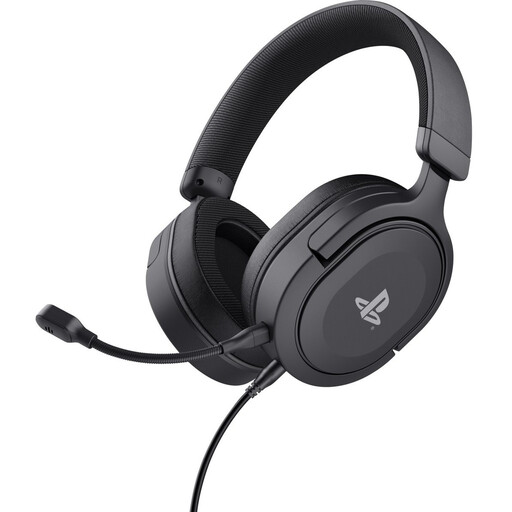 No image available
A wired option to consider if you use a 3.5 mm connection and want a detachable microphone.
The product description lists 50 mm drivers, on-earcup controls and a weight of 253 g.
The description mentions a padded headband and soft ear cushions. Check that the connection works with your device.
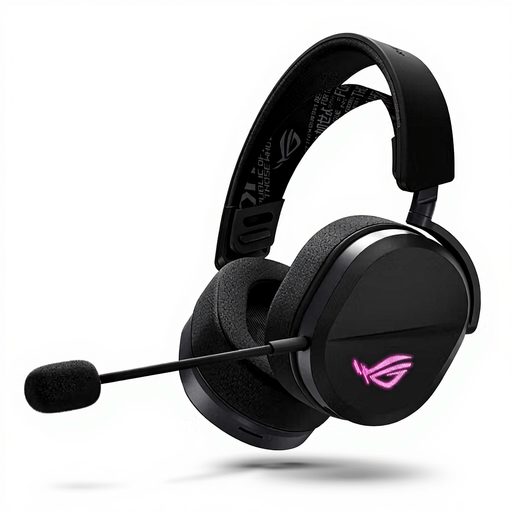
 No image available
A wireless option to consider if you want to combine game audio via a 2.4 GHz connection with Bluetooth.
The product description lists 50 mm drivers and a stated battery life of up to 70 hours in 2.4 GHz mode.
According to the description, EQ adjustment and Dolby Atmos Spatial Audio via CORSAIR iCUE are designed for a Windows PC.
 No image available
An option to consider if you want to switch between wired and wireless connections depending on your device.
The description lists USB-C, a 2.4 GHz receiver and Bluetooth, as well as 50 mm drivers.
The product information lists PC, PS4, PS5 and Nintendo Switch among the compatible devices. Check which connection works with your device.
 No image available
A wireless option to consider if you want to use both 2.4 GHz and Bluetooth.
The product description lists memory foam in the headband and ear cushions. The stated battery life is up to 120 hours via 2.4 GHz and up to 200 hours via Bluetooth.
DTS Spatial Audio is listed for PC in the product information. Check which features work with your device and connection.
 No image available
A wired option to consider if you need 3.5 mm, USB-A or USB-C connections.
The product description lists 53 mm drivers, a microphone, and memory foam in the headband and ear cushions.
The product name lists PC, PS5 and Xbox Series X&S as compatible devices. Check which features are available with each connection.
Not for every connection or basic feature. For Blue VO!CE and DTS Headphone:X 2.0 on the wired Logitech PRO X, Logitech specifies that you need to use a PC with G HUB. For other features, check the information for your exact model.
Yes, if your headset supports simultaneous game and Bluetooth audio. SteelSeries lists this combination for the Arctis Nova 7 Wireless Gen 2. Check that the model version, dongle and available ports are compatible with your devices.
The World Health Organization advises keeping the volume low and taking regular breaks. As a guideline, it gives an average of 80 dB for up to 40 hours per week, or four hours per week at 90 dB. This is listening advice, not a product specification.
According to the Rijksoverheid, online purchases from a business often come with a 14-day cooling-off period. This is separate from your rights if a product is faulty, in which case you should contact the retailer. The Netherlands has no fixed statutory warranty period; check the terms and any exceptions that apply to your purchase.