Start by testing your connection using a cable, as the Consumers’ Association advises. If your broadband speed is the bottleneck, a different router won’t make your game update download faster. If your coverage is good enough, choose a standalone router based on the connections and management features you need. If the signal is weak in rooms further away, a mesh system with multiple Wi-Fi points could be a better fit. Also check that it’s compatible with your modem and devices, and look for the CE marking on the device you receive.
Who might need to choose a router?
A household that downloads and streams at the same time
You want to download a game update while other people are using the internet. Test your connection using a cable and check how many wired devices you want to connect. The Consumers’ Association recommends using a network cable when running a speed test.
A gamer in a room with weak Wi-Fi
If your connection is less reliable further from the router or behind walls, first check the router’s position and the signal strength where you play. The Consumers’ Association also recommends seeing whether you can improve your existing Wi-Fi before replacing any equipment.
A household with older and newer Wi-Fi devices
You want to keep using your existing devices and only pay for features they support. Compare your devices’ Wi-Fi standards with the router’s model specifications.
What should you consider when buying?
Start by testing your connection using a cable, then decide whether simultaneous use, coverage, a wired connection or device management is the main factor in your choice.
| Consideration |
What to look for when buying |
Who is this important for? |
| Simultaneous use |
Test your connection using a cable and check whether the router you want offers traffic management. This won’t increase the capacity of your internet service. |
If I want to stream or work while downloading a large update, I need to know whether my connection can handle it. Around 36% of consumers put simultaneous use first. |
| Coverage where you play |
Test the connection where you play and compare repositioning the router with adding extra Wi-Fi points. |
I want to be able to download the update in a room behind walls, so I’m checking the coverage there. Around 29% of consumers prioritise coverage where they play. |
| Wired connection |
Count the LAN ports you need and check the WAN connection and whether you can run a cable. |
I want to connect my console or PC using a network cable and have enough ports. Around 21% of consumers prioritise a wired connection. |
| Compatibility and management |
Check your devices’ Wi-Fi standards, the management features you want and the settings required for your internet connection. |
I want my older and newer devices to connect, and the router to work with my internet service. Around 14% of consumers give compatibility and management top priority. |
Common mistakes when choosing a router
-
Assuming the AX rating or Wi-Fi speed on the box is your download speed
Your internet connection speed and the Wi-Fi in your home are separate links in the chain. So a higher advertised Wi-Fi speed doesn’t guarantee a faster game update.
First, test your connection using a cable, as the Consumers’ Association advises, and compare the result with your broadband package speed before weighing up routers.
-
Choosing one more powerful router for a room behind several obstacles
Distance, walls and ceilings can affect the signal where you play. Moving your router may not always solve a Wi-Fi dead spot.
Test the Wi-Fi where you play and try repositioning the router first. If that’s not enough, compare adding a Wi-Fi point or using mesh, taking into account the space and cabling available.
-
Assuming a different version or package is the same product
A model name alone doesn’t always tell you how many devices are included in a mesh kit or which version you’re buying.
Check the full model name, any hardware version, the number of units and the CE marking on the device you receive.
Router brands worth comparing
TP-Link
The Archer AX55 is a standalone Wi-Fi 6 router, while the Deco X50 is a mesh system that you can use with multiple Wi-Fi points.
- TP-Link lists OFDMA for the Archer AX55 and optional Ethernet backhaul for the Deco X50. Check that your devices and cabling are compatible with these features.
- These model specifications aren’t an independent guarantee of faster downloads. Choose based on the coverage and connections you need.
ASUS
The RT-AX58U is worth considering if you’re comparing a single router with traffic management, multiple LAN connections and a guest network.
- ASUS lists Adaptive QoS, four Gigabit LAN ports and Wi-Fi 4, 5 and 6 for this model.
- ASUS specifies different processors for hardware versions V1 and V2. Check which version you’re buying; specifications aren’t a measure of real-world performance.
FRITZ!
The FRITZ!Box 4060 is worth comparing if you’re looking for a router to use behind an existing modem, with wired connections and FRITZ! network features.
- FRITZ! lists a 2.5-gigabit WAN port, three Gigabit LAN ports and a five-year warranty for this model.
- The manufacturer describes the FRITZ!Box 4060 as a router for connecting to a modem. Check that it suits your setup and your provider’s connection settings.
Joybuy router and mesh picks
This selection includes standalone routers for households with a mix of devices, plus mesh kits with multiple points for rooms where a single router may not provide enough coverage.
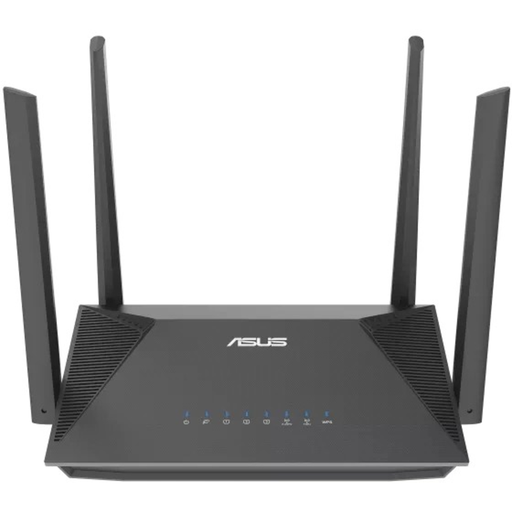 Image unavailable
ASUS RT-AX52 AX1800 dual-band router
A standalone router to compare if you have a set place for gaming and other people using the internet at the same time.
AX1800; dual-band (2,4 GHz / 5 GHz); Gigabit Ethernet; AiMesh.
View at Joybuy
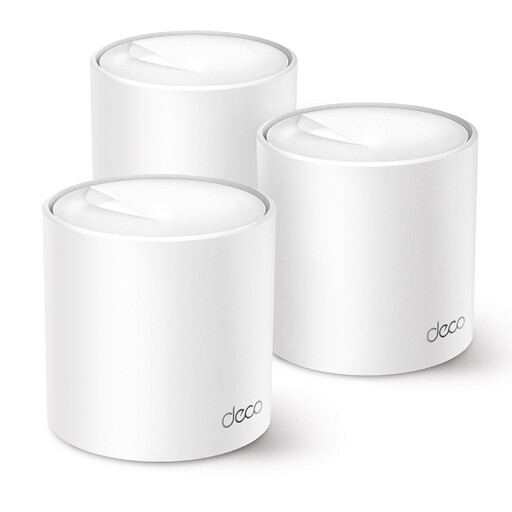 Image unavailable
TP-Link Deco X50 3-pack dual-band Wi-Fi 6 mesh system
A mesh kit with three units to compare if you need Wi-Fi in several parts of your home.
3-pack; Wi-Fi 6; dual-band (2,4 GHz / 5 GHz).
View at Joybuy
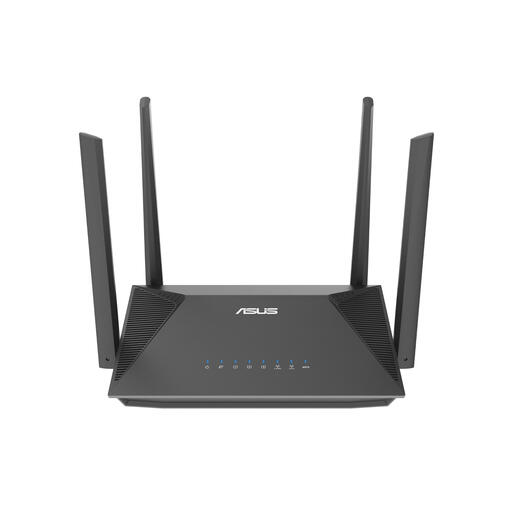 Image unavailable
ASUS RT-AX52 Pro AX3000 dual-band router
A standalone router to compare if you want to connect your gaming setup using a cable.
AX3000; Gigabit Ethernet; dual-band (2,4 GHz / 5 GHz).
View at Joybuy
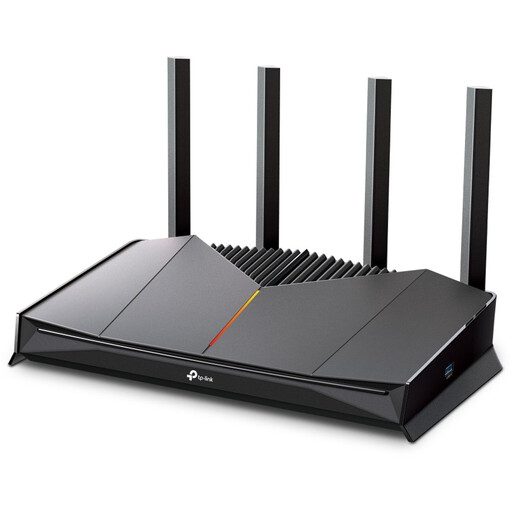 Image unavailable
TP-Link Archer GE230 dual-band router
A standalone router to compare for a household where a gaming device and other devices are online at the same time.
2.5-gigabit Ethernet; dual-band (2,4 GHz / 5 GHz).
View at Joybuy
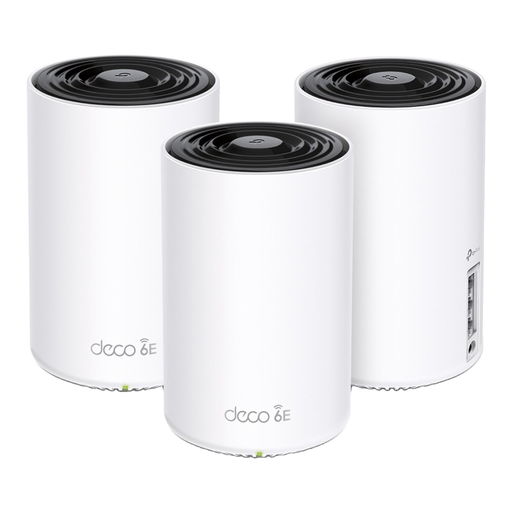 Image unavailable
TP-Link Deco XE75 Pro 3-pack tri-band Wi-Fi 6E mesh system
A mesh kit with three units to compare if you need Wi-Fi in several parts of your home.
3-pack; tri-band (2,4 GHz / 5 GHz / 6 GHz); Wi-Fi 6E.
View at Joybuy
Frequently asked questions
Will a new router always make a game update download faster?
No, not if your internet connection is the bottleneck. First, test your connection using a cable, as the Consumers’ Association advises, and compare the result with your broadband package speed.
How do I connect my own router to a Dutch broadband package?
According to ACM ConsuWijzer, you can generally choose your own router as long as it meets the applicable requirements. Ask your provider which settings you need and whether to connect the router behind your existing modem. A provider may refuse an insecure device.
What should I do after installation to keep my router secure?
The National Cyber Security Centre recommends updating the firmware when you first set up the router and regularly afterwards. Also check the guidance on managing your specific model.
What should I look for in the CE marking on a Wi-Fi router?
The Dutch Authority for Digital Infrastructure states that radio equipment must display the correct CE marking. Check the marking on the device you receive; a CE marking is not a performance certification.


