Start with the smallest paint details you want to show and where you can position the camera above your workbench. A mirrorless camera with a suitable close-up lens is ideal for detailed work, a webcam suits a fixed computer setup, and a compact camera works well if you want to change your viewpoint. In every case, check the focusing distance, mounting options, audio recording and what’s included in the box.
Who is this camera setup for?
Miniature painter showing off fine details
Your portfolio needs to capture tiny brushstrokes and components. First, work out the framing and working distance you need, then choose a camera body. Canon and Sony publish magnification and focusing-distance details for specific lenses.
Tutorial creator with a dedicated workbench
You want to keep both your hands and the model in shot as you explain what you’re doing. A fixed camera angle should show the painting area without getting in the way of your brushwork. Logitech describes a mode for pointing a webcam at your desk.
Creator who talks through their tutorials
You talk while demonstrating and want to check in advance how the camera records your voice and how you can monitor the sound. Canon and Nikon list different audio options for their camera models.
What should you consider when choosing?
| What to consider |
What should you check? |
Who is it important for? |
| Fine painting details |
Check the magnification and focusing distance of the specific lens, and whether it’s included with the version you’re considering. Sony lists a minimum focusing distance of 9.5 cm and a working distance of 2.4 cm from the front of the lens for the SEL30M35; Canon lists up to 1:2 magnification for the RF 35mm F1.8 Macro IS STM. |
If your aim is to capture tiny brushstrokes, you’ll want to know whether the lens can make them large enough in the frame from a practical distance. Around 36% of consumers put these miniature details first. |
| Fixed tabletop shot |
Work out where you can mount the camera, then check from that position whether your hands and the model stay in shot together. A webcam that can be angled down won’t automatically give you the right framing for every work surface. |
If you want to keep your hands and the model in view throughout the painting process, you’ll benefit from a frame that shows the whole painting area. Around 29% of consumers prioritise this fixed overview. |
| Commentary and recording time |
Check the audio options for the exact version and listen back to a test recording. Nikon lists up to 125 minutes of continuous recording for the Z 30; that maximum doesn’t guarantee that every recording setting can handle a tutorial of that length. |
If you talk through a longer demonstration, you’ll want to record your voice and make sure the camera can record for long enough. Around 21% of consumers put spoken commentary and recording time at the top of their list. |
| Easy setup or portability |
Decide whether you’ll mainly be filming at a computer or switching between viewpoints. DJI lists a focusing range from 0.2 m for the Osmo Pocket 3; check whether the details look large enough in the frame at that distance. |
If you want a simple computer setup or prefer to film from different angles, you can base your choice on that rather than prioritising extra lens options. Around 14% of consumers prioritise this convenience. |
Common choices that can cause problems
-
Choosing a camera body for close-ups
The macro magnification mentioned applies to a specific lens, not automatically to the camera body or every kit. Sony describes the ZV-E10 II kit as coming with a zoom lens; the SEL30M35 is a separate macro lens.
Compare what’s included with the exact version against the lens you need to capture your smallest details from a practical working distance.
-
Confusing focusing distance with the space in front of the lens
For the Sony SEL30M35, Sony lists a minimum focusing distance of 9.5 cm and a working distance of 2.4 cm from the front of the lens. These measurements describe different things.
When setting up, allow enough room for your hand, brush and lighting, and check both distances for the lens you’ve chosen.
-
Choosing a gimbal for a fixed overhead shot
The DJI Osmo Pocket 3’s gimbal helps when filming from moving viewpoints, but it won’t automatically give you the right framing for a fixed shot above a workbench. DJI lists a focusing range from 0.2 m.
Choose a portable option if you’ll genuinely be changing viewpoints. For a fixed shot, check that the whole painting area and the finest details stay sharp and visible.
Camera brands to consider
Canon
The EOS R50 V is a video-focused mirrorless camera with interchangeable RF lenses. The RF 35mm F1.8 Macro IS STM is a separate lens, so don’t assume it’s included in a kit without checking.
- Canon lists a microphone input and headphone output for the EOS R50 V. For the lens mentioned, Canon lists up to 1:2 magnification.
- The lens specification alone doesn’t tell you how the complete setup will capture a tutorial. Check which lens comes with the version you’re buying.
Sony
The ZV-E10 II uses E-mount lenses. The SEL30M35 is a separate macro lens; the kit described by Sony comes with a different 16–50 mm zoom lens.
- Sony lists 1:1 magnification for the SEL30M35.
- At close range, the working distance from the front of this lens is 2.4 cm. Consider whether that leaves enough room for your hands and lighting.
Nikon
The Z 30 is a mirrorless camera designed for video. You’ll also need to choose a suitable lens for close-ups of a model.
- Nikon lists 4K UHD at 30p and built-in stereo recording with support for an external microphone.
- Nikon lists up to 125 minutes of continuous recording. That maximum doesn’t guarantee that every setting can handle a full tutorial of that length.
DJI
The Osmo Pocket 3 combines a fixed lens with a gimbal. This makes it a good option if you want to film from different viewpoints as well as shoot at a workbench.
- The compact camera and gimbal are well suited to filming while moving the camera around.
- DJI lists a focusing range from 0.2 m. A gimbal doesn’t provide macro magnification on its own, so check the framing at your preferred distance.
Logitech
The MX Brio is a webcam for a computer setup. Logitech describes Show Mode as a way to show work on your desk.
- Logitech lists 4K at 30 fps and controls for settings including white balance and shutter speed.
- The final framing depends on where you mount the camera. Check whether the model appears large enough in the frame from your setup.
Joybuy products for filming at your workbench
This selection includes webcams for a fixed computer setup, a Sony mirrorless camera with a zoom lens and a compact DJI camera. Choose based on the tabletop shot you want, how large you need the details to appear and whether you’ll be changing viewpoints.
 No image available
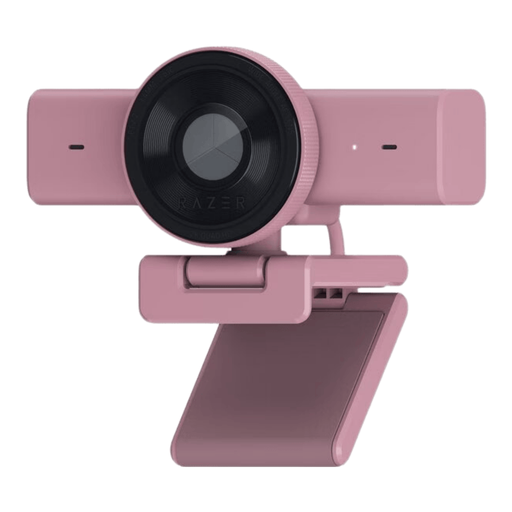
Razer Kiyo V2 X webcam, 1440p/1080p at 60 FPS, USB, Quartz
A webcam is a good option if you want to record your tutorial using a fixed computer setup. The product name lists 1440p/1080p at 60 FPS and USB; check that the mounting position keeps both your hands and the model in shot.
View at Joybuy
 No image available
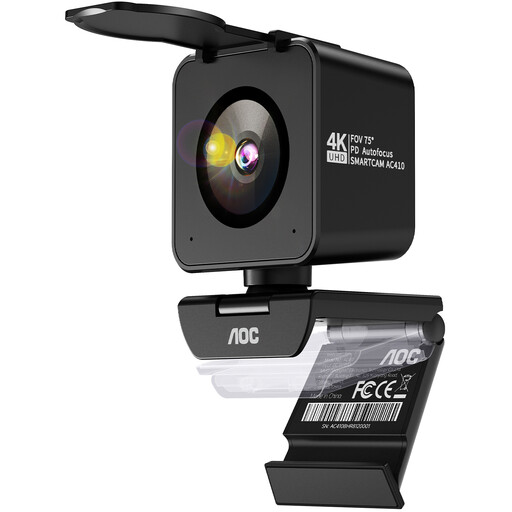
AOC 4K PRO webcam with Sony IMX363 sensor
This webcam is suited to a fixed filming position at a computer. The product name lists a Sony IMX363 sensor and a 75° field of view. With the camera in the position you plan to use, check that both your hands and the model fit in the frame.
View at Joybuy
 No image available
Philips 4000 Series 4K UHD webcam, EU Version, black, SPL6408BT/00
This webcam is a good option if you’re filming through a computer. Before your tutorial, test the framing from the position where you plan to mount the camera, and check that the painting area and your hands remain visible.
View at Joybuy
 No image available
Sony ZV-E10 with 16–50 mm zoom lens, black
A mirrorless camera is worth considering if your lens choice matters for your portfolio. The product name lists a 16–50 mm zoom lens; check whether it can make your smallest details large enough in the frame at the working distance available to you.
View at Joybuy
 No image available
DJI Osmo Pocket 3 with 1-inch CMOS sensor and 4K/120 fps video
This compact camera is a good option if you’ll be changing viewpoints while filming. DJI lists a focusing range from 0.2 m; check whether the details appear large enough in the frame at that distance. The gimbal is no substitute for macro magnification.
View at Joybuy
Frequently asked questions
Is 4K enough to show tiny brushstrokes?
No. Recording quality alone doesn’t determine how large a brushstroke appears in the frame. Check the lens, focusing distance and framing from the position where you’ll be filming. Sony notes that the minimum focusing distance varies from lens to lens.
How do you use a webcam to film from above your workbench?
Position the camera so the whole painting area is visible, then take a test shot. Logitech describes Show Mode for pointing the MX Brio down at desk work, but your mounting position determines whether the model and your hands are clearly in shot.
What should you check before recording a long tutorial with spoken commentary?
Check the audio options for the exact version and listen back to a test recording. Nikon lists up to 125 minutes of continuous recording for the Z 30; Canon lists a microphone input and headphone output for the EOS R50 V. The stated maximum isn’t guaranteed for every recording setting.
What are your rights if a camera you bought online doesn’t work properly?
If a camera doesn’t meet the standards you’re entitled to expect under normal use, the seller is responsible for the legal guarantee, according to the Netherlands Authority for Consumers and Markets. This is separate from the cooling-off period for online purchases: ACM ConsuWijzer says you have 14 days after delivery and explains that exceptions apply.
Can you publish a tutorial featuring identifiable people or music?
Before recording and publishing, check the rules that apply to identifiable people and copyright-protected work. The Dutch Data Protection Authority explains that a lawful basis is required and notes that consent is an obvious basis in many cases. The Dutch Government states that you need the creator’s permission to use copyright-protected music or other work.


