What should you look for when choosing?
First decide how large the stitch should appear in the frame and how much room your hands need. Then consider the mounting set-up and, for long sessions, the recording requirements, power and storage.
| What to consider |
What should you check? |
Who is this most important for? |
| Filming stitches close up |
Compare your desired framing with the minimum focusing distance and the clear space in front of the lens. Sony Netherlands explains why these distances are not the same. |
If I want individual stitches to appear large in the frame without my hands having to work right up against the lens, I look at both magnification and working distance. Around 36% of consumers give stitch detail their top priority. |
| Clear workspace when filming from above |
Check the framing and mounting on your own table. A vari-angle screen, such as the one Canon lists for the EOS R50 V, can help you view the image from a different position. |
Anyone filming from above needs to be able to move their hands and tools freely while checking the frame. Around 29% of consumers give a practical overhead set-up their top priority. |
| Recording a full session |
Check the requirements for the exact video mode you want to use, and factor in power and storage. Panasonic links the GH7’s recording time to specific settings and temperature conditions. |
If I want to record a whole demonstration without interruption, I check the recording requirements for my chosen mode and session length. Around 21% of consumers give continuous recording their top priority. |
| Simple, compact set-up |
DJI lists a focusing range from 0.2 m for the DJI Osmo Pocket 4. Also check that the stitches will appear large enough in the frame at your intended mounting height. |
If you want to get started quickly with a compact camera, a fixed lens may be convenient, but you’ll need to check that the framing works for your craft. Around 14% of consumers give the simplicity of a compact set-up their top priority. |
Cameras at Joybuy
Joybuy products for video recording, including compact cameras and a Sony camera with a zoom lens. For each model, check whether the focusing distance, framing and mounting set-up are suitable for filming leather stitching.
 No image available
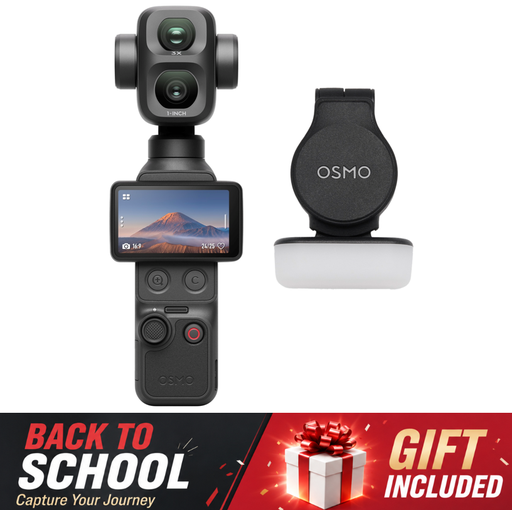
Osmo Pocket 4P Standard Combo, black
Check that the framing and focus work at the distance where you can position the camera above the leather.
View at Joybuy
 No image available
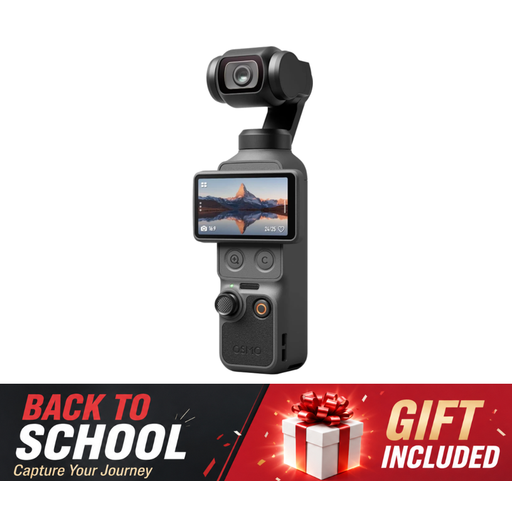
DJI Osmo Pocket 4 Standard Combo
A compact camera may suit a simple set-up; check whether the fixed lens makes the stitches appear large enough at your mounting height.
The product name lists 4K/240fps, 2× lossless zoom, 107GB of built-in storage and a 2-inch rotating screen.
View at Joybuy
 No image available
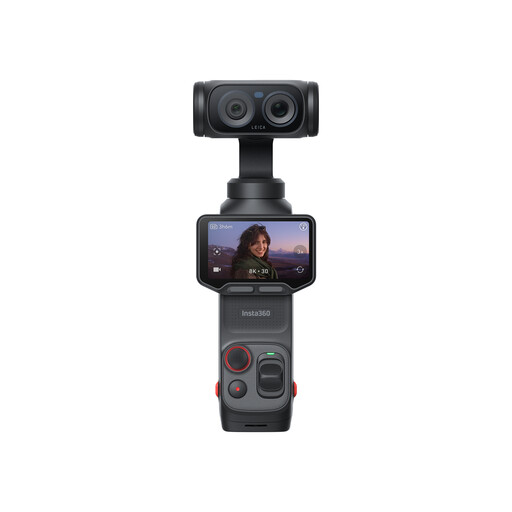
Insta360 Luna Ultra Standard Bundle, Cosmic Black
Before choosing this model for close-ups of stitches, assess the framing and focusing distance for your table set-up.
View at Joybuy
 No image available
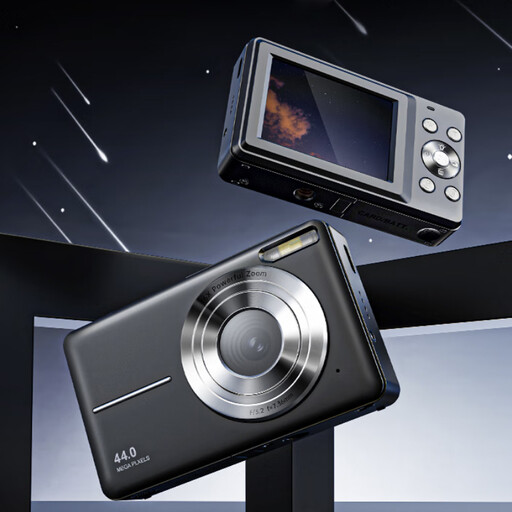
Songdian Pocket Camera 4K 44MP, black
The product name mentions photography and video; for filming leather stitching, check that the camera can focus at your mounting distance and provide the framing you want.
The product name lists 4K and 16× zoom.
View at Joybuy
 No image available
Sony ZV-E10 with 16–50 mm zoom lens, black
A mirrorless camera with a zoom lens gives you lens options to consider for your framing. Check separately whether the lens provides the working distance and close-up you need.
The product description lists 4K video and a vari-angle touchscreen.
View at Joybuy
Frequently asked questions
Do I need a macro lens to film leather stitching?
Not always. First decide how large the stitches need to appear in your final frame and how much room your hands need. Compare the lens’s magnification and working distance: a short minimum focusing distance alone doesn’t tell you how much clear space there is in front of the lens.
How can I avoid shadows on the leather?
Try using a window or softbox as a source of soft light, and check the result on the leather you’re working with. Canon lists both as sources of soft light; position the camera and lighting so they don’t get in the way of your hands and tools.
Does ‘unlimited recording’ mean every setting will keep recording all day?
No. Panasonic’s GH7 claim applies to certain C4K and 4K settings and temperature conditions, and the company lists situations in which recording may still stop. Also check that the power supply and storage are suitable for the length of your session.
What are my rights when I buy a camera online in the Netherlands?
For most consumer purchases made online, you have 14 days from delivery to change your mind, subject to legal exceptions; ACM ConsuWijzer explains these rules. Your statutory guarantee is separate from any manufacturer’s guarantee. If a product doesn’t meet the standard you could reasonably expect when used normally, the seller is responsible for providing an appropriate solution.
Can I publish videos featuring identifiable people online?
Identifiable people in a video count as personal data, according to the Dutch Data Protection Authority. The exception for personal or household use applies when footage stays private or is shared with only a very limited circle; it doesn’t automatically cover publishing it publicly.


