
Players who want to assign actions to extra buttons
You may want to keep frequently used actions within easy reach. So don’t just look at the number of buttons; check where they’re positioned and whether you can assign them in your game.


Choose a wired mouse if you play at a desk and the cable won’t get in your way. Go wireless if you want more freedom to move around your gaming area. Extra programmable buttons are useful if they’re easy to reach and you can assign them to in-game actions. Also compare how the mouse feels in your hand, and adjust the pointer speed to suit your screen and preferences rather than focusing only on the maximum DPI.
You may want to keep frequently used actions within easy reach. So don’t just look at the number of buttons; check where they’re positioned and whether you can assign them in your game.
If your large screen and gaming area are some distance from your PC, a mouse cable can get in the way. Also consider the wireless connection, the receiver you’ll need and how the mouse is powered.
Shape, weight and button placement are personal considerations. Specifications alone won’t tell you how a mouse feels in your hand.
Choose this if: you play at a desk, don’t mind a cable and want to assign actions to mouse buttons.
The trade-off: the cable needs to reach your gaming area. Extra buttons are only useful if you can reach and configure them comfortably.
Choose this if: freedom of movement in your gaming area matters more to you than having lots of extra controls.
The trade-off: check which connection the receiver needs, and remember to manage the battery or charging.
Choose this if: you want to play without a cable and assign lots of actions to your mouse.
The trade-off: a more complex button layout may take time to get used to. The stated battery life isn’t guaranteed for every setting.
| Consideration | What to look for | Who is this important to? |
|---|---|---|
| Easy-to-reach buttons | Check where the buttons are positioned and whether you can assign the actions you want in your game and software. | If I want to assign frequently used actions to my mouse, the buttons need to suit my grip. Around 33% of consumers put easily accessible extra controls at the top of their list when buying. |
| Freedom of movement | Measure the distance between your PC and gaming area; check the connection type, port and power supply for the exact model. | If a cable gets in the way of my gaming area, I want to know how the mouse connects wirelessly and how it’s powered. Around 25% of consumers prioritise a cable-free gaming area. |
| How it feels in your hand | Compare the shape and dimensions, and check whether you can reach the important buttons with your usual grip. | If I play for long periods, I want the shape and controls to feel comfortable in my hand. For around 25% of consumers, how a mouse feels in the hand is their top priority when buying. |
| Pointer speed | Check whether you can adjust the sensitivity, then try different settings in your own game. | On a large screen, I want to position the pointer accurately without constantly correcting its movement. Around 17% of consumers choose adjustable pointer control as their top priority. |
The pointer speed you can use depends on your settings and setup, not just the advertised maximum.
Compare the adjustment options and try moving the cursor in your own game.
A mouse with lots of buttons won’t help much if you can’t reach the ones you want comfortably or assign actions to them.
Decide which actions you want to assign, then check the button placement and configuration options.
Specifications can vary between versions in ranges such as Basilisk and Aerox.
Before buying, compare the full model name and the features of the exact version.
According to ACM ConsuWijzer, your statutory guarantee applies alongside a retailer’s or manufacturer’s warranty.
If a product breaks sooner than you could reasonably expect under normal use, contact the retailer and assess your rights in light of the circumstances that apply.
The G502 HERO is a wired version, while the G502 X LIGHTSPEED is a wireless option in the range.
The Basilisk V3 is wired; the Basilisk V3 X HyperSpeed is wireless and offers two connection modes.
The Aerox range includes versions with different numbers of buttons; the Aerox 9 Wireless is a wireless option with lots of buttons.
Browse gaming mice for farming simulators on a large screen, and compare the connection, controls and features of the exact version with your own gaming setup.
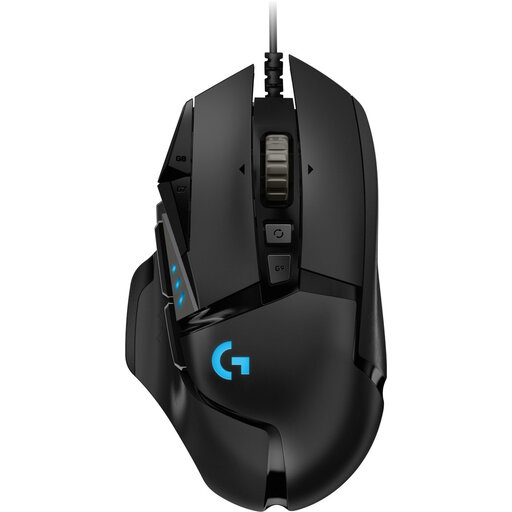 Image unavailable
An option to consider if you want to assign actions to mouse buttons and a wired connection suits your gaming area.
Logitech G lists 11 programmable buttons. The product name specifies 25.600 DPI and a right-handed design.
 Image unavailable
An option to compare if you’re looking for an optical mouse with a USB Type-A connection for your PC setup.
The product name specifies an optical mouse and 25.600 DPI; check that the connection is compatible with your computer.
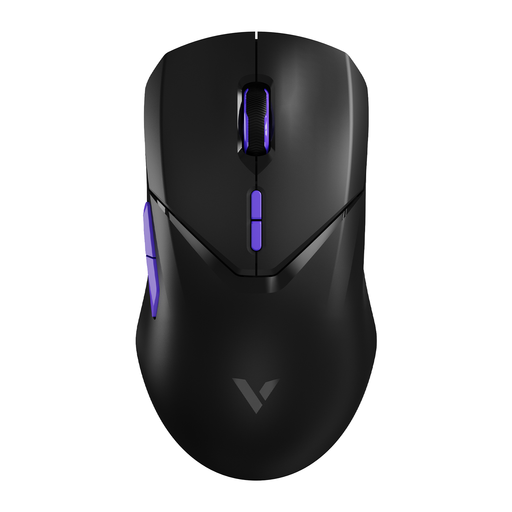 Image unavailable
A wireless version to compare if you want extra buttons and don’t want a mouse cable across your gaming area.
The product name specifies 10 programmable buttons, 26.000 DPI and a stated battery life of up to 180 hours.
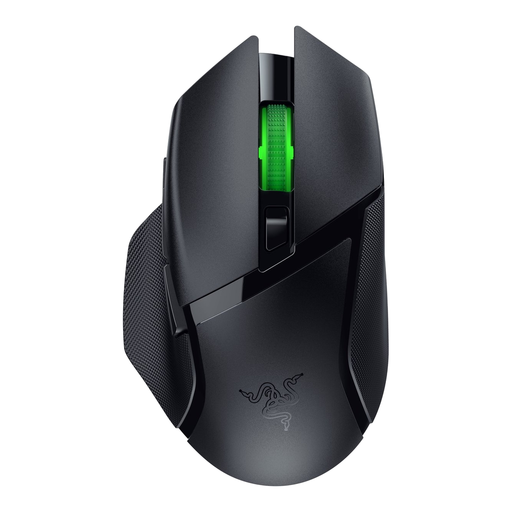 Image unavailable
A wireless option if you want extra controls and the connection options on your PC are compatible with the model.
Razer lists nine programmable controls and HyperSpeed and Bluetooth modes. The mouse uses an AA battery; the stated battery life varies by mode.
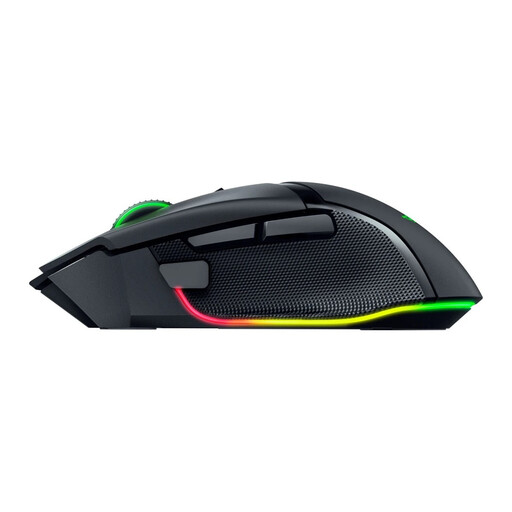 Image unavailable
A wireless version to compare if you want to assess the shape and controls of this particular model.
The product name specifies the 35K version and a wireless design. Consider the shape and button placement in relation to your own hand and grip.
No. Extra buttons are useful if you want them and can assign them to in-game actions. Also check that you can reach them with your usual grip; programmable buttons don’t necessarily work with every game.
Start with a pointer speed that lets you position the cursor without too much adjustment, then fine-tune it to suit your preferences. Logitech G describes DPI settings and game profiles for the G502 HERO; the right setting depends on how you use it.
Check that your PC has the connection needed for the receiver and find out which connection modes your exact model uses. Also consider the power supply; for the Basilisk V3 X HyperSpeed, Razer gives different battery life figures for HyperSpeed and Bluetooth.
No. ACM ConsuWijzer explains that statutory guarantee applies alongside a retailer’s or manufacturer’s warranty. If a product breaks sooner than you could reasonably expect under normal use, the retailer must assess the situation in line with the applicable conditions; there is no general fixed time limit for this in the Netherlands.
Electrical and electronic equipment must meet the applicable European product requirements. Business.gov.nl describes CE marking and an EU declaration of conformity for equipment that meets the relevant requirements. If a mouse has Bluetooth or another radio module, the rules for radio equipment also apply. These are product obligations, not a licence you need as a user to play games.