If you have access to a socket, a wall charger that matches your fan’s charging port and specifications may be all you need; you may not need to bring a battery at all. If there’s no socket, a compatible power bank is usually the more compact option for USB charging. A power station is worth considering if you need more stored energy or different outputs. Check the outputs on the exact model, and don’t assume the stated capacity tells you how many times it will charge your fan.
Which charging option is right for you?
Holidaymaker with access to a socket
Wants to charge their fan and perhaps another device without carrying a battery unnecessarily. Whether a USB wall charger will work depends on the fan’s connection; Belkin, for example, describes a wall charger with two USB-C ports.
Holidaymaker without a reliable power source
Wants to be able to charge their fan even when there’s no accessible socket. The choice then depends on how much stored energy they need and which outputs are compatible with the fan.
Light-packing traveller
Is looking for a portable backup for a USB-rechargeable fan, and weighs up the capacity they need against the size, weight and cables they’ll have to carry.
What should you look for when choosing?
Start with how your fan charges, then consider whether you mainly need mains power, a backup for when there’s no socket, or multiple outputs.
| What to consider |
What should you check? |
Who should pay particular attention? |
| Compatibility |
Check your fan’s charging input, required voltage, cable and any adapter. Compare these with the output of each port. |
I want to make sure my fan can actually charge from the output I choose. Around 33% of consumers put compatibility first. |
| Power without a socket |
Compare the stated capacity in Wh and check that the outputs are compatible with the way your fan charges. |
If I want to charge my fan somewhere without mains power, I need a suitable portable power reserve. Around 25% of consumers consider this their top priority. |
| Charging multiple devices |
Check how many usable ports there are and the power available from each port when multiple devices are connected. |
I want to connect my fan and another device at the same time, rather than relying on the total power alone. Around 25% of consumers prioritise charging multiple devices at once. |
| Portability |
Compare the size, weight and cables included with the exact version. |
If I plan to carry the charging solution around, I also need to consider how much space it takes up and how many separate accessories it requires. Around 17% of consumers put portability first. |
Common mistakes when choosing
-
Comparing mAh directly with usage time
The stated battery capacity doesn’t tell you how much energy will ultimately reach the fan. The usable amount may differ because of energy losses during transfer and conversion.
Where possible, compare capacity in Wh, and don’t simply convert a mAh figure into a number of full fan charges.
-
Assuming a USB power station has a 230V socket
The Jackery Explorer 300D is described as having USB outputs and a car output, but no AC output. This matters if your fan can only charge using a mains adapter.
Check the outputs on the exact version before choosing a power station for a fan that uses a mains adapter.
-
Buying a battery when a socket will do
If you only charge your fan somewhere with a suitable socket, a compatible wall charger may be all you need. A battery also takes up space in your luggage and needs charging itself.
First, work out how often you’ll actually need to charge your fan without a socket.
Brands to consider
Belkin
Belkin describes a wall charger with two USB-C ports for charging where mains power is available.
- According to the product information, each port delivers up to 20 W.
- The charger doesn’t store energy. A rating of up to 20 W doesn’t prove that it will charge every fan.
Anker
The Anker Zolo Power Bank, with 20,000 mAh and 22.5 W, is described as having a built-in USB-C cable.
- According to Anker, this model can continue charging a device while the power bank itself is being charged.
- This pass-through charging feature is a manufacturer claim specific to this model. Check that the built-in cable is compatible with your fan.
Xtorm
The Fuel Series 5, with 20,000 mAh and 35 W, is described as having two USB-C ports and a USB-A port.
- The three USB ports listed give you a choice of different connections.
- The 35 W rating refers to the USB-C PD port described; no 230V output is mentioned.
EcoFlow
EcoFlow lists the RIVER 3 with a capacity of 245 Wh and an output power of 300 W.
- These specifications may be relevant if you need a larger power reserve or different outputs.
- The stated figures don’t guarantee a particular run time for your fan.
Jackery
The Explorer 300D is described as having 288 Wh, three USB-C outputs, one USB-A output and a car output.
- Jackery lists a weight of 2.5 kg and a USB fan as an example of what you can use it for.
- The listed outputs don’t include an AC socket, so don’t assume it has a 230V output or will run your fan for a guaranteed length of time.
Portable charging solutions at Joybuy
These product picks focus on portable power banks and power stations for anyone who wants to charge a fan when there’s no socket nearby. Always check that the outputs are compatible with the way your fan charges.
 No image available
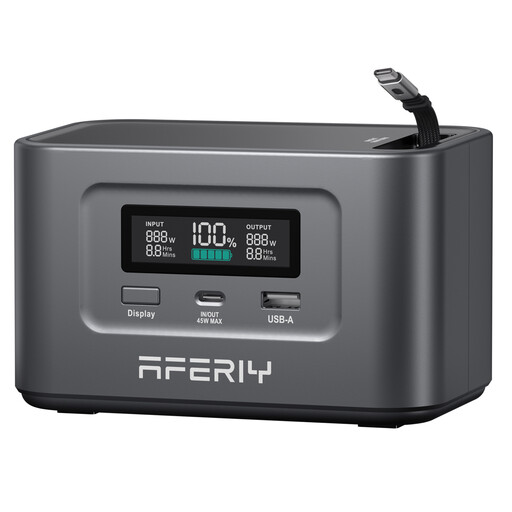
Aferiy Nano100 portable power station
A portable power source to consider if you want to charge without a socket; check that its outputs are compatible with your fan.
The product name mentions a 100 W retractable cable, 145 W output power, a LiFePO4 battery and solar charging.
Joybuy
 No image available
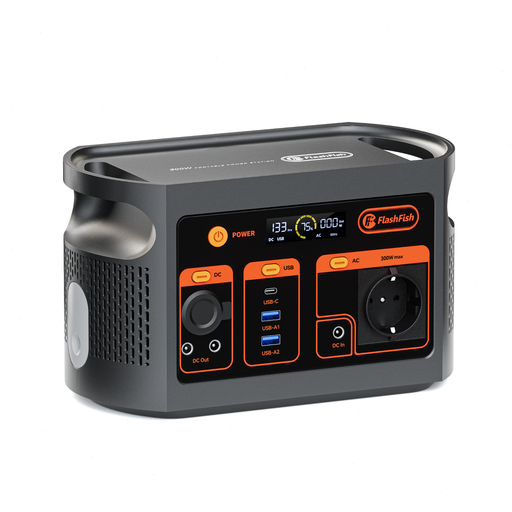
FlashFish E103 portable power station
The USB and AC outputs described may be useful if your fan charges via a compatible USB connection or mains adapter.
The product description lists 179.2 Wh, a 300 W AC output, multiple outputs and a weight of 3 kg. Check which connection your fan requires.
Joybuy
 No image available
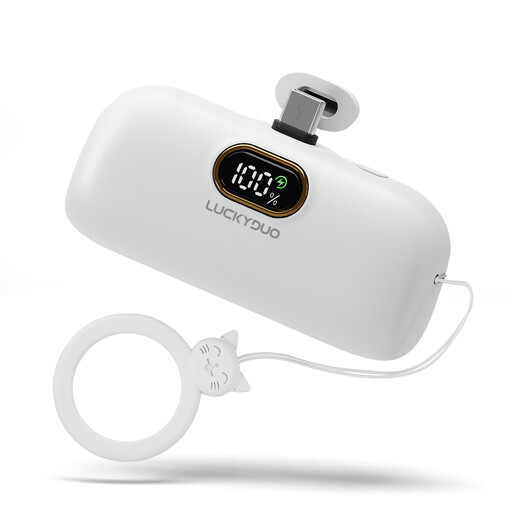
Mini 5000 mAh USB-C power bank, white
Could be a good fit as a portable backup for a fan with a compatible USB-C charging input.
The product name lists a capacity of 5000 mAh. Check that the cable you’ll need to bring and the output are compatible with your fan.
Joybuy
 No image available
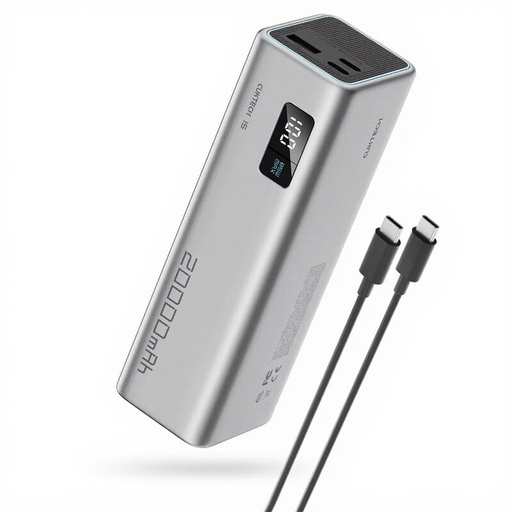
CUKTECH 15 SE power bank 20,000 mAh, PB200, grey
A portable USB backup to consider if its outputs are compatible with your fan’s charging input.
The product information lists 20,000 mAh, around 74 Wh, 65 W and three outputs, including USB-C and USB-A.
Joybuy
 No image available
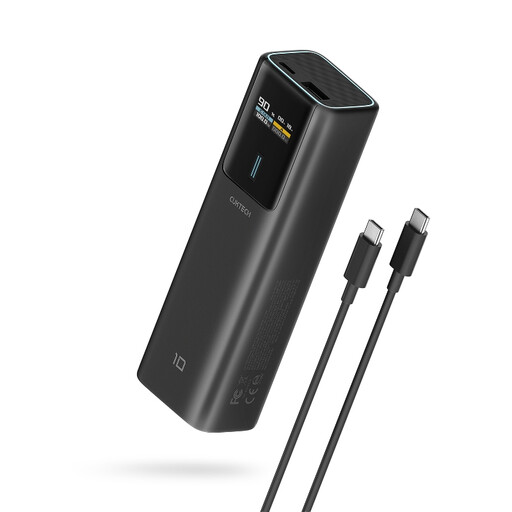
CUKTECH 100 W power bank 10,000 mAh, PB100P, black
Could provide portable USB charging if the USB-C output matches your fan’s charging specifications.
The product name lists a capacity of 10,000 mAh and up to 100 W; the product description mentions a smart display.
Joybuy
Frequently asked questions
How can you tell which charger is compatible with your fan?
Compare your fan’s charging input and specified charging requirements with the output of each port and the charger’s cable. A charger’s maximum power rating doesn’t prove that your fan will charge at that power.
Can you use charging equipment under bedding or near water?
Avoid charging devices under bedding and keep charging equipment away from moisture. Brandweer Nederland warns that damage, short circuits and contact with moisture can create a fire risk; also follow the instructions for the exact device.
Is the manufacturer’s warranty your only option if a charger breaks too soon?
No. According to ACM ConsuWijzer, statutory warranty also applies in the Netherlands: if a product breaks sooner than you could reasonably expect under normal use, the seller is responsible for providing a suitable solution.
Does an electrical charging product need a CE mark to be sold in the Netherlands?
The electrical charging products discussed here need to carry the required CE marking to be sold on the EU market. The Dutch government lists CE marking as a requirement for electronic products. Also check that the charger’s output is compatible with your fan, as a CE mark doesn’t prove compatibility.


