What should you look for?
Start with where your videos are stored and which playback app you use. Then check file compatibility and adjust the TV picture to suit the room.
| What to consider |
What should you check? |
Who is this important for? |
| Picture in a dark room |
Check your TV’s brightness setting and whether both the video and TV support HDR. |
If I watch in a dark room, I want to adjust my TV’s brightness and avoid unnatural colours. Around 31% of consumers put comfortable viewing at the top of their buying priorities. |
| Videos from a phone |
Check whether your source is an iPhone, iPad or Android phone, and whether the app you use supports AirPlay or Google Cast. |
If I want to start videos directly from my phone, I focus on using the right app and playback method. Around 31% of consumers put playing videos from a phone at the top of their priorities. |
| Local video files |
Check where the files are stored and whether both the player and playback app support your video formats. |
If you keep your own videos on a computer, network storage or USB drive, you’ll want to know whether they’ll play from their current location. Around 23% of consumers give local file compatibility their top priority. |
| Extra equipment and accessories |
Try your existing smart TV first. If you’re considering a separate player, check which cables are included too. |
If I mainly want to avoid unnecessary purchases or missing installation parts, I first check what my TV can already do. Around 15% of consumers put avoiding extra purchases at the top of their priorities. |
Joybuy products
These products are TVs with Google TV built in, for anyone who wants to use video apps on their TV without a separate streamer.
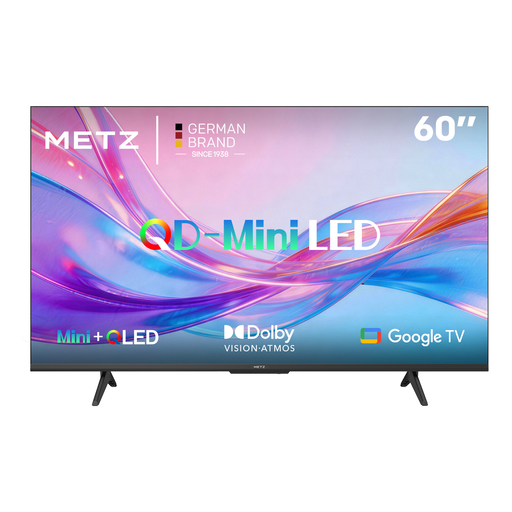 Image unavailable
METZ QD-MiniLED 60MNH7000Z
A TV with Google TV for anyone who wants to use TV apps directly on screen.
- Dolby Vision, Dolby Atmos and HDR10+
- HDMI 2.1
- 60 Hz
View at Joybuy
 Image unavailable
TCL 75Q7C 75 inch
A TV with Google TV for anyone who wants to use TV apps and show videos from a phone using the listed casting features.
- 4K Mini-LED
- 144 Hz
- Google Cast and AirPlay 2 are listed in the product description.
View at Joybuy
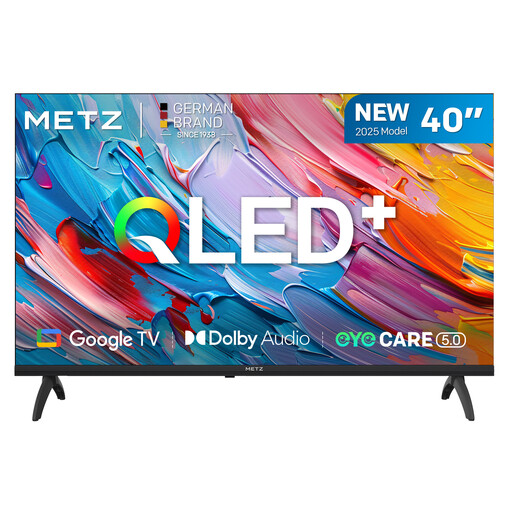 Image unavailable
METZ 40MQF7000Z 40 inch
A TV with Google TV for anyone who wants to use TV apps directly on screen.
- QLED HD
- HDR10 and HLG
- 2025 model year
View at Joybuy
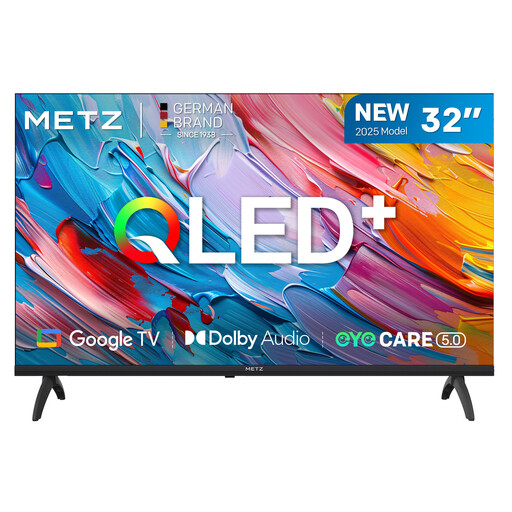 Image unavailable
METZ 32MQF7000Z 32 inch
A TV with Google TV for anyone who wants to use TV apps directly on screen.
- QLED HD
- HDR10 and HLG
- 2025 model year
View at Joybuy
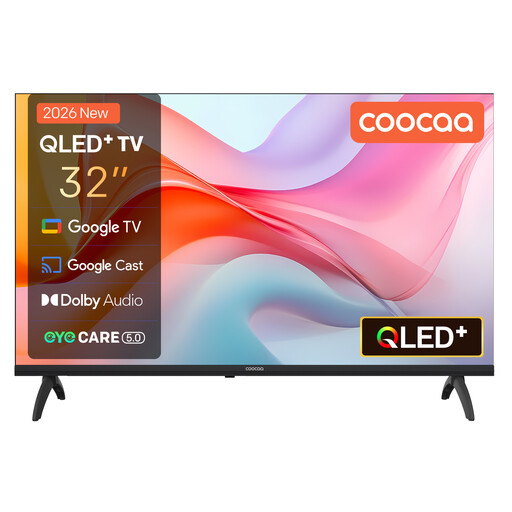 Image unavailable
Coocaa 32CGQG41Z 32 inch
A TV with Google TV and Google Cast for anyone who wants to combine TV apps with casting from a phone.
- QLED
- HDR10
- Google Cast
- Model 32CGQG41Z (2026)
View at Joybuy
Frequently asked questions
Will a 4K streamer automatically make old family videos sharper or more comfortable to watch in the dark?
No. 4K and HDR are output capabilities and don’t guarantee that a video will show more detail. Adjust your screen brightness on the TV. If SDR video looks unnaturally saturated, check whether the player can match the dynamic range to the content.
How do you play a video from your iPhone on Apple TV?
Connect both devices to the same Wi-Fi network, open the video, then select AirPlay and your Apple TV in the relevant app. In the Photos app, first select Share and then AirPlay; Apple Support explains this playback method.
Can you connect a USB drive to any media player and watch all your videos?
No. Check both the connections on the specific model and whether the playback app supports your file formats. Xiaomi lists one USB 2.0 port on the TV Box S (3rd Gen); NVIDIA lists two USB 3.0 ports on the SHIELD TV Pro. That doesn’t guarantee that every file will play.
Do you need to buy extra cover for a faulty media player in the Netherlands?
No. Your statutory guarantee is separate from any additional commercial warranty. According to ACM ConsuWijzer, the seller must offer an appropriate free solution if a product breaks down too soon under normal use.
Can you watch or share family videos containing other people’s material at home?
For material protected by someone else’s copyright, the Dutch government distinguishes between making a private copy for personal use and distributing or making it available to the public. You need the creator’s permission to distribute or make it available to the public. Check separately whether a particular clip contains someone else’s material.


