
Families who want a proper quiz
If you want to play together on a shared screen, check more than just the console: look at the quiz content, game language and how players join in.


Start by choosing the quiz game that suits your family, then check which consoles support it. A Switch with a dock works for tabletop and handheld play too; an Xbox Series S is a compact, all-digital TV console, while PS5 owners can play Jackbox games using their phones. If your existing TV supports the Jackbox game you want, you may not need an extra console just to play it.
If you want to play together on a shared screen, check more than just the console: look at the quiz content, game language and how players join in.
If you’re looking for a compact TV setup or want to play in other rooms too, weigh up a fixed, all-digital TV console against a Switch with a dock. You could also check whether your existing TV already supports the game you want.
Before buying, check the content and age rating of the specific game, and make sure the required phones will work. A family filter is no substitute for checking the game itself.
Choose the exact quiz game and how you want to play it first. Then decide whether your existing TV is enough or whether you need a console.
| What to consider | What to check before buying | Who is this most important to? |
|---|---|---|
| The right quiz game | Search for the exact game title on the platform you’re considering. Also check whether it’s a general knowledge quiz or just a collection of mini-games. | If I mainly want to enjoy a proper general knowledge quiz together, I’ll check the content and platform for that title first. Around 33% of consumers give quiz selection top priority. |
| A compact TV setup | Check that your TV has a spare HDMI port and that the model you choose includes a dock and the necessary cables. Also see whether your TV supports the game you want directly. | If space is limited, you’ll want to know whether a fixed console or a dockable Switch will fit your setup. Around 25% of consumers prioritise a compact setup. |
| Game language and suitability | For the exact game, check the listed languages, PEGI rating and any family settings. | If I’m playing with children or with people who aren’t comfortable reading English, I want to check the language and content in advance. Around 25% of consumers put language and suitability at the top of their list. |
| Phones, connectivity and extra purchases | Count the phones that can be used, check the device and internet requirements, and find out whether you need to buy the game, an upgrade or a subscription separately. | If you want to keep extra requirements to a minimum, check that players have suitable devices and a working internet connection. Around 17% of consumers prioritise requirements and additional costs. |
The listed Jackbox Party Pack 10 for Xbox names English, French, Italian, German and Spanish as its game languages; TRIVIAL PURSUIT Live! 2 for Switch lists English, French, German, Spanish and Russian. Dutch isn’t among the languages listed. Nintendo gives The Jackbox Party Pack 10 a PEGI 12 rating.
Check the languages, content and age rating for the exact game edition before choosing a console.
Nintendo says that Switch Lite doesn’t support TV mode. With Switch 2, some features in older games may also depend on the Joy-Con being used.
Check both TV support and the compatibility information for the specific game and controller.
The Xbox Series S can’t play game discs. The digital PS5 edition has no disc drive, and a PS4 disc won’t give you access to the PS5 upgrade described for that model.
Before buying, distinguish between disc-based games and digital licences, and check which version you already own.
Jackbox says its family filter is available for many, but not all, games. PlayStation warns that some PlayLink apps can’t be downloaded on newer versions of Android.
Check the rating and settings for your chosen game, as well as the current compatibility of the phones you’ll use.
Worth considering if you want to enjoy family quizzes on the TV as well as playing at the table or in handheld mode.
The Series S is a good fit if you’re looking for a compact, fixed, all-digital TV console.
A possible choice if you’d like to play other PlayStation games as well as quizzes.
The selection includes a Switch 2 bundle and retro games consoles that connect to a TV via HDMI. For each console, check that the quiz game you want and its required controls are actually available.
 No image available
Ideal if you want to play on the TV and also use the console at the table or in handheld mode.
The bundle description includes a dock and HDMI cable. Before buying, check that the older quiz game you want and its required controller features are compatible.
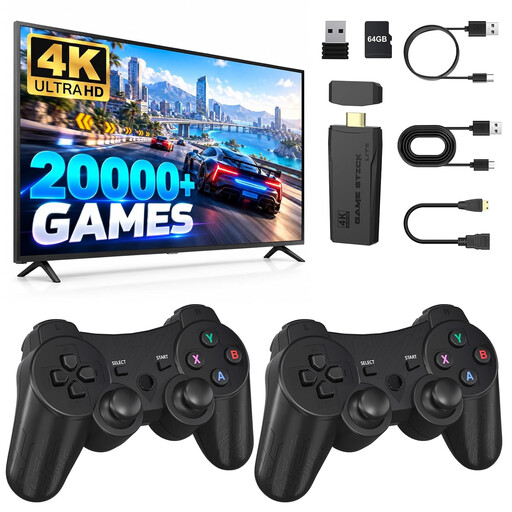 No image available
An option to consider for gaming on a TV in a compact setup. Check in advance whether the quiz game you want is available on this console.
The product information lists an HDMI connection and two wireless controllers. You’ll need a compatible HDMI port to use it with a TV.
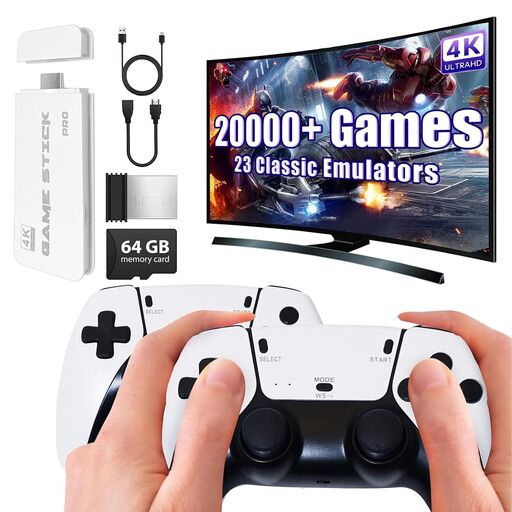 No image available
A good option if you want to connect a games console directly to your TV. Check that the quiz game and controls you want are supported.
The product information lists HDMI and two wireless controllers. You’ll need an HDMI connection to use it with a TV.
 No image available
A TV-focused option to consider if you’re looking for a compact console. Check that the quiz game you want is available on this model.
The product title lists 4K HDMI output and two wireless controllers. You’ll need an HDMI connection to use it with a TV.
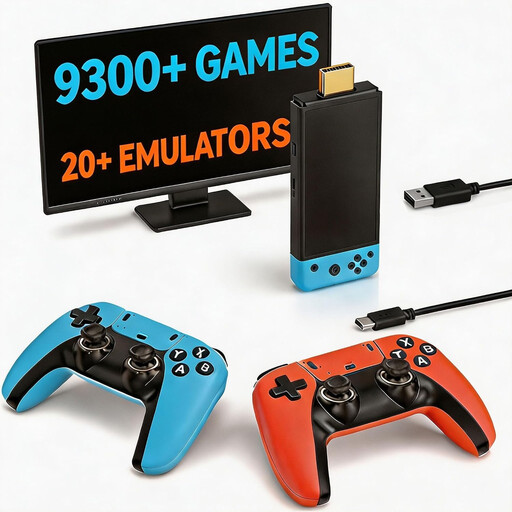 No image available
Could be a good option for multiplayer gaming on the TV. First, check whether the quiz game you want is available for this model.
The product information lists two wireless controllers and an HDMI connection. You’ll need a compatible HDMI port to use it with a TV.
No. Switch Lite doesn’t support TV mode. For TV play, choose a compatible Switch with a dock or another TV console.
For the listed Jackbox Party Pack 10 on Xbox, Microsoft says players can use a phone or tablet, without a special controller. Jackbox Games explains that players join using a room code; check the specific game to see how many people can play and whether their devices and browsers are suitable.
Don’t assume so: Jackbox Games says the device hosting the game needs an internet connection to connect to the game servers. Also check the connection requirements for your chosen game and phone controls.
PEGI describes age ratings as recommended minimum ages and a guide for parents. Check the rating for the specific game; it doesn’t set a general legal minimum age for playing at home.
According to the Dutch government, you’re entitled to a product that works properly when you buy it, and should contact the seller if there’s a problem. A manufacturer’s guarantee or an extended warranty you’ve bought is in addition to your statutory rights; don’t assume there’s a fixed statutory guarantee period of exactly two years.