What should you look for when choosing?
First, consider which in-game commands you actually want to customise and how much desk space you need. Then compare switch noise, connectivity and the layout of the version you’re considering.
| What to consider |
What should you check? |
Who is this important for? |
| Shortcuts |
Check whether you can customise in-game commands and whether you need extra macro keys or remapping. |
If you use lots of commands while building, you’ll want to access them quickly. Around 31% of consumers prioritise shortcuts and programmability. |
| Setup |
Compare the keyboard’s height and the space available for your arms and mouse. Also check whether a wrist rest is included with the version you’re considering. |
During long sessions, you’ll want to position your keyboard and mouse without forcing yourself into an awkward posture. Around 31% of consumers prioritise their workspace setup. |
| Noise and typing feel |
Check the exact switch variant and whether it has any sound-dampening features. A dampened construction doesn’t mean the keyboard is silent. |
If you share your space or type for long periods, switch noise and feel may be important. Around 19% of consumers look at these first. |
| Size and layout |
Check whether you need a numpad and whether the physical key layout matches your preference. |
If you want to keep space clear next to the keyboard or expect specific key positions, the layout you choose makes a difference. Around 19% of consumers prioritise size and layout. |
Joybuy products for different gaming setups
These Joybuy products offer options with compact or full-size layouts, wired or wireless connectivity, and different ways to customise keys.
 No image available
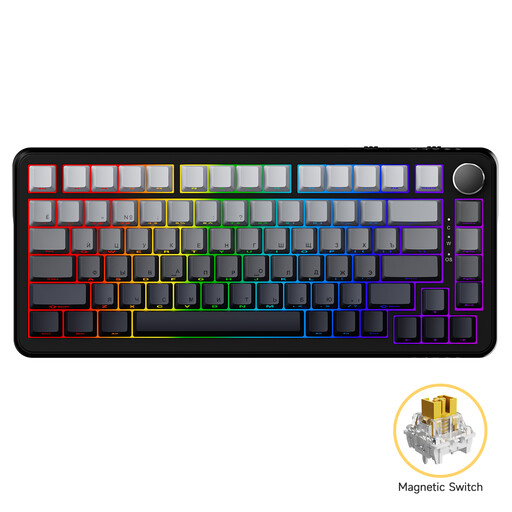
AJAZZ AK820 MAX, wired
A compact wired option if you want to adjust the actuation point of each key.
75% layout with 82 keys; the product information lists adjustable actuation from 0,1 to 2,0 mm and hot-swappable magnetic switches.
View at Joybuy
 No image available
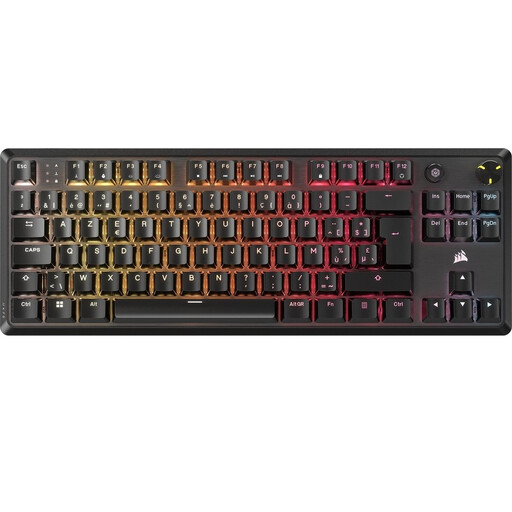
Corsair K70 CORE TKL, BE AZERTY
A TKL option if you can do without a numpad and are looking for a BE AZERTY layout.
The product name lists MLX Red switches; the product information mentions a dial and up to five saved profiles.
View at Joybuy
 No image available
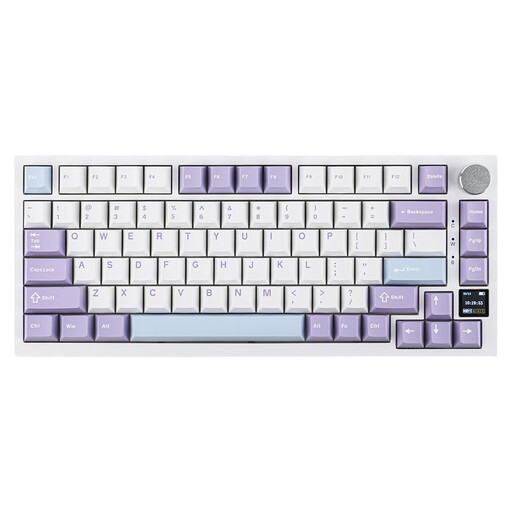
Ajazz AK820 Pro 75%, US QWERTY
A compact option if you want to keep the arrow and function keys and have a choice of connectivity options.
The product information lists 82 keys, USB-C, Bluetooth and 2.4G, as well as hot-swappable switches and sound-dampening foam.
View at Joybuy
 No image available
Razer DeathStalker V2 Pro Tenkeyless, US
A wireless TKL option if you’re looking for a low profile and compact layout.
The product information lists low-profile optical switches, HyperSpeed Wireless and Bluetooth.
View at Joybuy
 No image available
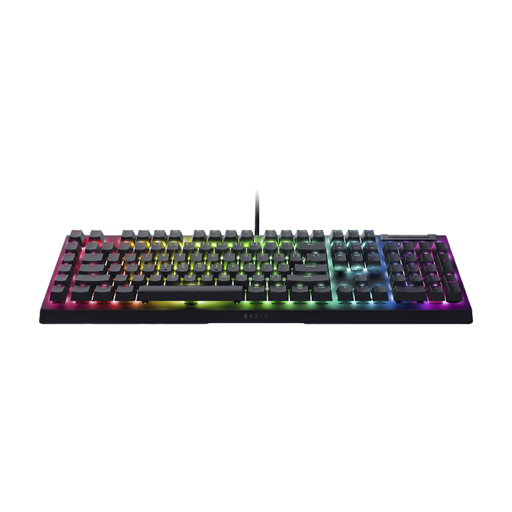
Razer BlackWidow V4 X, Yellow Switch, US
An option if you want extra physical keys for commands and have room for a full-size keyboard.
The product information lists six programmable macro keys, Yellow switches and a layout with a numpad.
View at Joybuy
Frequently asked questions
Do I need dedicated macro keys for Factorio?
Not necessarily: according to the official Factorio Wiki, you can customise key bindings in the game settings. Dedicated macro keys are mainly useful if you want extra physical key positions; first, check which commands you actually use.
How should I set up my keyboard for a long session?
Position your keyboard and mouse so you can reach them without forcing yourself into an awkward posture, and make sure your arms have support. Break up long periods of sitting and repetitive movements. Arboportaal offers guidance on working with screens, but doesn’t claim that any one keyboard prevents discomfort.
Can I replace the switches on any mechanical keyboard?
No, it depends on the version. Keychron distinguishes between hot-swappable K8 Pro variants and a fully assembled version that isn’t. Check the exact version before choosing replacement switches.
What if a keyboard I bought online isn’t comfortable to type on?
For a standard online consumer purchase in the Netherlands, you’ll generally have a statutory 14-day cooling-off period after delivery. ACM ConsuWijzer also explains exceptions and the rules for trying out products; check the applicable returns information before ordering.
After two years, am I no longer entitled to a remedy if something goes wrong?
No. According to ACM ConsuWijzer, there’s no general fixed two-year period for the statutory guarantee in the Netherlands. Whether the seller has to resolve a fault depends, among other things, on what you could reasonably expect from the product and how it has been used.


