
Looking after a growing film archive
You need enough space for source footage, finished films and new projects. The drive will usually stay in one place.


If you mainly store films and large project folders in one fixed location, compare desktop HDDs by capacity. If you often work directly from the drive, consider a portable SSD and check that its USB connection is compatible with your computer and cable. Keep irreplaceable films on a separate drive as well.
You need enough space for source footage, finished films and new projects. The drive will usually stay in one place.
You regularly open or move large project folders and want to know whether an SSD and your computer’s USB connection are suited to the way you work.
You want to avoid keeping home videos on just one device or drive, and are looking for a practical way to store a separate copy.
First decide whether the drive will mainly be used for archiving or whether you’ll also use it actively while editing. Then consider a separate copy, as well as connections, power and formatting.
| What to consider | What to look for when buying | Who is this important for? |
|---|---|---|
| Storage capacity | Add up your current project folders and the extra space you’ll need in future; compare the capacity of each version. | As my collection grows, I want to keep films, source files and exports on one archive drive. Around 31% of consumers prioritise capacity. |
| Working speed | Check the USB version of your computer, drive and cable. Maximum sequential speeds aren’t a guarantee of performance with every project folder. | If I often open or copy projects in progress from the drive, smooth performance matters more than archive space. Around 25% of consumers prioritise working speed. |
| Separate copy | Decide which films you want to keep, where you’ll store the second copy and how you’ll check that the files can be opened again. | I want to be able to recover irreplaceable footage if my working drive fails or goes missing. Around 25% of consumers prioritise preserving their footage. |
| Portability and connections | Check the port, cable, available power and file system before transferring files or formatting a drive. | If I switch between devices or workspaces, the connection and power supply need to be suitable, and my files need to remain accessible. Around 19% of consumers prioritise portability and connectivity. |
Extra space on a drive isn’t a separate copy if that drive is the only place where your films are stored.
Before you buy, decide where you’ll keep your second copy and regularly check that you can open a film from it.
Keeping a separate copy takes space and time to update.
A quoted maximum sequential speed is measured under specific conditions. Your computer, USB port and cable all affect the speed you’ll get in practice.
Check the connections on your equipment and treat the quoted speed as a specification, not a promise of performance with every project folder.
The Seagate Expansion Desktop reviewed here comes with a power adapter; according to Toshiba, the Toshiba Canvio Basics is powered via USB.
Choose according to where you’ll use it: in one permanent archive location or somewhere you’ll move regularly.
Toshiba says the Canvio Basics needs to be reformatted for the macOS versions listed. Crucial warns that formatting erases data.
First check the file system and the devices you use. Move any files already on the drive somewhere else before formatting it.
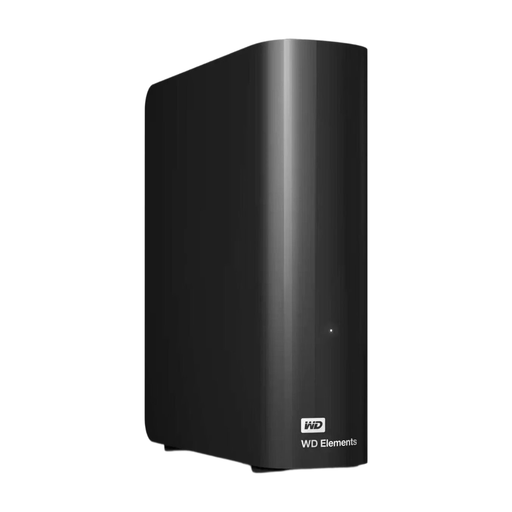
The WD Elements Desktop is a fixed HDD option for a large film and project archive.
The Expansion Desktop STKP8000400 is a fixed HDD for storing video files and more.
The portable SSD T7 Shield MU-PE2T0S/EU is a 2 TB version for anyone who wants to take projects in progress with them.
The portable Canvio Basics HDTB540EK3CA is a 4 TB HDD for anyone who wants to take their storage with them.
The portable X9 Pro CT2000X9PROSSD9 is a 2 TB SSD worth considering for active video projects.
This selection includes portable SSDs for active projects, portable HDDs for taking with you and desktop HDDs for a permanent archive location.
 No image available
A portable SSD for projects in progress that you want to take with you.
1 TB storage; USB-C and USB 3.2 Gen 2. The listed read speed is up to 1.000 MB/s.
 No image available
A desktop HDD for films and project folders stored in one permanent location.
6 TB storage, USB 3.0 and an included mains adapter.
 No image available
A portable HDD for anyone who wants to take project files with them and needs plenty of storage space.
6 TB storage, USB 3.0 and a portable 2.5-inch form factor.
 No image available
A desktop HDD for a large film and project archive in a permanent workspace.
16 TB storage, USB 3.0 and an included mains adapter.
 No image available
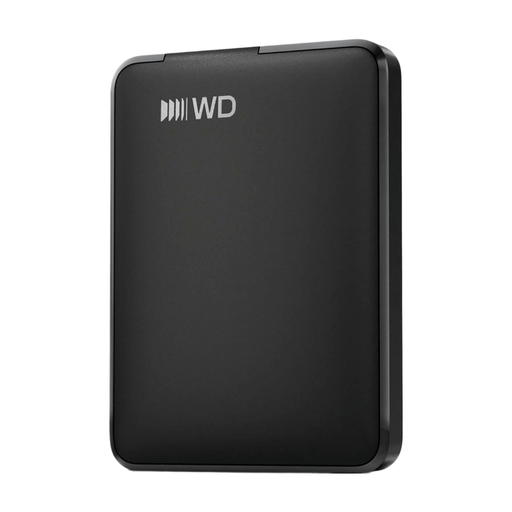
A portable HDD for project files you want to take between devices.
1 TB storage, USB-powered and a 2.5-inch form factor. It may need to be reformatted for use with a Mac; formatting erases the data on the drive.
No. A backup is a separate copy of your files. If the external drive is their only storage location, you don’t have a second copy yet. Update that copy regularly.
It depends on the version and how it’s formatted. Toshiba lists the Canvio Basics as using NTFS and says it needs to be reformatted for the macOS versions mentioned. Crucial lists exFAT as the X9 Pro’s supplied format and warns that formatting erases data. Check the version you’ve chosen and back up any existing files before formatting.
For the Seagate Expansion Desktop STKP8000400, yes: Seagate lists an included power adapter. According to Toshiba, the Toshiba Canvio Basics is powered via USB.
ACM ConsuWijzer explains that statutory consumer rights apply in addition to any seller’s or manufacturer’s guarantee. If a product doesn’t perform as you could reasonably expect during normal use, the seller must offer an appropriate solution at no cost. This doesn’t mean that every drive has one fixed guarantee period.
For a standard online consumer purchase, ACM ConsuWijzer says you’ll generally have a cooling-off period of up to 14 days after delivery. Check which exceptions and returns conditions apply to your purchase.