
Vandaag of morgen in huis

Kwaliteit gegarandeerd

Welkomstaanbiedingen ontgrendelen: GRATIS bezorging | Tot 80% korting | Gratis 30 dagen JoyPlus-proefperiode
Download de app
Running out of space on your laptop, tired of slow file transfers, or looking for a secure place for your digital archive? The world of external storage is vast, and it can be tough to figure out what you really need. From a simple USB stick for documents to a lightning-fast external SSD for large video files, the right solution depends on your use case.
This guide will help you make an informed decision. We'll cover the key specifications and highlight some popular choices, so you can find the external storage that's right for you.
Before making a choice, it's important to consider three key factors: capacity, speed, and connection type.
The required capacity depends entirely on what you plan to store.
Speed determines how quickly you can read (open) and write (save) files. Here, the difference between a traditional USB stick and an external SSD is crucial.
Check which ports your devices have.
Based on specifications and use cases, we've selected three distinct options.
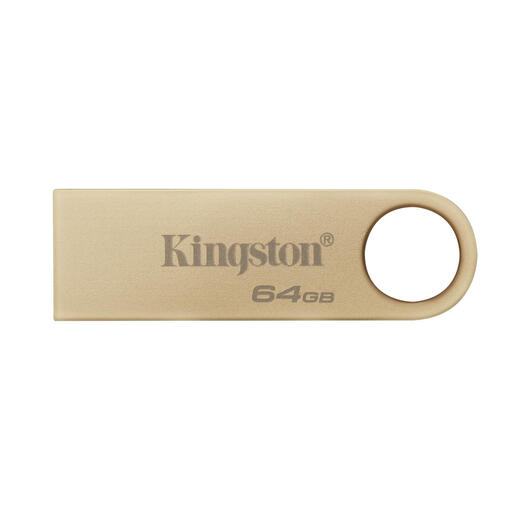
Why It Stands Out The Kingston DataTraveler SE9 G3 is a classic with a modern twist. Its all-metal casing is not only stylish but also durable. It's designed for reliability and daily use, with a capless design so there's nothing to lose.
Advantages
Who Is It For? Ideal for students and office workers who need a reliable USB stick for carrying and sharing documents, presentations, and other relatively small files.
View the Kingston DataTraveler 64GB
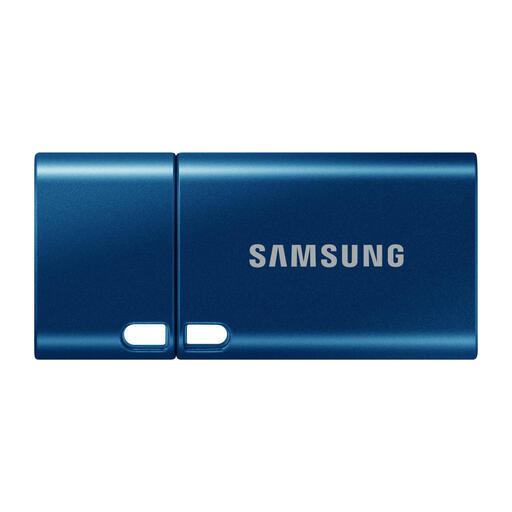
Why It Stands Out This flash drive from Samsung combines the capacity of a small SSD with the form factor of a USB stick. It's specifically designed for USB-C storage, allowing it to work seamlessly with the latest generation of laptops, tablets, and smartphones.
Advantages
Who Is It For? Perfect for users of a MacBook, ultrabook, or Android device with a USB-C port. An excellent choice for anyone who wants to have a lot of data available on the go without carrying a separate cable.
View the Samsung USB Flash Drive 512GB
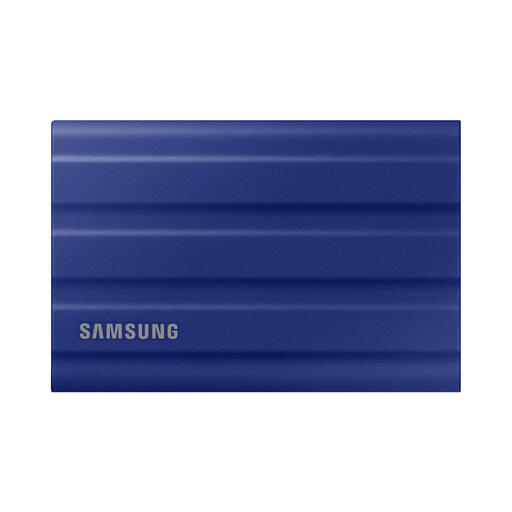
Why It Stands Out The Samsung T7 Shield is a powerhouse in the world of external storage. This portable SSD is not only extremely fast but also built to withstand tough conditions. Its rubberised exterior provides grip and protection.
Advantages
Who Is It For? The T7 Shield is the go-to choice for content creators, photographers, video editors, and gamers. It's also a highly reliable and fast solution for anyone who wants to create a secure backup of important files.
View the Samsung T7 Shield 1TB
The world of external storage is diverse. For example, are you looking for a model that you can connect directly to your smartphone without an adapter? Check out our full range for more specialised solutions.
Discover more in our USB OTG flash drive category
A USB stick is optimised for portability and exchanging smaller files. An external SSD is built for speed and performance, making it much more suitable for working with large files, running applications, or storing game libraries.
Yes, a fast portable SSD like the Samsung T7 Shield is very suitable for game consoles. You can play PS4 or Xbox One games directly from it. For PS5 and Xbox Series X/S games, you can archive them on the SSD to free up space on the internal drive and quickly transfer them back when you want to play.
For a full system backup, it's recommended to choose an external drive with at least the same capacity as your computer's internal drive. For regularly backing up only your most important files (documents, photos), 256 GB to 512 GB is often sufficient.
