
Vandaag of morgen in huis

Kwaliteit gegarandeerd

Welkomstaanbiedingen ontgrendelen: GRATIS bezorging | Tot 80% korting | Gratis 30 dagen JoyPlus-proefperiode
Download de app
Is your laptop's storage running low, do file transfers take forever, or are you looking for a reliable backup for your important photos and documents? An external SSD offers a fast, compact, and rugged solution. However, the market is vast, and the technical specifications can be overwhelming.
As a Joybuy Product Recommendation Officer, I'm here to help you make the right choice. In this article, we'll highlight some popular models and provide practical tips so you can find an external SSD that fits your needs.
Before you buy an external ssd, it's helpful to consider three key points.
Speed is often the main reason to choose an SSD over a traditional hard disk drive (HDD). Pay attention to the read and write speeds, expressed in megabytes per second (MB/s). A fast external ssd is especially important for professionals who work with large files, such as video editors and photographers.
The connection plays a major role here. Most modern SSDs use a USB-C port. The speed depends on the protocol:
Check if your computer or device supports these standards to take full advantage of the maximum speed.
How much space do you need? This depends entirely on what you plan to store.
A portable ssd should work seamlessly with your devices. Most SSDs are compatible with Windows and macOS right out of the box. For an external ssd for mac, it can sometimes be useful to format the drive to the APFS file system for optimal performance, although the standard exFAT format works on both systems.
For gamers, an external ssd for ps5 is a popular upgrade. You can play PS4 games directly from it and archive PS5 games on it to free up space on the internal console storage.
Below is a selection of models that stand out for their specifications and functionality.
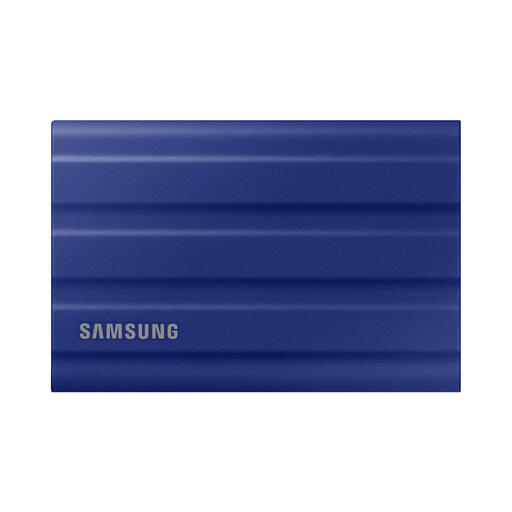
Why it stands out The Samsung T7 Shield is designed for on-the-go use and in challenging conditions. Its rugged casing provides extra protection without compromising on speed.
Pros
Who is it for? This 1tb external ssd is a solid choice for photographers, travellers, and anyone who needs a durable and reliable portable ssd for outdoor use or on the go.
View the Samsung T7 Shield 1TB
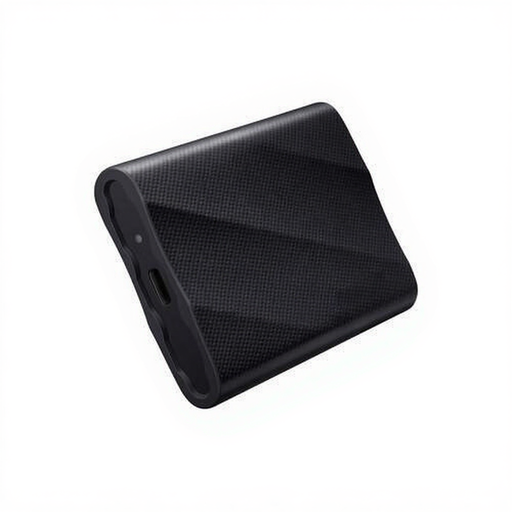
Why it stands out The Samsung T9 raises the bar for speed. Thanks to its USB 3.2 Gen 2x2 interface, this model delivers exceptionally high transfer speeds, which is a huge time-saver when processing large files.
Pros
Who is it for? This is a fast external ssd for the demanding professional, such as video editors working with 8K footage, or users who simply want the highest possible performance from their usb c ssd.
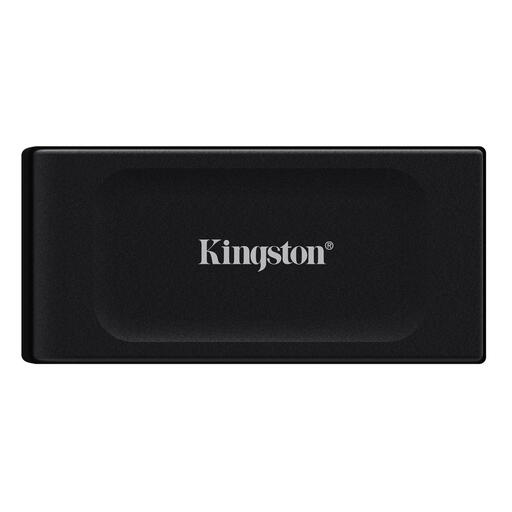
Why it stands out The Kingston XS1000 is extremely compact and lightweight. Weighing less than 29 grams, this is a portable ssd you can easily carry in your pocket.
Pros
2tb external ssd storage space.Who is it for? The kingston ssd is perfect for students, general users, and anyone looking for a simple, affordable, and above all, highly portable solution for backups and carrying files.
These three models provide a good overview of what's available, but the right choice is a personal one. You might be looking for a different capacity, a specific brand, or a different price point.
We have a wider range of storage solutions. Check out our full Portable Hard Drives category for more options.
An external SSD (Solid State Drive) has no moving parts, making it faster, quieter, and more shock-resistant than a traditional external HDD (Hard Disk Drive). HDDs often offer more storage for a lower price but are slower and more fragile.
Yes, you can. For the PS5, you can use an external ssd for ps5 to play PS4 games directly from it. You can archive PS5 games on it to free up space on the internal storage, but you must move them back to the console to play them. A similar principle applies to storing games for the Xbox Series X/S.
Most external SSDs come formatted with the exFAT file system, which works on both Windows and macOS. For users who will use the drive exclusively with an external ssd for mac, formatting it to APFS (Apple File System) can offer advantages, such as better integration with the operating system. However, this is not strictly necessary.
