Joybuy products for interview archives
This selection includes portable HDDs for project folders and a desktop HDD for storage at a fixed workstation, alongside a portable SSD for files you transfer regularly.
 No image available
My Passport USB-C 5TB Black
Suitable for taking larger project folders with you; the product information lists hardware encryption and password protection.
The title lists USB-C and 5 TB of storage.
View at Joybuy
 No image available
WD Elements Portable 4TB USB-C Graphite Black
A portable HDD option for project files if 4 TB meets your calculated storage needs.
The product information lists USB-C, USB 3.2 Gen 1 and exFAT, with compatibility for Windows and Mac.
View at Joybuy
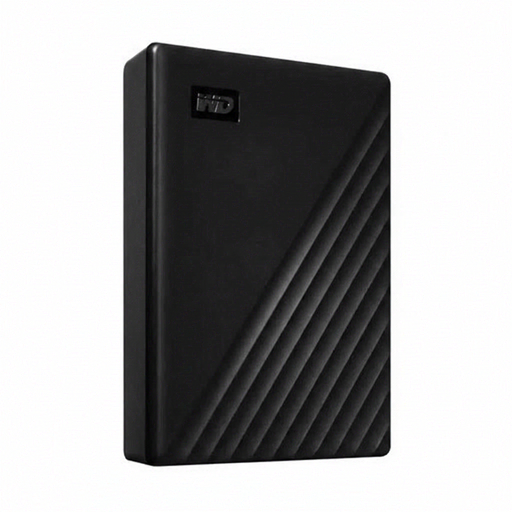 No image available
WD Elements Desktop 24TB, USB 3.2 Gen 1, 3.5-inch, Black
Suited to extensive project archives stored mainly at a fixed workstation.
The product information lists 24 TB, USB 3.2 Gen 1 and an external power adapter.
View at Joybuy
 No image available
WD My Passport 2TB Black
A portable option for smaller project folders if 2 TB is enough for your calculated needs.
The product information lists USB 3.0, password protection and 256-bit AES hardware encryption. A driver may be needed to use it with macOS.
View at Joybuy
 No image available
Samsung Portable SSD T9 4 TB Black MU-PG4T0B
A portable SSD option for large folders you transfer regularly, if 4 TB suits the size of your projects.
The product information lists USB 3.2 Gen 2x2 and hardware encryption with password protection. The stated read and write speeds of up to 2,000 MB/s are based on USB 3.2 Gen 2x2; check whether your computer supports this connection.
View at Joybuy
Frequently asked questions
Is an external drive enough to preserve interviews long term?
Not as your only copy. Keep a recent copy as well, avoid relying on a single location and test whether you can actually restore a project folder. This is backup advice, not a legal requirement to buy a specific type of drive.
How can I organise folders without losing the context of the audio?
Keep the recording, transcript and relevant metadata together in a logical way. Oral history guidance lists details such as the speaker, date, location and subject as useful for finding interviews. Set access to this information according to your project’s needs.
Do I need to format a new drive for my computer or backup software?
Check the requirements for the exact model and application before copying files. Seagate says the Expansion Portable reviewed needs to be formatted for Time Machine. Crucial says the X9 Pro comes formatted as exFAT and that formatting deletes existing data on the drive.
Does the product warranty cover lost interviews?
Don’t assume it does. Check the warranty and any data recovery terms for the exact model and seller separately, and keep a copy that you’ve tested restoring from.
Can an organisation in the Netherlands store or share identifiable interviews without further checks?
Not without assessing how personal data is being processed. The Dutch Data Protection Authority explains that this requires a lawful basis under the GDPR; consent is one possible basis, but it isn’t automatically the only one. For your specific project, also assess appropriate security, the retention period, access permissions and any restrictions on making interviews available.


