
Managing a growing music archive
You store completed projects and need to organise space, separate copies and easy retrieval. The Library of Congress recommends keeping copies on different storage media and in separate physical locations.


For a growing archive used mainly to store completed music projects, an HDD with enough space for your current collection and future growth could be a good fit. If you often move projects or edit them directly from the drive, a portable SSD may suit you better. Keep important projects on separate storage media and in different locations, and regularly check that files remain unchanged. Before buying, also check the connection, file system and any requirements for controlling access to personal data.
You store completed projects and need to organise space, separate copies and easy retrieval. The Library of Congress recommends keeping copies on different storage media and in separate physical locations.
You move sessions between workstations or open files from external storage. In that case, the drive connection and the combination of computer, cable and workload are important things to check.
You control access when project files contain information that could identify contributors. The Dutch Data Protection Authority stresses that appropriate security depends on the processing involved and the associated risks.
Choose an HDD if storage space for completed projects is your priority, an SSD if you often move or actively use projects, or combine a working drive with separate archive copies. You’ll still need a separate copy and file checks, whatever type of drive you choose.
A good fit if: you mainly store completed projects and need capacity for your collection and future growth.
Bear in mind: HDDs have moving parts, which makes them more vulnerable to knocks than SSDs, according to the Consumentenbond.
A good fit if: you regularly take projects with you or edit them directly from external storage.
Bear in mind: check that your computer port and cable are compatible with the drive and the way you want to work. A stated speed does not automatically tell you how fast it will be on your computer.
A good fit if: you want to keep active editing separate from storing completed projects.
Bear in mind: you’ll need to manage multiple copies. A checksum can flag a change to a file, but it is not a backup in itself.
| What to consider | What to look for when buying | Who is this most important for? |
|---|---|---|
| Preservation and file checks | Plan separate copies on different media and in separate locations; decide how you’ll check files after transferring them. | If I can’t recreate my projects, I want recoverable copies and a way to check for changes. Around 29% of consumers say preserving and checking files is their top buying priority. |
| Space for your collection and future growth | Count your current project folders and expected additions, and allow for the usable space remaining after formatting. | If my archive keeps growing, I want enough room for sessions and their associated files. Around 36% of consumers say capacity is their top buying priority. |
| Connection for active editing | Check your computer port, cable or adapter, operating system and whether you need to run projects directly from the drive. | If I often move or edit projects, I want a connection that works with my setup. Around 21% of consumers say active editing is their top buying priority. |
| Access to personal data | Identify which files contain personal data, who needs access and what security measures are appropriate for the risks. | If project files contain information that could identify contributors, I want to manage access carefully. Around 14% of consumers say restricted access is their top buying priority. |
Having more storage space on one device does not give you a separate copy if the drive is lost or fails.
Set up separate copies on different storage media and in separate locations before relying on any one drive as your archive.
You’ll also need to organise the additional storage media and manage the copies.
Your computer port and connection help determine whether the drive can reach its stated speed. Crucial says the X9 Pro’s top speed requires a suitable USB 3.2 Gen 2 host.
Check the connection on both your computer and the exact SSD model before making speed a major factor in your decision.
Crucial notes that reformatting erases the data on the drive.
First check which file system you need and make a separate copy before formatting.
Formatting without a copy could make your stored projects inaccessible.
Seagate says that the availability of its Rescue Data Recovery Services varies by country. Any recovery service is no substitute for a copy you can restore yourself.
Check the terms for the exact product you’re buying, and keep recoverable backups as well. The Dutch Government describes the legal guarantee as your right to a product that meets the required standards, and says there is no fixed statutory guarantee period.
The Elements Portable HDD range is worth considering if you need space for a growing archive.
Expansion Portable offers a portable HDD option, while Expansion Desktop is a separate choice for a fixed workstation.
The T7 Shield 2 TB is a portable SSD option if you move projects around or use them actively.
The X9 Pro 2 TB is an SSD option if you need a compact working drive and want control over the file system.
The XS1000 range includes a 2TB version for transferring files between computers with USB-A and USB-C ports.
This selection includes portable HDDs for storing completed projects and a portable SSD for working or transferring files. Don’t use any single drive as your only archive copy.
 Image unavailable
A portable HDD for projects you mainly want to store. Stated capacity: 5 TB; USB-C connection.
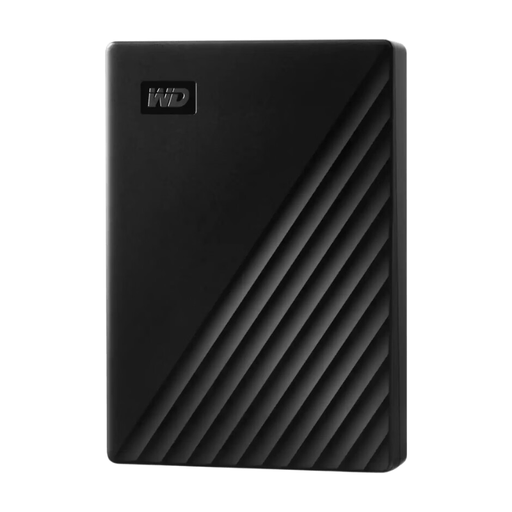 Image unavailable
A portable HDD for a large collection of stored projects. The product name lists a 6 TB capacity and password protection.
 Image unavailable
A portable HDD for storing completed projects. The product name lists a 2 TB capacity and a Micro-USB B connection.
 Image unavailable
A portable SSD for projects you want to take with you or transfer. The product name lists a 2 TB capacity and USB Type-C.
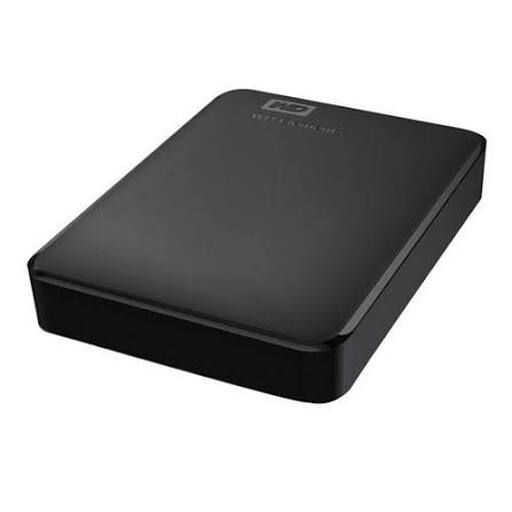 Image unavailable
A portable HDD for a larger collection of completed projects. The product name lists a 6 TB capacity and USB 3.0; check the file system for your operating system.
Not if it contains the only copy of projects you can’t replace. The Library of Congress recommends keeping copies on at least two types of storage media and in separate physical locations. A checksum can help you spot changes, but it is no substitute for a backup.
Before using it, check the file system and the connections on the computers involved. Crucial says the X9 Pro comes formatted in exFAT and that reformatting erases data; Western Digital warns that you may need to reformat a drive for other operating systems. Make a separate copy before formatting a used drive.
After transferring each file, record its checksum and compare it again later. The Library of Congress explains that matching checksums can help you establish whether a file has changed. Keep separate copies as well, because a checksum cannot restore a damaged file.
There is no single requirement that applies to every drive. If an organisation processes personal data, the GDPR requires appropriate security based on the risks. The Dutch Data Protection Authority identifies the loss of a device containing unencrypted personal data as a possible data breach. Choose measures based on the files and who has access to them.
Not without taking copyright into account. The Dutch Government says that a private copy for personal use must not be distributed or made public. Arrange permission for the intended access or publication separately from your choice of storage drive.