
Designer with active projects
You open or move CAD projects regularly, so you need to consider the connection, access speed and storage for complete project folders.


For CAD projects you open frequently or take with you, an external SSD is an obvious choice. For a growing archive where capacity is the priority, an HDD is a better fit. If the drive will usually stay in one place, a desktop HDD could be an option, but bear in mind that it needs a power adapter. You should also keep a separate, up-to-date copy and, after moving files, check that linked CAD files can still be found.
You open or move CAD projects regularly, so you need to consider the connection, access speed and storage for complete project folders.
You’re keeping more and more completed projects and mainly need enough space for your collection, possibly in a fixed workspace.
You want to be able to restore a recent copy of a project after data loss or a drive failure, and may need to consider confidential or personal information.
First decide whether you mainly need space for an archive, quick access to files, the ability to restore projects, or a drive you can move between workspaces.
| What to consider | What should you check? | Who is this important for? |
|---|---|---|
| Room to grow | Check the size of complete project folders and decide how much future growth you want to allow for. Check the capacity of the specific model. | If I want to keep a growing CAD archive, I prioritise having enough space. Around 36% of consumers put capacity first. |
| Access to active projects | Compare SSDs and HDDs for the way you work. If a speed claim is made, check the USB standard, computer port and cable. | If I often open or transfer projects, I want quick access to active files. Around 29% of consumers prioritise access speed. |
| Recovery and security | Plan to keep a separate, up-to-date copy and test restoring a complete project. For sensitive data, consider suitable access protection. | If losing my work files is not an option, I want to be able to restore a copy. Around 21% of consumers are most concerned about recoverability. |
| Portability and connection | Check the port, cable and power supply. After moving a project, open it and check the links to any associated files. | If I often move between workspaces, I want to be able to connect and open my projects without problems with file links. Around 14% of consumers prioritise portability. |
If your external drive holds your only copy of a project, you have no backup if the drive is lost or fails.
Before you buy, decide where you’ll keep a separate, up-to-date copy and test whether you can restore a complete project folder.
A project may contain linked files. Autodesk explains that external references using absolute paths can no longer be found after a move to a different location.
Move the relevant folder structure or use your CAD programme’s transfer function. Then open the project and check the file links.
The speed an SSD can reach depends in part on your computer’s connection. For the Kingston XS2000’s stated top speed, Kingston specifies a suitable USB 3.2 Gen 2x2 host port and cable.
Check your computer port and cable specifications before choosing an SSD for speed.
The Seagate Expansion Desktop uses a separate power adapter; the portable Expansion is a different product line.
First decide whether the drive will stay in one place or travel with you regularly. Then check the exact model and the connections supplied.
The Portable SSD T7 Shield is a range of portable SSDs for anyone who regularly takes active files with them.
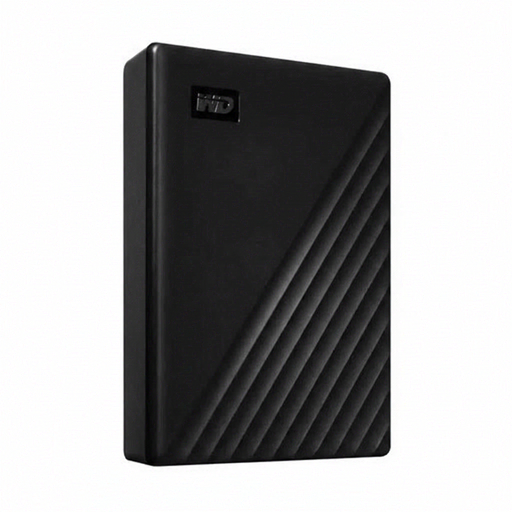
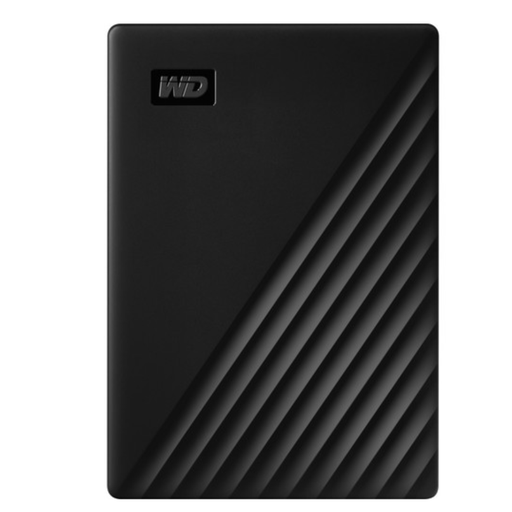
The My Passport WDBPKJ0050BBK-WESN is a portable 5 TB HDD for a growing archive that you may also want to take with you.
Expansion Portable is a range of portable HDDs, while Expansion Desktop is designed for a fixed workspace.
The XS2000 is a range of portable SSDs for anyone who values fast file transfers.
The X9 Pro CT4000X9PROSSD9 is a 4 TB portable SSD for a compact collection of work files.
This selection includes portable SSDs for active projects and external HDDs for a growing archive, including desktop models for a fixed workspace.
 No image available
A portable SSD for active project files that you regularly take with you.
1 TB of storage and read speeds of up to 2.000 MB/s; the stated speed requires a suitable USB 3.2 Gen 2x2 host port. The description mentions password protection with 256-bit AES hardware encryption and notes that write speeds are lower than read speeds.
 No image available
A desktop HDD for a large archive that will mainly stay in one workspace.
24 TB of storage, USB 3.2 Gen 1 and an external power adapter. Reformatting may be needed to use it with some other operating systems.
 No image available
A portable SSD for projects you regularly open or move between devices.
USB 3.2 Gen 2, with stated read speeds of up to 1.050 MB/s and write speeds of up to 1.000 MB/s. The product description lists USB-C and USB-A cables and 256-bit AES hardware encryption; check your computer’s connection.
 No image available
A portable SSD for a larger collection of active projects that you want to take with you.
4 TB of storage and stated read and write speeds of up to 2.000 MB/s via USB 3.2 Gen 2x2. The product description lists USB-C to USB-C and USB-C to USB-A cables, as well as AES 256-bit encryption; check that your computer supports the required connection.
 No image available
A portable HDD for a growing archive that you want to keep in different locations.
5 TB of storage, USB 3.2 Gen 1 and bus power. The product description mentions password protection with 256-bit AES hardware encryption. Protect the drive from physical knocks while it’s in use.
No. The Veilig Internetten website describes a backup as a copy that lets you restore files after they have been lost. Keep an up-to-date copy in a separate storage location and check that you can restore a complete project.
Absolute XREF paths may still point to the previous location. Autodesk explains how to reset these paths and, if the folder structure allows, use relative paths. Autodesk recommends ETRANSMIT for transferring a drawing with its dependencies.
No. For the Kingston XS2000’s advertised speed, Kingston specifies a USB 3.2 Gen 2x2 host port and a suitable cable. Check your computer’s connection and the requirements of the SSD you choose.
When you buy as a consumer in the Netherlands, you have a legal guarantee in addition to any manufacturer’s warranty. ACM ConsuWijzer explains that the retailer is responsible for providing an appropriate free solution if a product fails sooner than you could reasonably expect under normal use. There is no fixed legal guarantee period in the Netherlands that applies to every product. You should also keep a separate backup: your guarantee rights won’t restore your project files automatically.
The Dutch Data Protection Authority says that organisations must protect personal data properly and tailor their measures to the processing involved and the risks. Encryption may be one such measure, but this does not mean there is a single requirement to encrypt every CAD drive in a prescribed way. Assess the files, access rights and specific risks before choosing a set-up.