
Vandaag of morgen in huis

Kwaliteit gegarandeerd

Welkomstaanbiedingen ontgrendelen: GRATIS bezorging | Tot 80% korting | Gratis 30 dagen JoyPlus-proefperiode
Download de app
A beautiful photo deserves an equally beautiful print. But if the colors are faded or details are lost, the ink is often to blame. For Epson printer owners, Epson photo black ink is a key component for creating deep, rich, and high-contrast photo prints. However, finding the right cartridge or bottle can be a challenge.
This guide is designed to help you. As a Joybuy Product Recommendation Officer, I'll filter the options and provide practical advice so you can make the right choice for your printer and your photos. We'll look at the specifications and who each product is best suited for.
Before you make a choice, there are a few key points that can mean the difference between a bad purchase and a perfect match.
Epson offers two systems: traditional printers that use an Epson photo black ink cartridge and EcoTank printers that you refill with an Epson photo black ink bottle.
So, first check which system your printer uses.
Ink is not universal. A cartridge for an Expression Premium printer will not fit in an EcoTank model. Always note the exact model number of your printer (e.g., ET-7750, XP-6100, or SC-P700) before you start your search. This number is usually on the front or top of the printer. This prevents you from ending up with the wrong ink.
When you decide to buy genuine Epson ink, you're choosing reliability. These inks are specifically developed for Epson printers. This ensures smooth operation, consistent color reproduction, and helps preserve the life of the printhead. The formulation, such as the Claria Premium ink, is precisely calibrated to the printer's paper and technology for optimal results.
Based on specifications and use cases, we have made a selection of popular choices for different types of Epson printers.
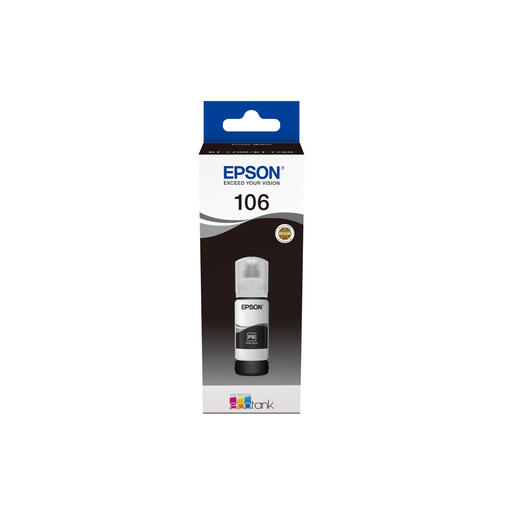
Why It Stands Out The Epson 106 ink is specially designed for EcoTank users who print a lot of photos. Its main advantage is cost-efficiency. The bottles contain a generous amount of ink (70 ml), making the cost per photo significantly lower than with traditional cartridges. The refill system is designed to be mess-free.
Advantages
Who It's For Ideal for owners of a compatible EcoTank printer, such as hobbyist photographers and families, who regularly print photos and want to keep printing costs low without compromising on quality.
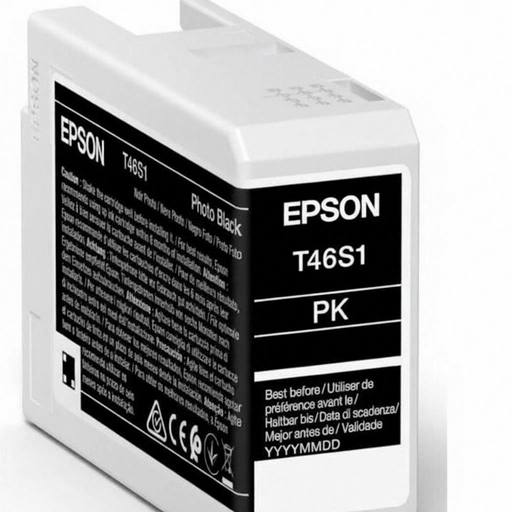
Why It Stands Out This cartridge is intended for the serious photographer. The UltraChrome Pro ink is pigment-based, which ensures prints with exceptional color fidelity, depth, and durability. This is the standard for professional photo prints that must meet high demands.
Advantages
Who It's For Professional photographers and discerning hobbyists who use an Epson SureColor SC-P700 and want to create gallery-quality prints.
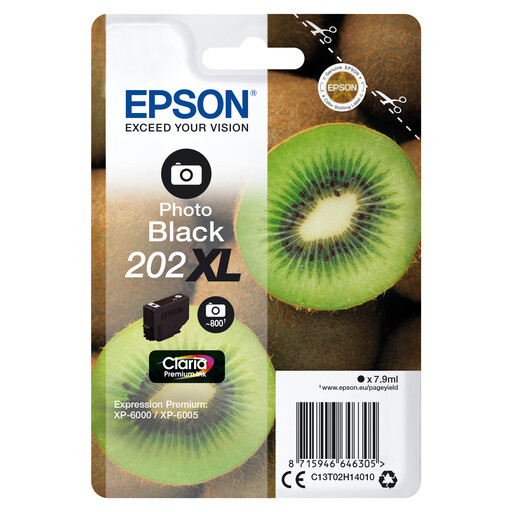
Why It Stands Out The Epson 202XL ink is a versatile choice for home use. The Claria Premium ink combines pigment black ink for sharp text documents with a dye-based photo black ink for glossy photos. The XL capacity means you'll replace cartridges less often.
Advantages
Who It's For Families and home users with a compatible Expression Premium printer who are looking for a flexible ink solution for all kinds of printing tasks, from homework to holiday photos.
Is your printer model not listed, or are you looking for a different specific ink? No problem. Our assortment is broader than this selection. Browse all available options to find the perfect match for your printer.
View All Our Photo Black Ink Options
Standard black ink is usually pigment-based and designed for razor-sharp text on plain paper. Photo black ink is often dye-based and is used when printing on glossy photo paper. It enhances the contrast and depth in dark areas of a photo, resulting in a richer, more vibrant image.
The most reliable way is to check your printer's model number. This number is located on the printer itself. You can also look at the code on your old, empty cartridge or bottle. The printer's manual or the manufacturer's website will also provide the answer.
Genuine Epson ink is specifically formulated to work with the printheads and technology of Epson printers. This not only guarantees reliable operation and prevents clogging but also ensures the most consistent and accurate color results, print after print.
